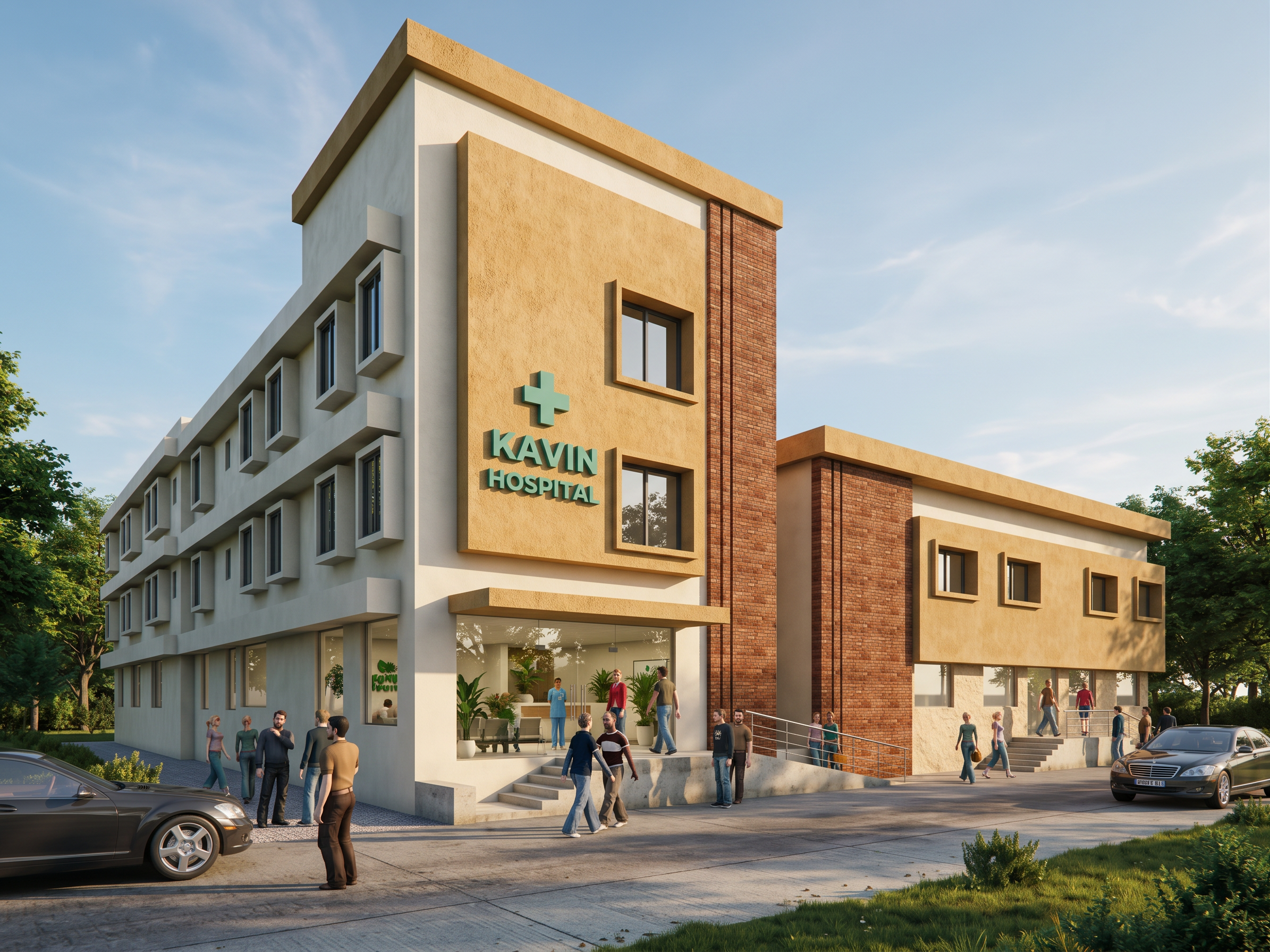
- Prompt
- # MASTER PROMPT — PHOTOREALISTIC HOSPITAL EXTERIOR RE-RENDERING WITH ABSOLUTE GEOMETRY PRESERVATION
## TASK
Re-render the uploaded **BASE IMAGE**, originally rendered using Autodesk 3ds Max and V-Ray, into an ultra-photorealistic, high-end architectural visualization of a modern hospital building.
Enhance natural daylight, realistic shadows, materials, textures, glass reflections, surrounding buildings, landscaping, and overall photographic quality.
**CRITICAL: The BASE IMAGE is the absolute authority for all architectural geometry, dimensions, proportions, positions, levels, projections, window openings, entrance steps, ramp, and camera perspective.**
Do not redesign, relocate, resize, reshape, extend, remove, or modify any existing architectural geometry.
Only the specifically requested glazing, materials, window frames, handrails, and visible interior enhancements are permitted.
---
## 1. ABSOLUTE BUILDING GEOMETRY PRESERVATION — HIGHEST PRIORITY
Maintain the original building exactly as shown in the BASE IMAGE.
- Preserve 100% of the building's overall geometry, dimensions, height, width, depth, and proportions.
- Maintain all walls, columns, beams, slabs, parapets, roofs, projecting boxes, architectural bands, recesses, and façade details.
- Preserve all window sizes, positions, sill levels, lintel levels, and opening arrangements.
- Maintain all existing canopy dimensions and elevations.
- Preserve the main entrance steps, ramp, landings, and ground levels exactly.
- Maintain the original camera angle, perspective, focal length, composition, and aspect ratio.
- Do not introduce any additional architectural elements or redesign existing features.
**The final rendering must show the EXACT SAME BUILDING with improved visual realism, not a modified architec
- Created
- October 21, 2026