- Prompt
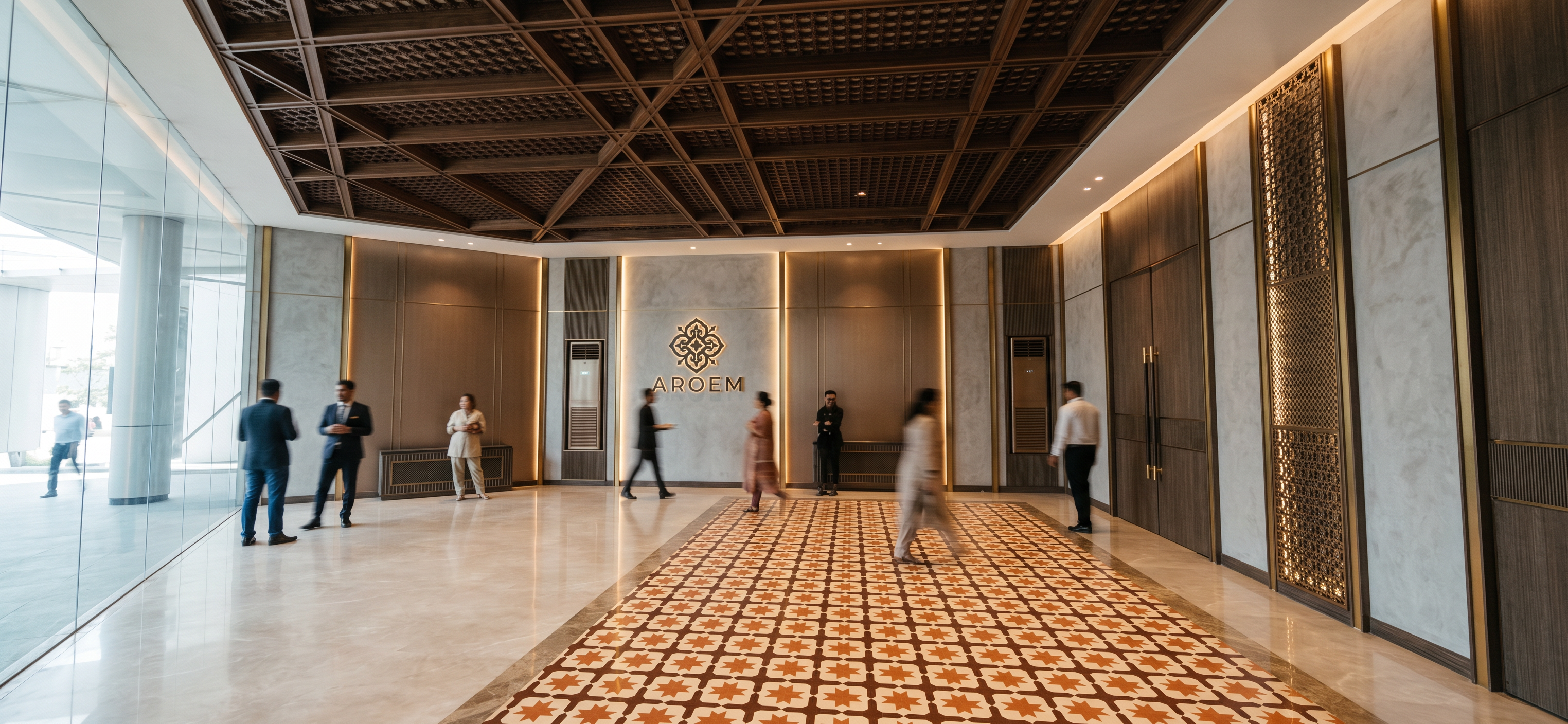
- Create an ultra-photorealistic interior render based on the provided image. Preserve the existing design exactly as shown, including the same layout, geometry, proportions, materials, ceiling pattern, wall panels, doors, decorative screens, benches, flooring, AROEM logo placement, and camera angle. Do not change, add, remove, or relocate any items.
Enhance the scene with realistic material textures, soft natural reflections, accurate shadows, and balanced interior lighting to create a refined, elegant hospitality atmosphere. Keep the overall color tones and material character consistent with the original design.
For the AROEM logo area, the logo and text should not appear illuminated. Instead, create a soft backlight glow behind the logo and lettering, with the light subtly radiating from behind the composition for a classy and elegant effect, without making the logo itself glow like neon.
Render in a highly realistic architectural visualization style, with clean exposure, realistic ambience, and 4K quality.
- Created
- October 28, 2026