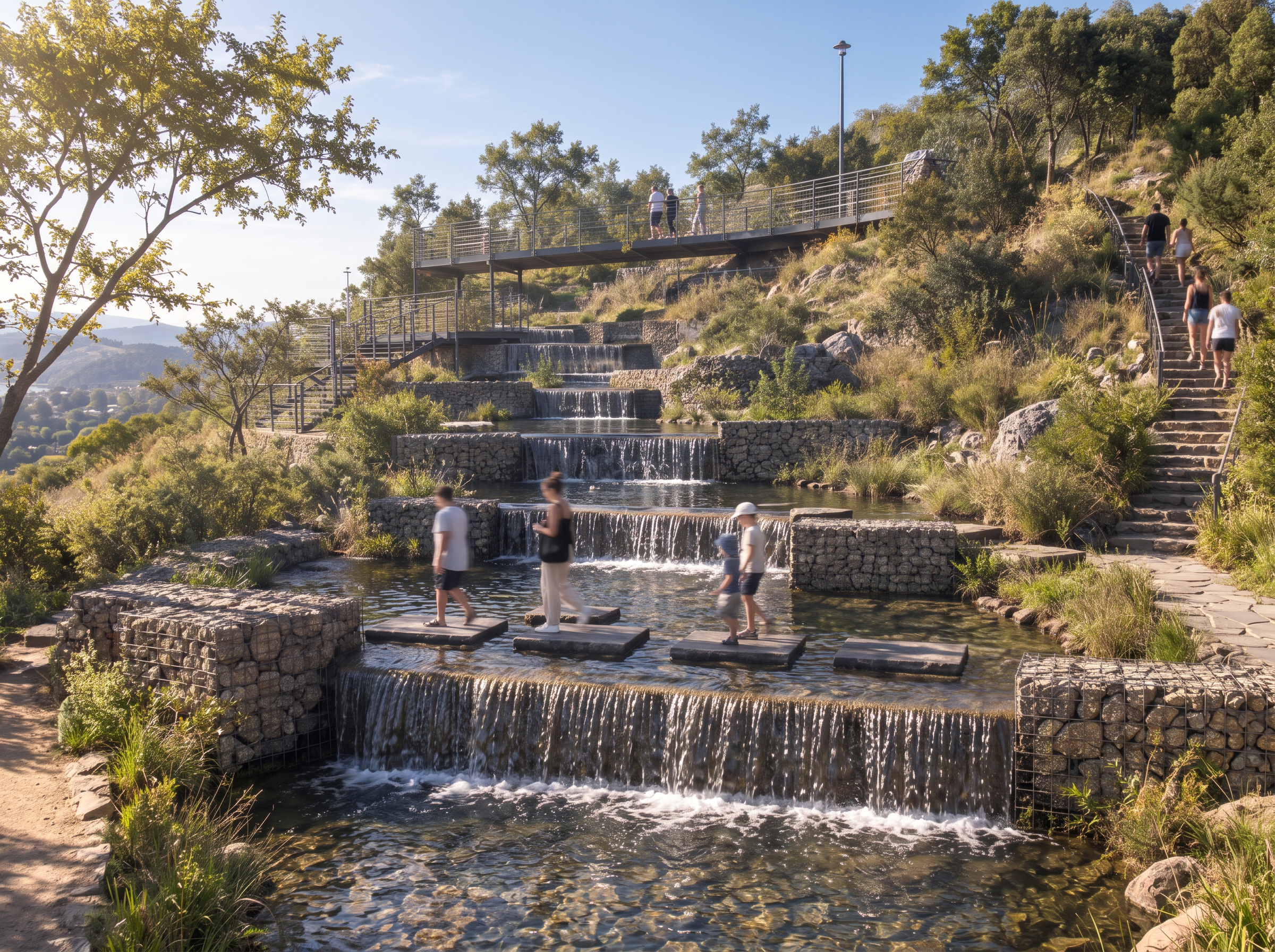
- Prompt
- Generate a NEW CAMERA PERSPECTIVE of the exact same architectural project shown in the reference render.
Keep the building's original geometry, volumetry, proportions, structural elements, roof, openings, materials, circulation paths, and landscape design exactly the same. Do not redesign, modify, or invent architectural elements.
Change only the camera position and viewing angle to create a different and interesting architectural perspective. Generate a new pedestrian eye-level view that reveals the building from another angle, showing the relationship between the architecture, the surrounding urban space, and the pedestrian circulation.
Maintain the same high-end photorealistic commercial rendering style as the previous image, with realistic daylight, natural shadows, detailed materials, green vegetation, and people walking naturally with subtle motion blur.
Preserve the same visual atmosphere, color palette, lighting quality, and material appearance as the previous render so both images look like part of the same architectural presentation.
The result must look like a second professional photograph of the SAME building, taken from a different camera position. Do not reproduce the original camera angle. Do not change the architecture. ONLY change the viewpoint and generate a genuinely new perspective.
- Created
- October 16, 2026
- Seed
- 0