- Prompt
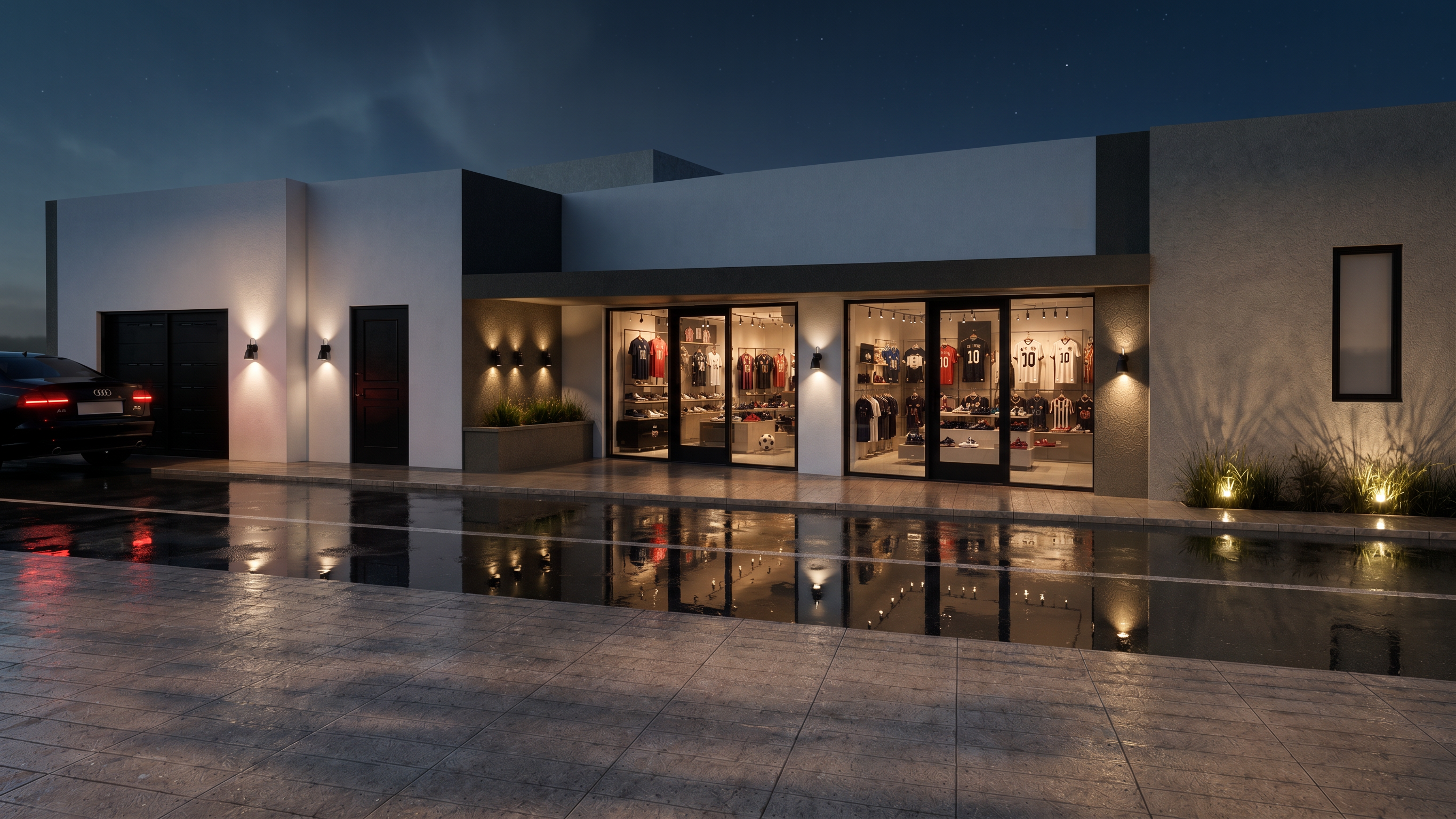
- Transform this image into an ultra-photorealistic architectural visualization with the visual quality of a high-end V-Ray render.
IMPORTANT: Preserve the image exactly as it is. Do not modify, redesign, replace, add, remove, or reposition anything.
Keep 100% identical:
the architecture and building geometry
camera position, perspective, framing and composition
proportions and dimensions
doors, windows, frames and facade elements
landscaping and plants
vehicle and all existing objects
interior layout and visible merchandise
number and position of all elements
materials and overall color palette
Only improve the rendering quality and realism.
Make it look like a professional V-Ray architectural visualization, with physically accurate global illumination, realistic indirect lighting, natural light falloff, accurate reflections and refractions, subtle ambient occlusion, realistic glass, physically based materials, detailed textures, realistic roughness, soft natural shadows, accurate exposure, cinematic but neutral color grading, realistic depth and photographic dynamic range.
Add subtle real-world imperfections to materials and lighting so the image does not look artificial or CGI, while strictly preserving the original design and geometry.
The final result should look like a real photograph of the exact same building, captured with a professional full-frame architectural camera.
Do not change the design. Do not reinterpret the scene. Do not alter the composition. Do not add or remove objects. Rendering enhancement only.
- Created
- September 1, 2026