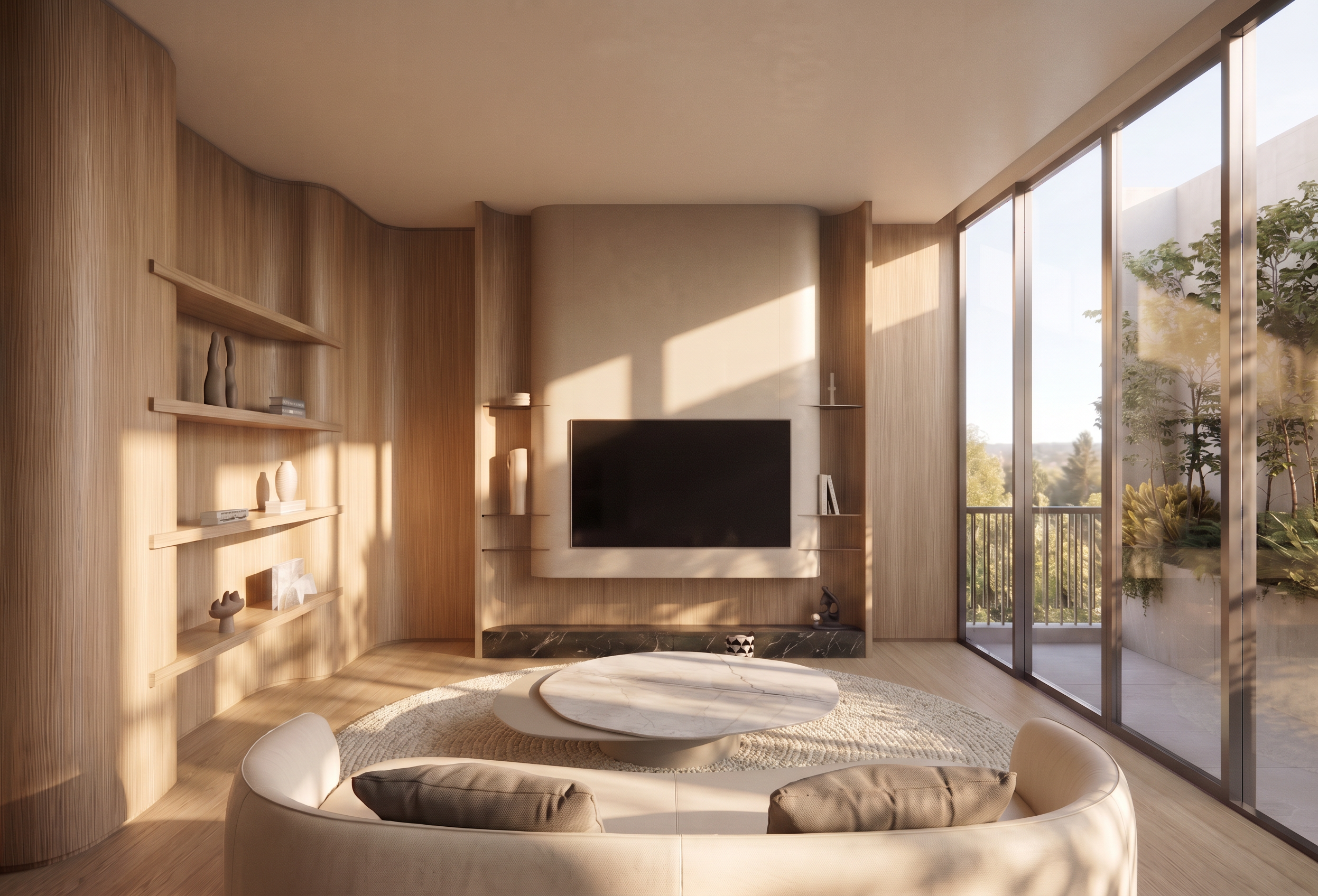
- Prompt
- **Interior Atmosphere & Area Rug Modification Prompt**
1. **Midday Lighting & Atmosphere**
- Adjust the overall interior atmosphere to a bright midday setting, matching **Reference Image 1**.
- Recreate the natural daylight intensity, color temperature, light direction, and brightness shown in the reference.
- Create realistic midday sunlight, soft natural shadows, and balanced ambient illumination.
- Ensure the room feels bright, fresh, and naturally illuminated without overexposure.
2. **Circular Area Rug**
- Add a **round area rug** underneath the Coffee Table.
- Center the rug in the Coffee Table area, ensuring the table sits naturally within the rug's boundaries.
- Use a suitable size, texture, color, and material that complement the existing interior design.
- Ensure realistic rug texture, natural contact shadows, and proper perspective.
**Image Preservation Requirements**
- Preserve the original room layout, architectural structure, furniture positions, image dimensions, aspect ratio, camera angle, perspective, and composition.
- Do not resize, crop, stretch, or distort the image.
- Do not modify any other elements that are not explicitly specified above.
- Created
- November 6, 2026