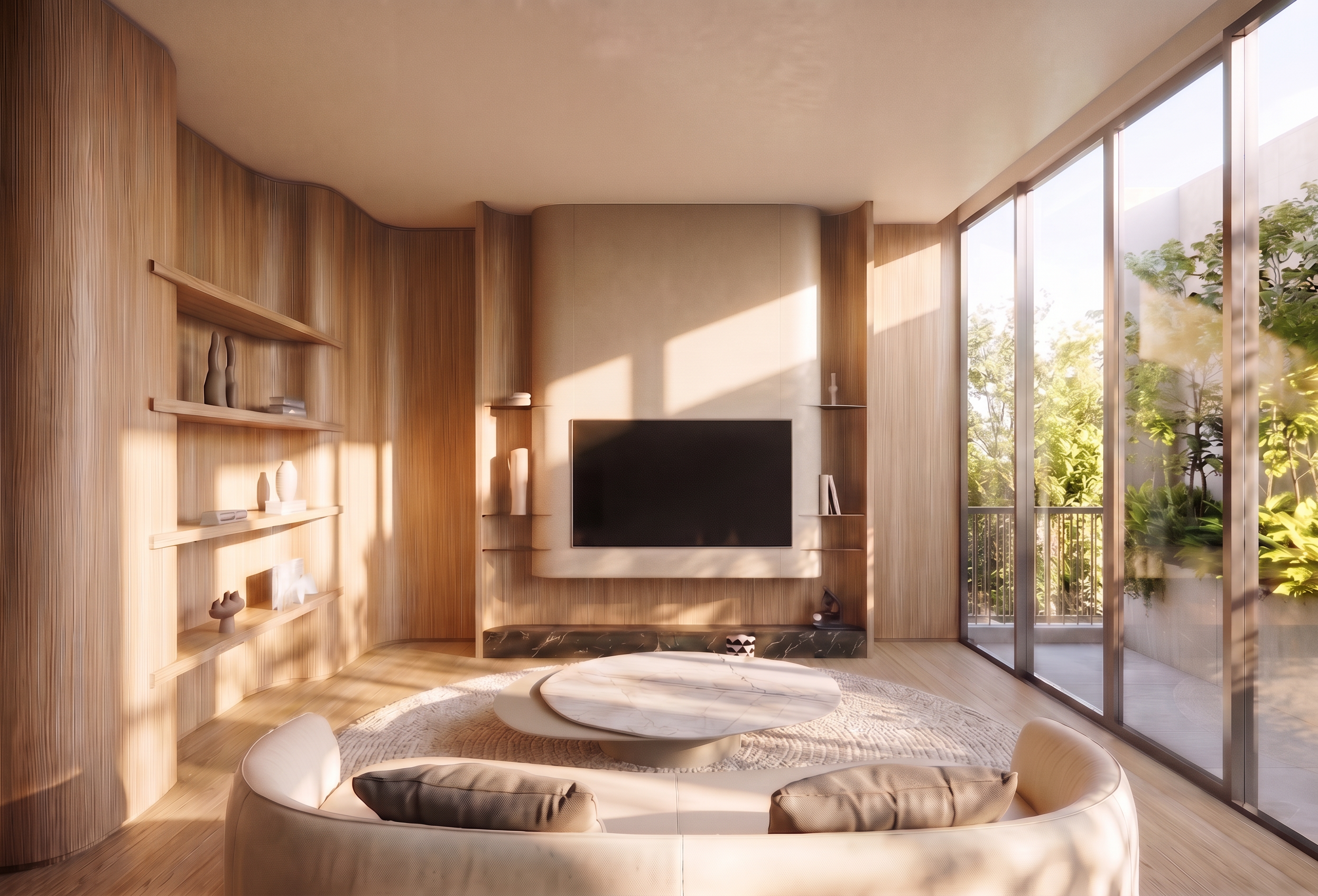
- Prompt
- **Interior Brightness Enhancement Prompt**
Increase the overall interior brightness to make the room noticeably brighter, clearer, and more naturally illuminated.
- Increase the ambient light and exposure throughout the entire room.
- Brighten darker areas, corners, and shadowed spaces while maintaining natural light balance.
- Enhance soft, natural daylight to create a fresh, airy, and welcoming atmosphere.
- Maintain realistic shadows, natural light distribution, and subtle surface reflections.
- Preserve the original material colors, textures, and details without overexposure or washed-out highlights.
- Maintain a photorealistic, high-end interior visualization quality.
**Image Preservation Requirements**
- Preserve the original room design, architectural structure, furniture positions, image dimensions, aspect ratio, camera angle, perspective, and composition.
- Do not resize, crop, stretch, or distort the image.
- Do not modify any other elements that are not explicitly specified above.
- Created
- November 6, 2026