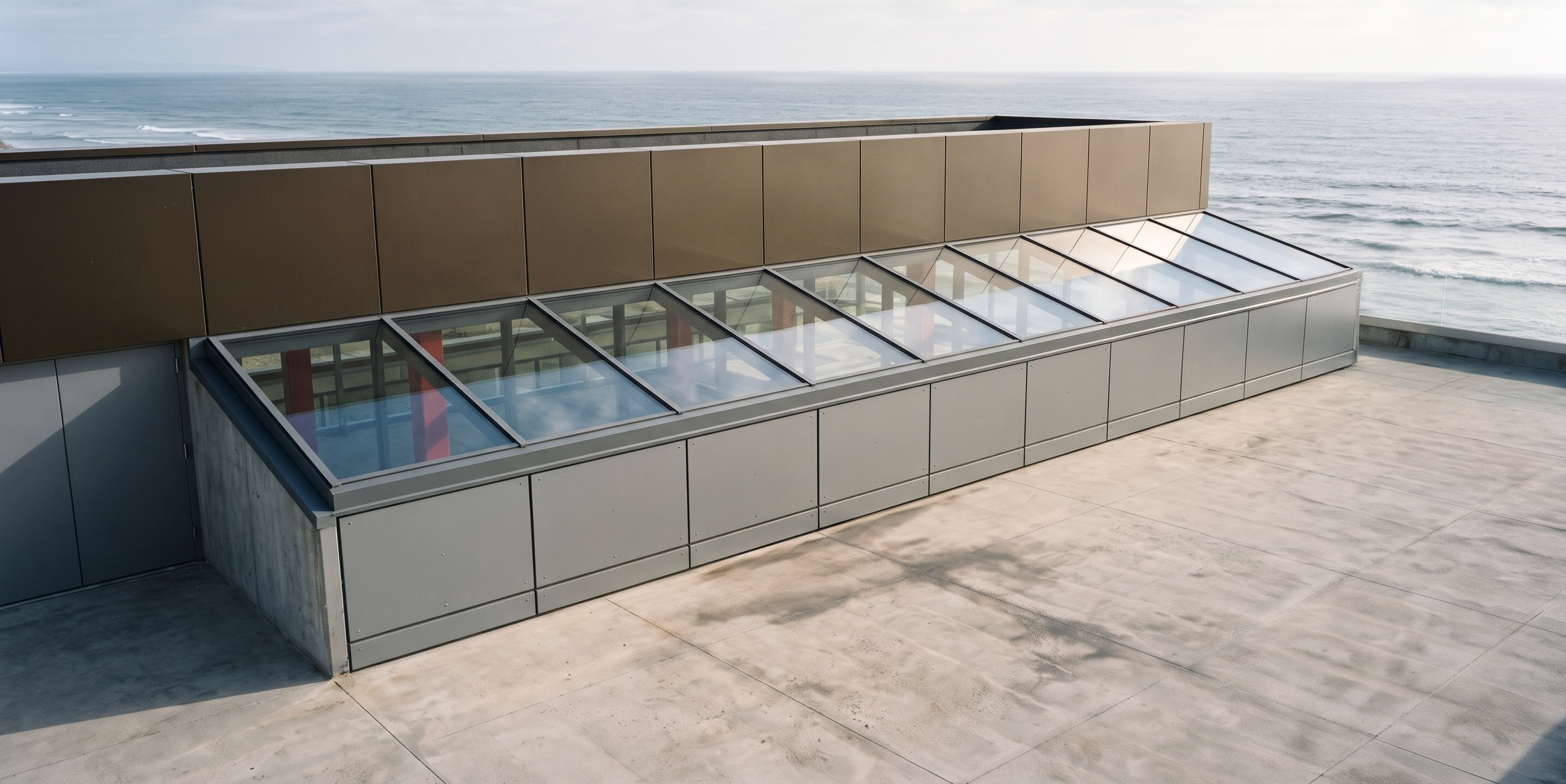
- Prompt
- Transform the uploaded SketchUp screenshot into a photorealistic, high-quality architectural visualization.
Important: Preserve the original 3D model, geometry, dimensions, proportions, camera angle, and all structural elements exactly as shown. Do not redesign or modify the architecture.
Skylight roof: Clear transparent glass with realistic reflections and natural daylight.
Skylight side walls: Grey aluminium curtain wall cladding with insulated spandrel panels.
Aluminium cladding: Modern matte grey finish.
Structural steel elements: Maintain their original positions, dimensions, and design.
Background: Replace the existing land background with a realistic open sea view.
Lighting: Natural daylight, realistic shadows, balanced exposure.
Materials: High-quality glass reflections, realistic aluminium textures, and detailed concrete finishes.
Rendering style: Ultra-realistic luxury hotel architectural visualization, professional architectural photography, 4K quality.
Strict instruction: Do not change, add, remove, or alter any element of the original SketchUp model. Only improve materials, lighting, textures, and background.
- Created
- November 17, 2026