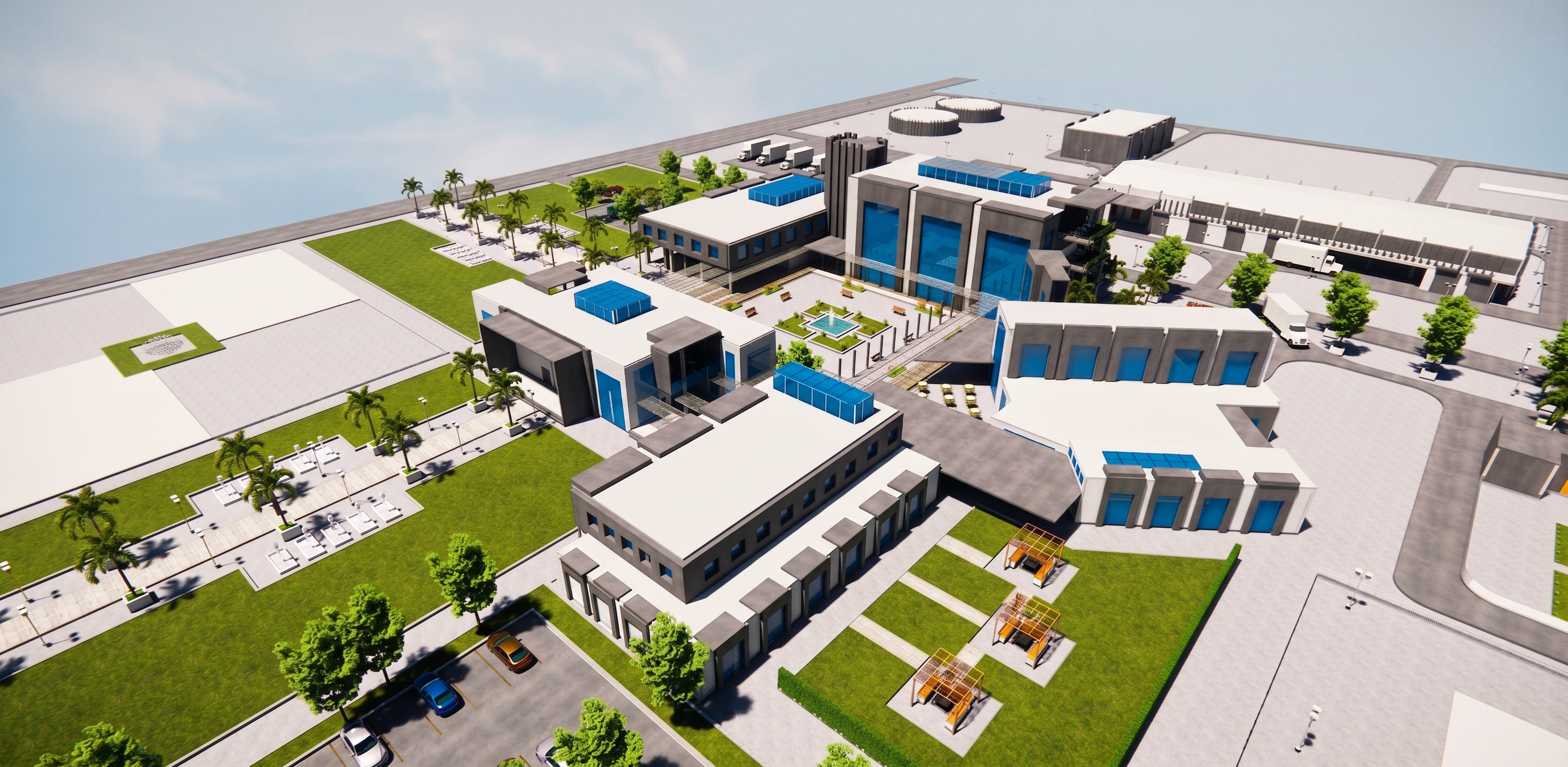
- Prompt
- Enhance the existing architectural perspective and make it look highly photorealistic and professionally rendered, while preserving the design exactly as it is.
Make ONLY the existing materials and landscape look more realistic:
- Make the blue glass façades look like real architectural glass: glossy, smooth, slightly reflective, with realistic natural reflections and subtle highlights. Keep the same blue color and do not make it too dark.
- Make the fountains and existing water features look like real water, with realistic reflections, transparency, and subtle natural highlights.
- Make the grass and existing landscaping look completely natural and realistic, with realistic grass texture and natural variation.
- Make the existing trees and plants look realistic and naturally detailed.
- Improve the realism of the existing materials, lighting, reflections, and textures without changing the architecture.
ABSOLUTELY DO NOT CHANGE THE DESIGN.
Preserve exactly:
- All building shapes and masses.
- All dimensions and proportions.
- All windows and doors.
- All blue glass areas.
- All mashrabiya/perforated screens.
- All pathways and landscape elements.
- All fountains and water features.
- All existing furniture or site elements.
- The exact camera position and perspective.
- The exact composition.
DO NOT add anything. DO NOT remove anything. DO NOT move anything. DO NOT redesign anything.
Do not add people, cars, trees, plants, furniture, buildings, decorations, signs, or architectural elements that are not already present.
The final result should look like a real high-end architectural photograph of the exact same existing design, with realistic blue reflective glass, natural grass, and realistic water — without any alteration to the original architecture or composition.
- Created
- September 28, 2026