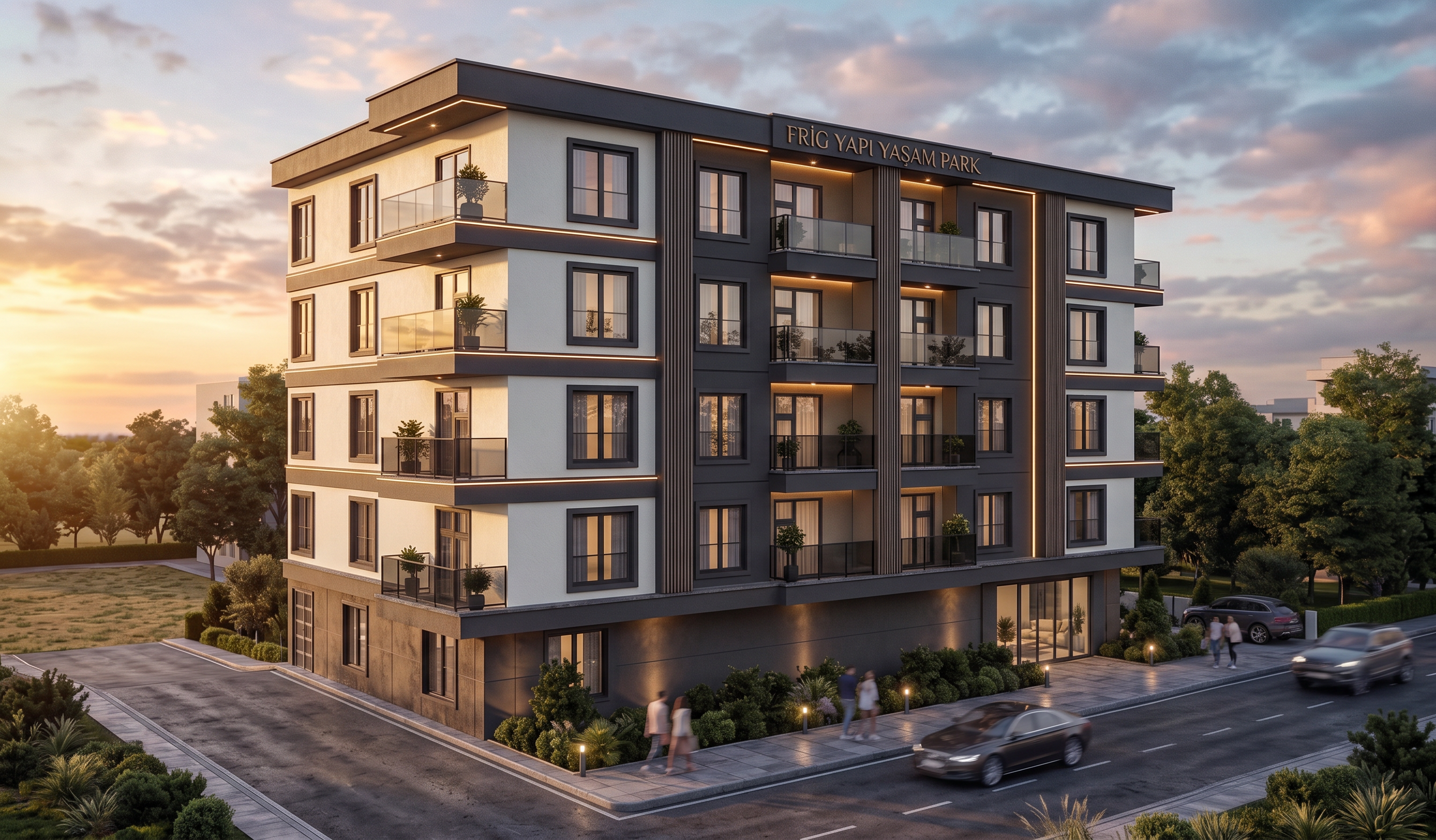
- Prompt
- **IMPORTANT – USE MY UPLOADED MODEL AS THE MAIN REFERENCE.**
My building model is viewed from the **LEFT FACADE**. The **building entrance door is on the LEFT FACADE**, and there is an empty plot on this side. Create a realistic **entrance road leading from the left-side plot to the existing entrance door**.
The uploaded reference render shows the **RIGHT FACADE** of the building. Use the reference ONLY for the **rendering style, lighting, sky, greenery, landscaping and material realism**. Do NOT copy or change my facade according to the reference.
**DO NOT CHANGE MY BUILDING.**
Keep exactly **5 floors, same width, length, height, proportions, facade, balconies, windows, doors and roofline**.
**DO NOT add, remove, move or resize any window, balcony, door or architectural element.**
**DO NOT create any new spaces or facade elements.**
**DO NOT rotate or mirror the building.**
Keep my model's **LEFT-FACADE VIEW** exactly.
Only improve:
* realistic materials and textures
* sky
* greenery and trees
* landscaping
* ground and entrance road
* realistic natural lighting and shadows
* overall photorealistic architectural quality
The final result must look like a **realistic, modern and natural professional exterior render**, while keeping my building **100% unchanged**.
- Created
- September 21, 2026