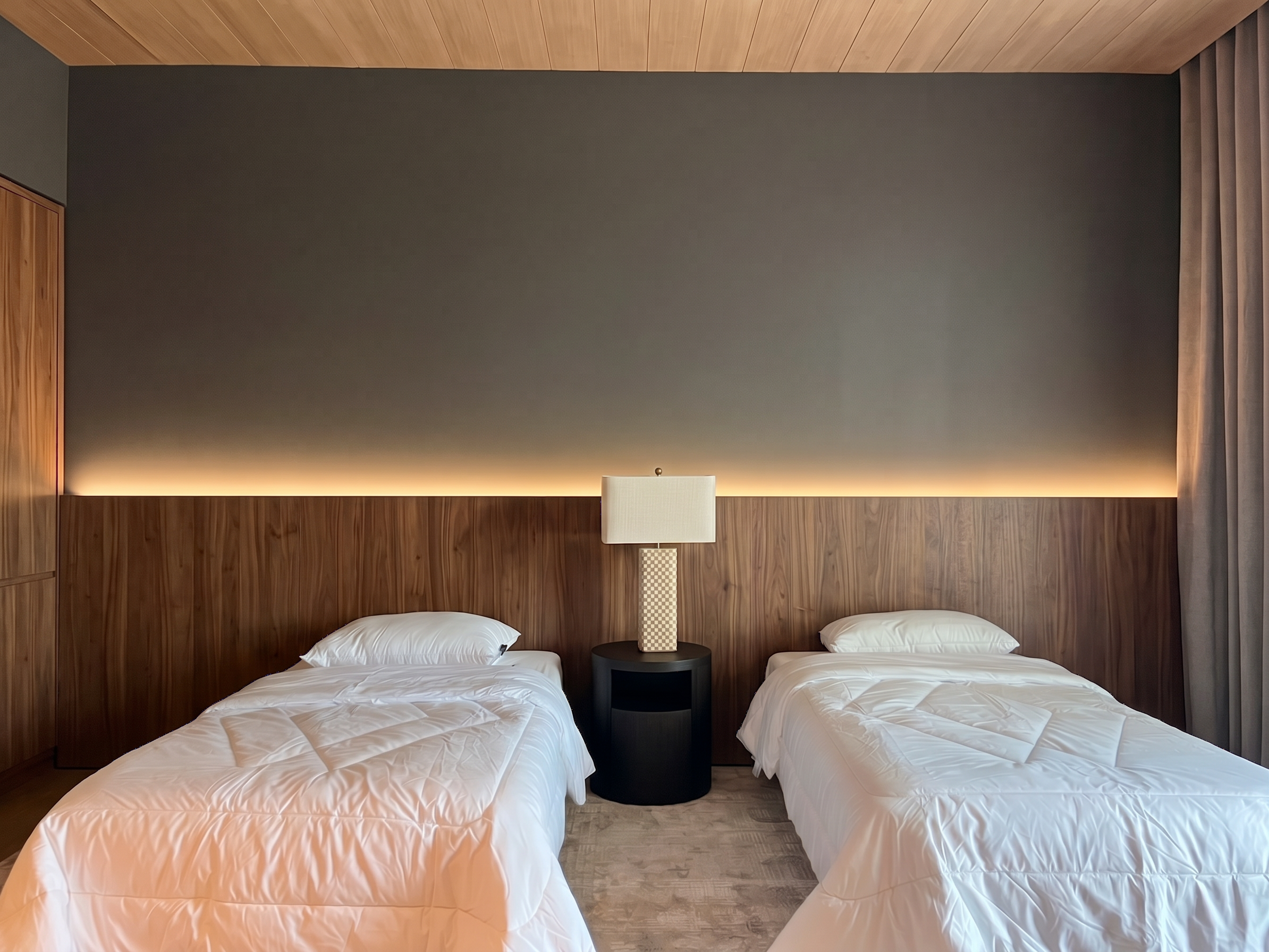
- Prompt
- Edit the original interior image strictly according to the following instructions:
1. Redesign the headboard wall according to Reference Image 1. Add the wood wall paneling across the headboard wall, with the wood panel height extending to exactly one-third (1/3) of the total room height. Match the reference in terms of wood panel design, color, texture, grain, pattern, spacing, and finish.
2. Remove ALL existing wooden frames, wood trim, wooden borders, and decorative wood framing from the headboard wall. The wood paneling should have a clean, simple, seamless appearance with no visible surrounding wooden frame or border.
3. Enhance the image sharpness and overall visual quality to achieve a crisp, highly detailed, high-resolution appearance. Preserve realistic material textures, lighting, shadows, and natural details.
4. STRICTLY preserve the original image dimensions. Do NOT resize, stretch, crop, or distort the image. Maintain the exact original image size and aspect ratio.
5. STRICTLY preserve the original camera angle, camera position, viewpoint, perspective, field of view, and overall composition. Do NOT change the camera perspective or viewing direction.
6. Do NOT modify, move, remove, resize, recolor, or redesign any other elements that are not explicitly specified above. Preserve all existing furniture, bed, bedside tables, ceiling, flooring, doors, windows, lighting, decorations, proportions, and positions exactly as they appear in the original image.
The final result must be photorealistic, high-end, seamless, and naturally integrated. Make only the requested changes and preserve everything else from the original image exactly.
- Created
- September 23, 2026