- Prompt
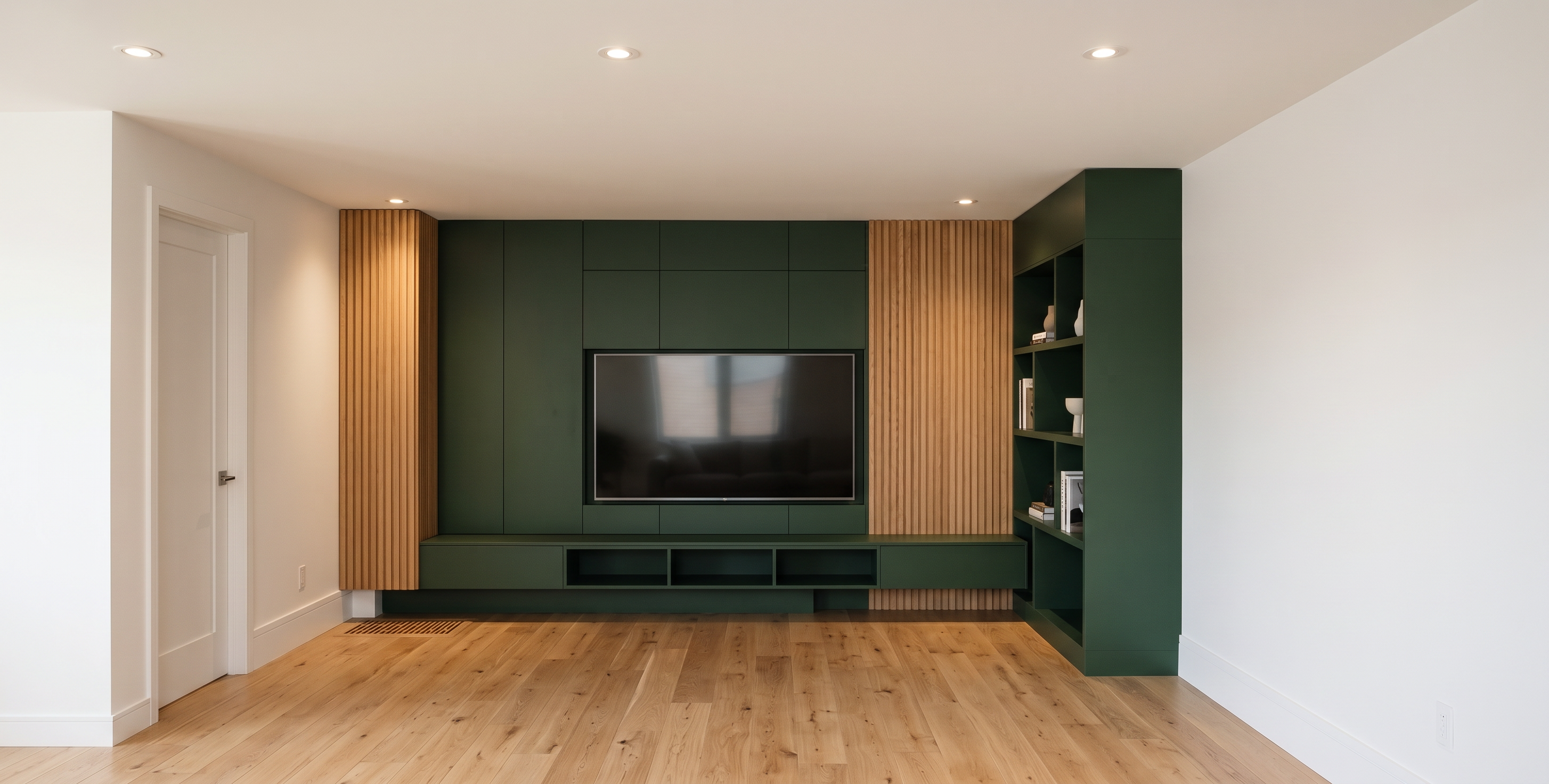
- Create a highly realistic, photorealistic interior render based strictly on the provided design/image. Do not change the existing layout, proportions, dimensions, cabinet configuration, architectural details, or overall design. Keep everything exactly as shown in the reference.
Apply 3027 – Supramat Forest Green to all the cabinets. Use natural white oak flooring with realistic wood grain and texture. Make the center section a realistic TV wall, with a modern flat-screen TV integrated naturally into the existing central area.
Use bright white walls and realistic, high-quality materials throughout. Add recessed ceiling spotlights to the ceiling, with warm, natural lighting that creates realistic shadows and highlights.
The final result should look like a high-end professional interior photograph, with photorealistic materials, accurate reflections, realistic lighting, natural shadows, detailed wood textures, and realistic cabinet finishes. Do not redesign or add unnecessary furniture/decor. Preserve the original image exactly, only changing the requested materials, colors, TV, flooring, and ceiling lighting.
- Created
- September 11, 2026