- Prompt
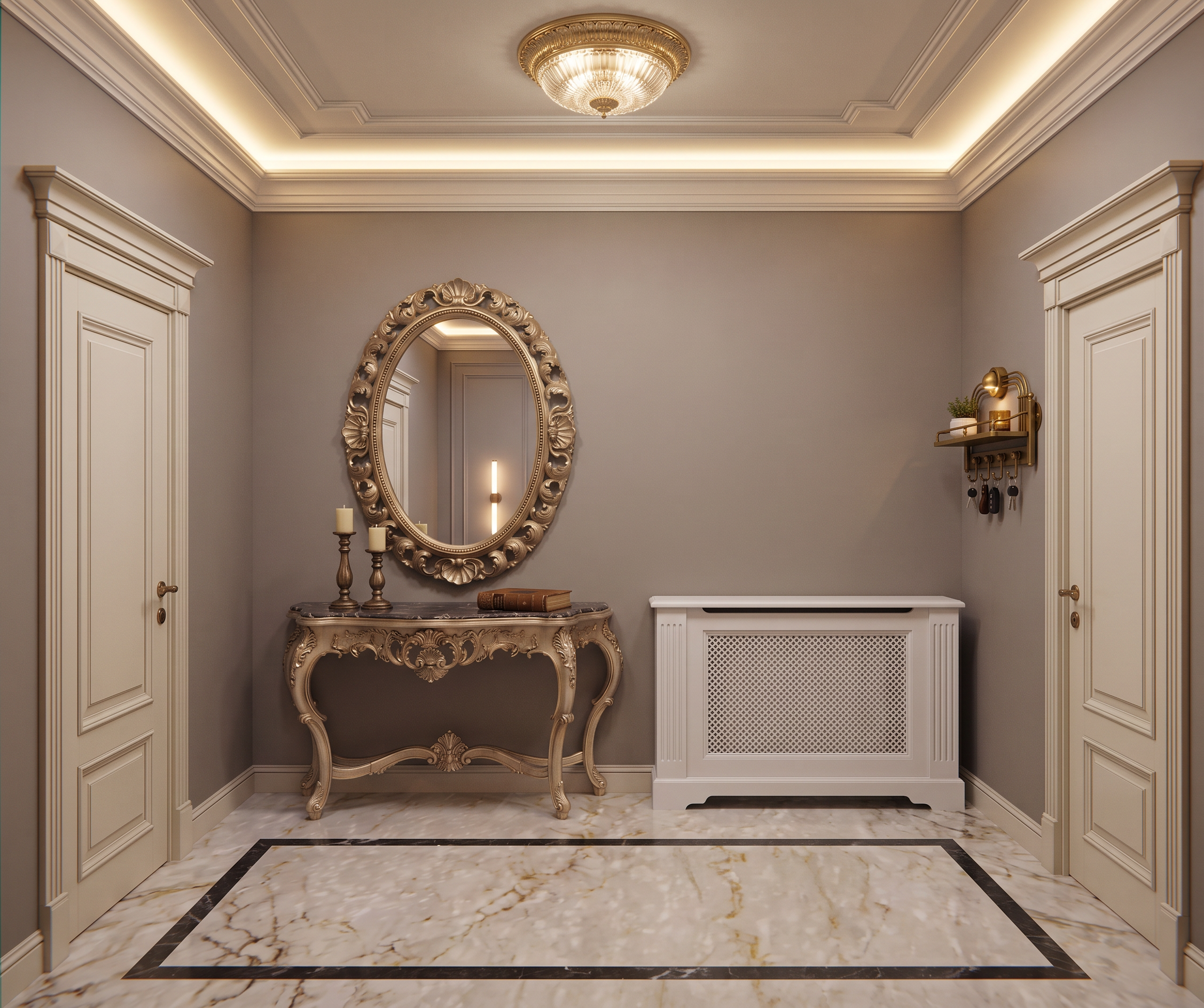
- Create a highly photorealistic interior render of the corridor shown in the base image.
IMPORTANT — PRESERVE THE ORIGINAL IMAGE EXACTLY:
• Do NOT change the image proportions or aspect ratio.
• Do NOT change the camera angle, camera position, perspective, or framing.
• Do NOT change the geometry, dimensions, architectural elements, or layout.
• Do NOT redesign or reinterpret the interior.
• Preserve the exact geometry and composition of the original image.
MATERIALS, COLORS AND ELEMENTS — FOLLOW THE REFERENCES:
1. Floor: Use the exact floor color, tone, and material appearance shown in Reference 1.
2. Black floor border: Add the black floor border/base detail exactly as shown in Reference 1, following the existing perspective and geometry of the corridor.
3. Walls: Use the exact wall color and finish from Reference 1.
4. Doors: The doors on both the left and right sides of the corridor must match Reference 1 exactly in color, material, proportions, paneling, and overall appearance. Do not alter their geometry.
5. Ceiling and cornice: Reproduce the ceiling color, ceiling design, and decorative ceiling cornice from Reference 1. Include the integrated LED lighting exactly as shown in the reference, with realistic indirect illumination.
6. Ceiling light: The red ellipse on the ceiling indicates the position of the ceiling light fixture. Replace this marked area with the exact ceiling light shown in Reference 1, maintaining the correct scale, orientation, and perspective.
7. Console table and mirror: The purple rectangle indicates the position of the console table with a mirror. Recreate the console table and mirror exactly as shown in Reference 1, positioned correctly according to the corridor geometry and perspective.
8. Radiator cover: The yellow rectangle indicates the position of the radiator cover. Use the radiator cover design shown in Reference 2, reproduced in white, with exactly the same design, proportions, structure, and details. Adapt it accurately to the existing wall and perspective of the base image.
9. Brass key hooks: The red rectangle on the wall indicates the position of the key hooks. Use the brass key hooks shown in Reference 3, matching their design, shape, material, finish, scale, and arrangement.
RENDER QUALITY:
Create an ultra-realistic, high-end architectural visualization. Use physically accurate materials, realistic reflections, natural shadows, soft indirect lighting, realistic ambient occlusion, subtle surface imperfections, and accurate light behavior. The result should look like a professional luxury interior photography / architectural visualization rather than a CGI image.
Maintain realistic proportions, depth, perspective, material textures, and lighting. Do not add unnecessary furniture, decorations, objects, plants, artwork, or accessories that are not present in the references.
The final image must preserve the original composition, geometry, camera angle, and design exactly. Only apply the specified materials, colors, lighting, and referenced objects.
- Created
- September 8, 2026