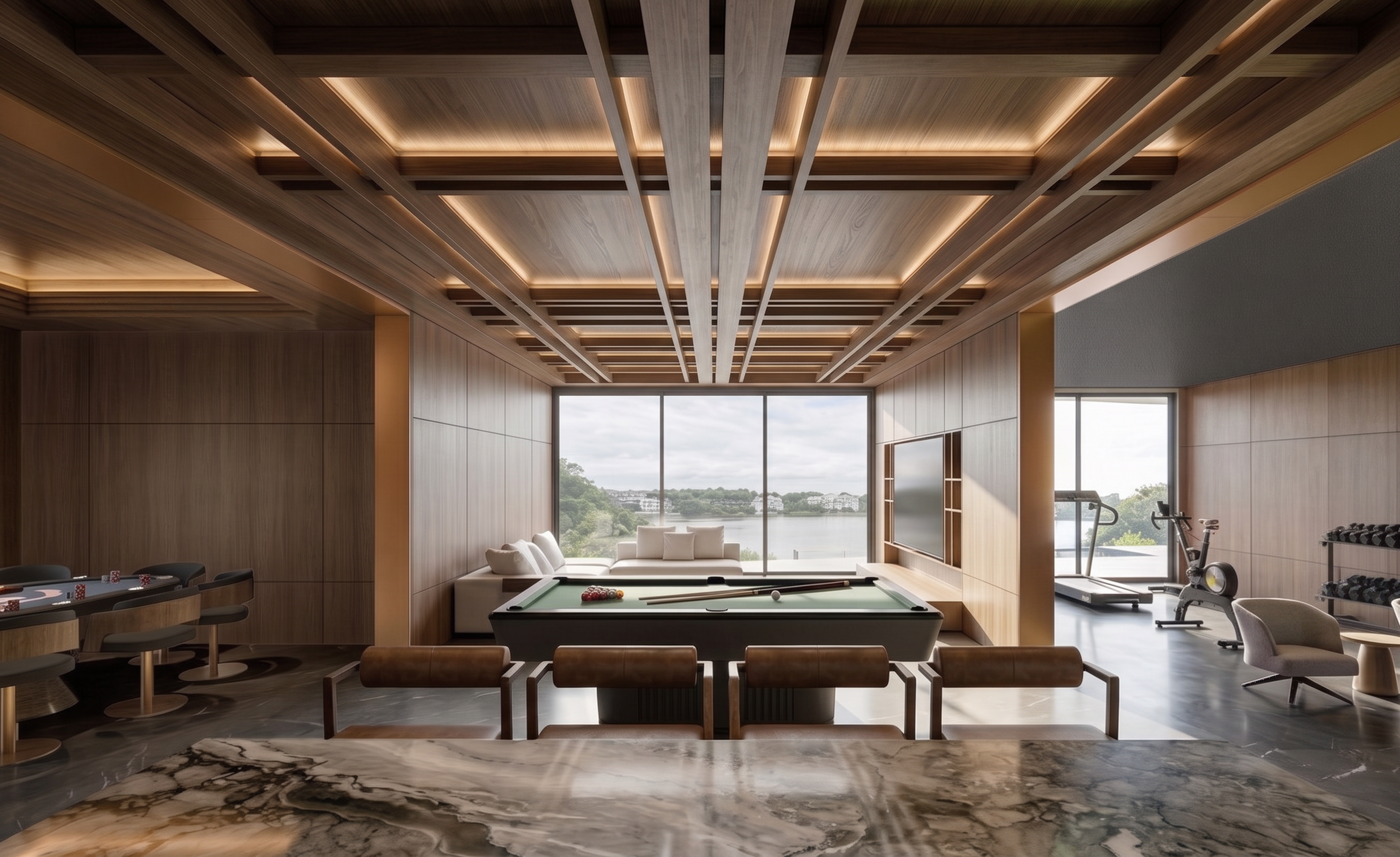
- Prompt
- Transform the existing rendered image into an ultra-photorealistic, high-end architectural photograph.
**STRICT DESIGN PRESERVATION:** Preserve 100% of the original architecture, layout, proportions, furniture, materials, colors, textures, decorative objects, camera angle, perspective, framing, and composition. Do not redesign, modify, add, remove, or replace any existing elements.
**ADDITIONAL CEILING LIGHTING:** Add subtle hidden cove lighting integrated into the existing ceiling design. Use warm white light (approximately 2700–3000K) with low intensity, creating a soft, elegant ambient glow. Keep the lighting understated and realistic. Avoid excessive brightness, harsh light, visible LED strips, bloom, or light spill.
**MATERIAL & LIGHTING QUALITY:** Enhance realistic material textures, natural reflections, refined details, and balanced exposure. Maintain clean, premium-looking surfaces with no dirty or artificial-looking materials.
**PHOTOGRAPHIC QUALITY:** Achieve exceptional photorealism comparable to professional architectural photography in ArchDaily, Dezeen, and Architectural Digest. Crisp details, realistic shadows, accurate reflections, and natural color grading.
**ABSOLUTE RESTRICTIONS:** No design changes, no new decorative elements, no camera movement, no distorted geometry, no excessive glow, no overexposure, and no alteration of the original image aspect ratio. and delete grass floor
- Created
- November 18, 2026