- Prompt
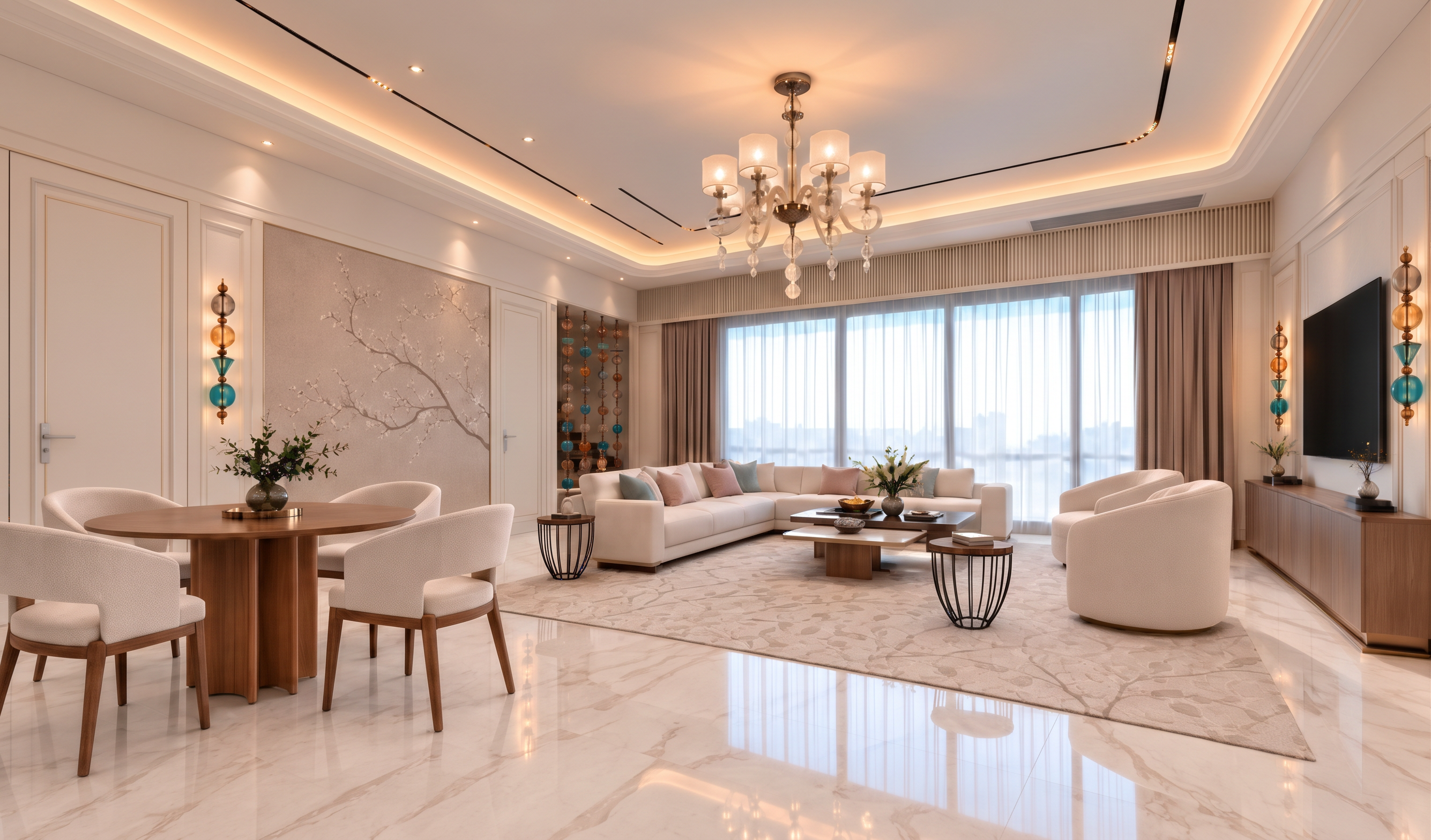
- Upscale and refine this approved living-room image into a clean, photorealistic architectural visualization with 4K output. STRICT IMAGE PRESERVATION: retain the exact camera, perspective, crop, architecture, furniture geometry, object counts and placements. Enhance only material clarity, light quality and rendering fidelity.
Preserve exactly four matching upholstered study chairs around one round wooden study table. Maintain both sofas, their armrests, the two lounge chairs, central coffee-table set and matching basket-base side tables, including the side table between the large sofa and two-seater. Preserve all approved door handles, wall lights and showcase details.
Refine materials with physically plausible PBR appearance: ivory upholstery with subtle natural weave; muted brown/taupe veneer with clear, correctly scaled grain; white marble with the existing grey-beige veining and controlled polished reflections; botanical rug with restrained textile detail; dark metal side-table cages; realistic glass and metal reflections; translucent fabric-laminated glass behind the showcases. Keep every material’s existing colour, pattern, scale and orientation. Do not invent new texture.
Use soft natural daylight from the existing window behind the camera, balanced with the existing warm decorative and cove lighting. Neutral overall white balance, accurate whites, soft contact shadows, gentle highlight roll-off and realistic indirect illumination. Match the opposite view’s material colours and exposure; do not introduce a yellow or orange cast.
Keep the entire image clean and sharp without film grain, noise, speckles, excessive microtexture, sharpening halos, waxy smoothing or artificial glow. Do not add, remove, move or redesign anything. Preserve the original aspect ratio; output 3840 pixels on the long edge.
- Created
- October 22, 2026
- Seed
- 1