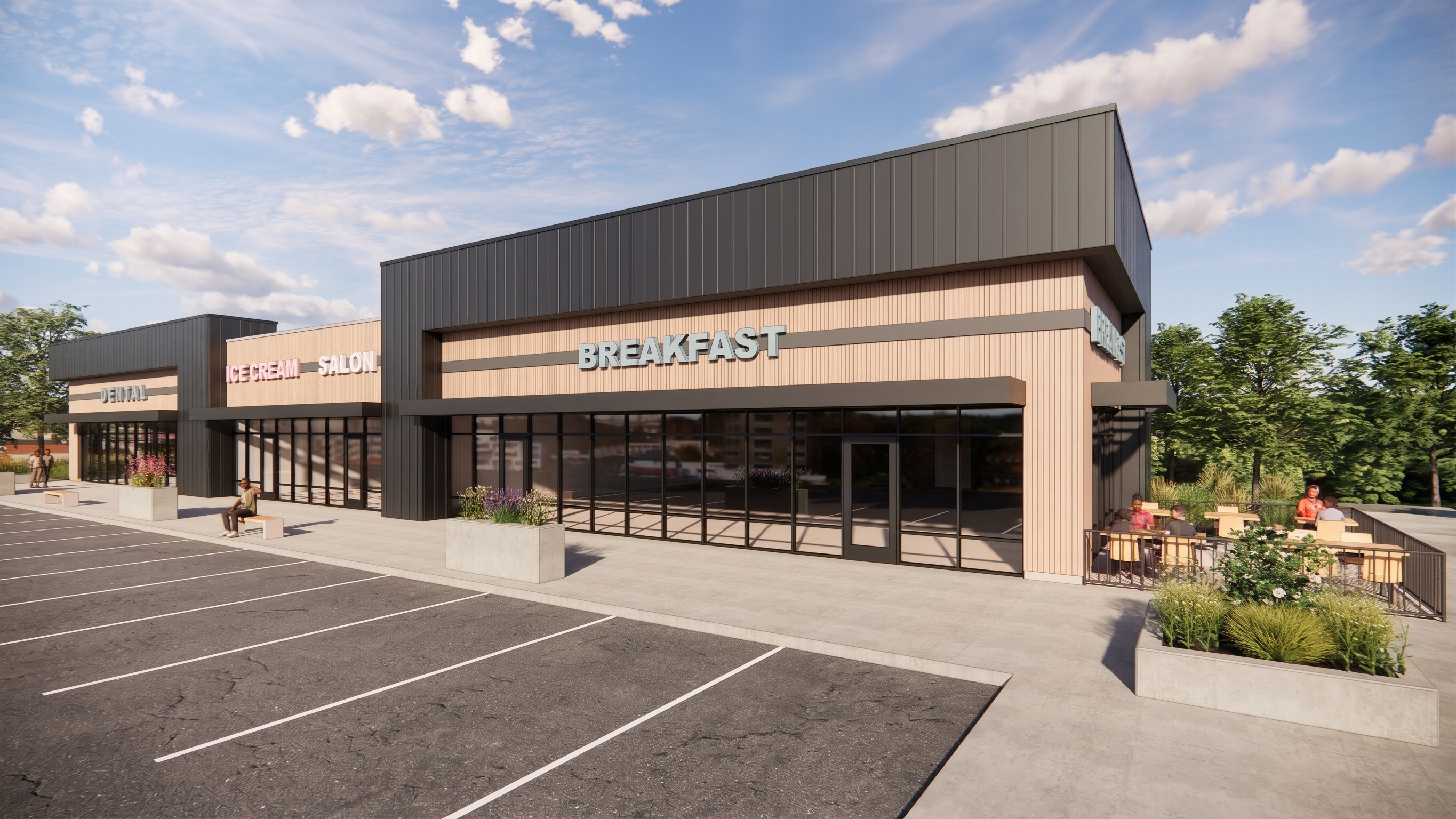
- Prompt
- Transform the provided image/model into an extremely photorealistic, professional-quality architectural photograph. The final result must look like a real photograph taken with a professional full-frame camera, not a computer-generated rendering.
Focus on achieving maximum photographic realism through:
Physically accurate natural and artificial lighting.
Realistic light distribution, soft shadows, and natural reflections.
Highly realistic material textures and surface details.
Accurate depth, perspective, and natural visual contrast.
Realistic glass transparency, reflections, and highlights.
Natural ambient lighting and subtle shadow transitions.
Professional architectural photography quality, with crisp details and realistic exposure.
STRICTLY PRESERVE THE ORIGINAL DESIGN:
Do not change any existing materials, colors, finishes, or textures.
Do not modify the architectural geometry, dimensions, proportions, or layout.
Do not move, add, remove, or replace any furniture, fixtures, windows, doors, walls, or architectural elements.
Do not change the original camera angle, composition, or perspective.
Do not introduce new decorative elements or design features.
IMPORTANT: Only enhance the photorealistic quality of the image. Maintain 100% fidelity to the original model, including every material, color, and design detail.
FINAL GOAL: An exceptionally realistic architectural photograph that is visually indistinguishable from a professionally photographed real-life space, while keeping the original design completely unchanged.
- Created
- November 16, 2026