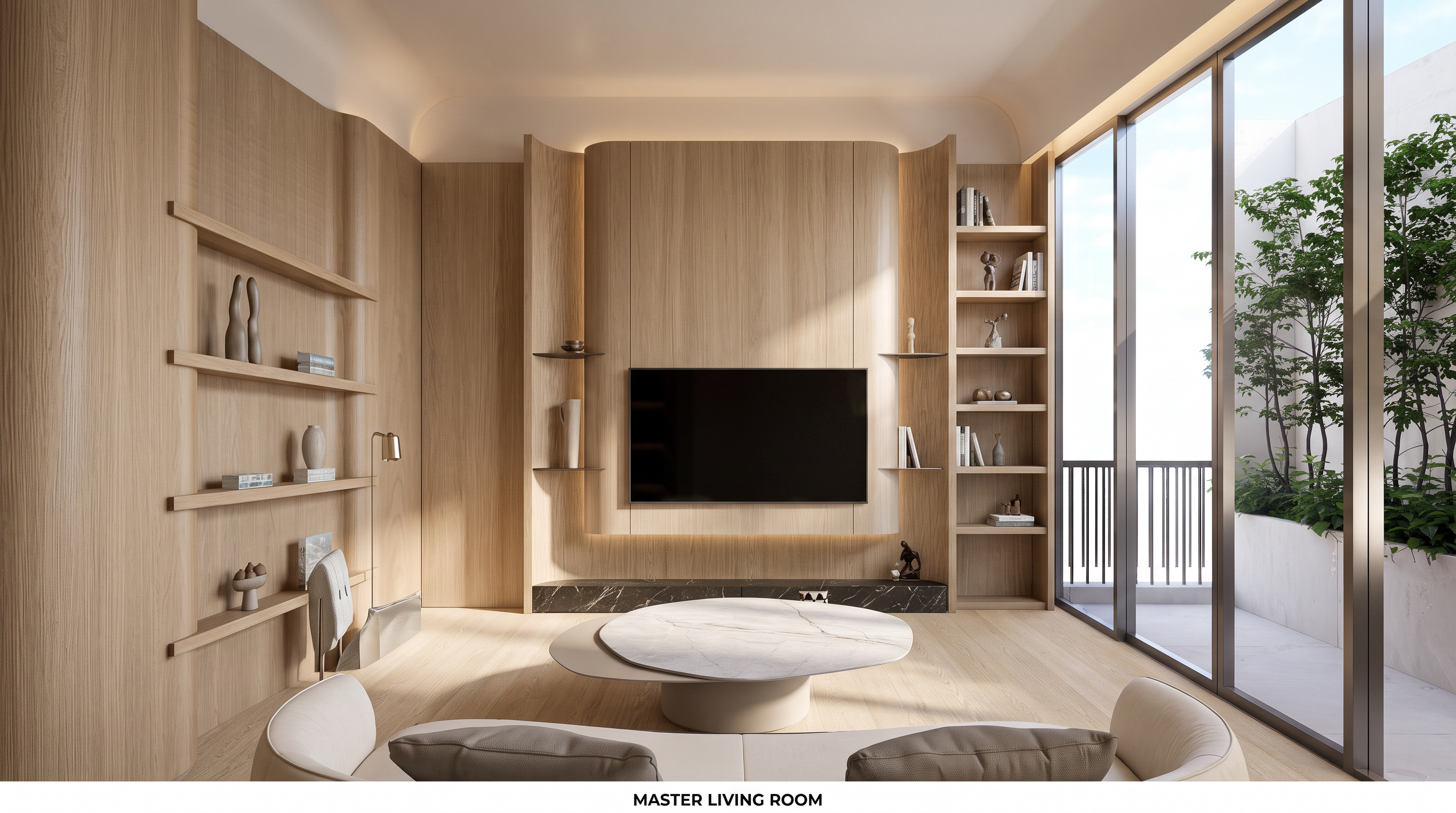
- Prompt
- **Photorealistic Interior Enhancement & Design Modification Prompt**
Enhance the image to achieve a highly realistic, three-dimensional appearance with natural lighting, realistic shadows, depth, and refined material textures.
1. **Right-Side Shelving Design**
- Modify the shelving unit on the right-hand side to match the exact design, layout, proportions, details, and style shown in **Reference Image 1**.
- Ensure the shelving integrates seamlessly with the existing interior design.
2. **Natural Oak Wood Finish**
- Change all existing wood finishes throughout the room to **natural oak wood**, matching the exact color, grain pattern, texture, and finish shown in **Reference Image 2**.
- Apply the same consistent natural oak finish to all wooden furniture, cabinets, shelves, wall panels, and other wooden elements.
3. **Coffee Table Design**
- Modify the Coffee Table to match the exact design, shape, proportions, materials, and details shown in **Reference Image 3**.
- Ensure the new Coffee Table fits naturally within the existing living room composition.
4. **Photorealistic Rendering**
- Create realistic depth, natural light distribution, soft ambient lighting, and physically accurate shadows.
- Enhance material definition, wood grain details, surface reflections, and realistic light interactions.
- Achieve a premium, high-end interior visualization with a natural and elegant atmosphere.
**Image Preservation Requirements**
- Preserve the original room layout, architectural structure, furniture positions (except for the explicitly specified modifications), image dimensions, aspect ratio, camera angle, perspective, and composition.
- Do not resize, crop, stretch, or distort the image.
- Do not modify any other elements that are not explicitly specified above.
- Created
- November 6, 2026