- Prompt
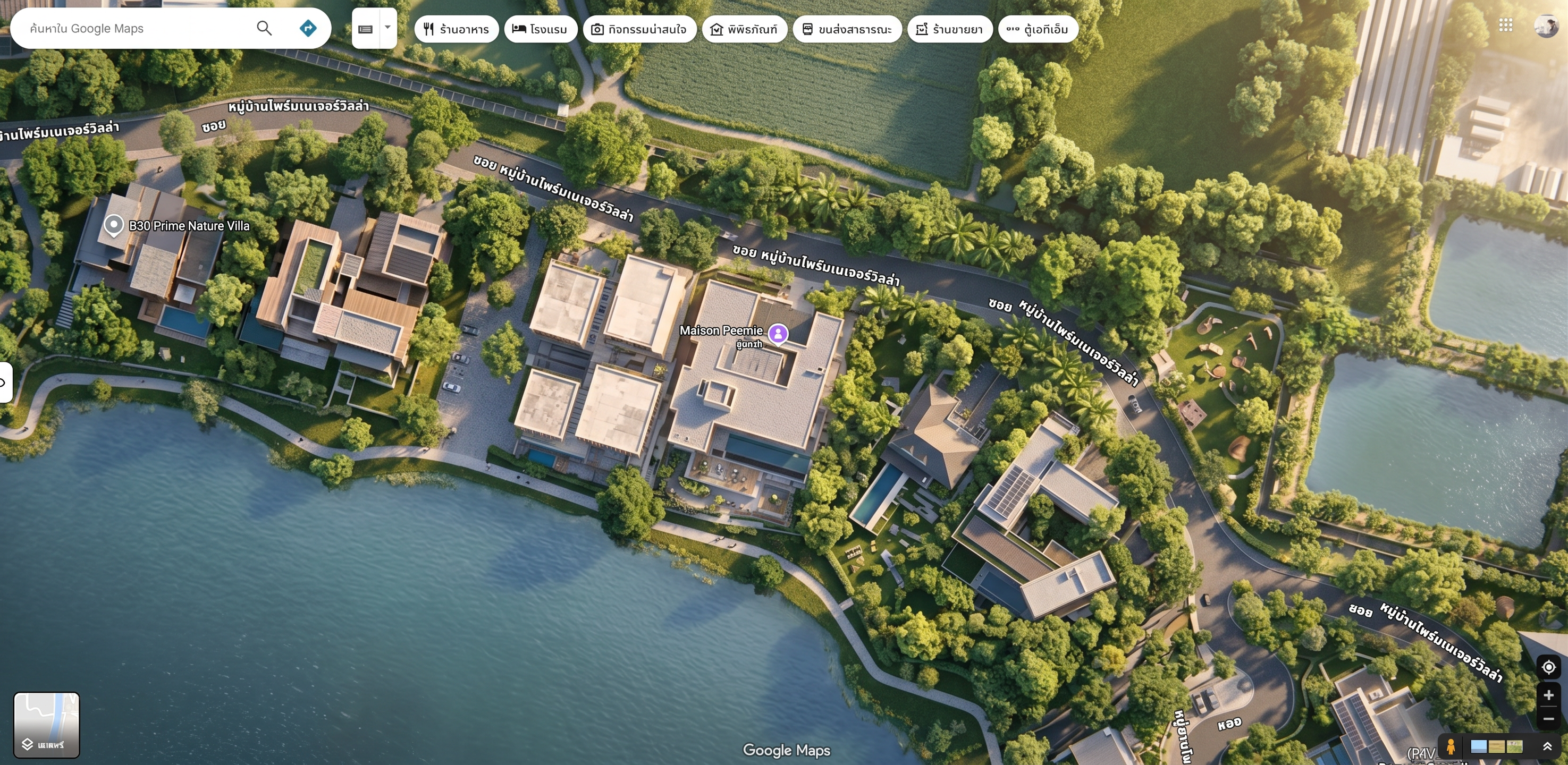
- Edit the existing Google Maps graphic according to the following instructions:
1. Redesign the existing Google Maps graphic into a **realistic, photorealistic map visualization** based on Reference Image 1. Preserve the actual geographic locations, roads, buildings, and surrounding environment while enhancing the overall visual realism and depth.
2. Create the overall atmosphere and lighting to represent **9:00 AM sunlight**, with natural morning sunlight, realistic daylight, soft natural shadows, accurate highlights, and a fresh morning atmosphere. The lighting should feel natural and realistic, as if the map were viewed during an actual morning at 9:00 AM.
3. Match the overall visual style, atmosphere, lighting, color tone, and realism of Reference Image 1.
The final result should look **realistic, natural, detailed, and professionally presented**, while maintaining accurate geographic information and the original map composition.
- Created
- September 24, 2026