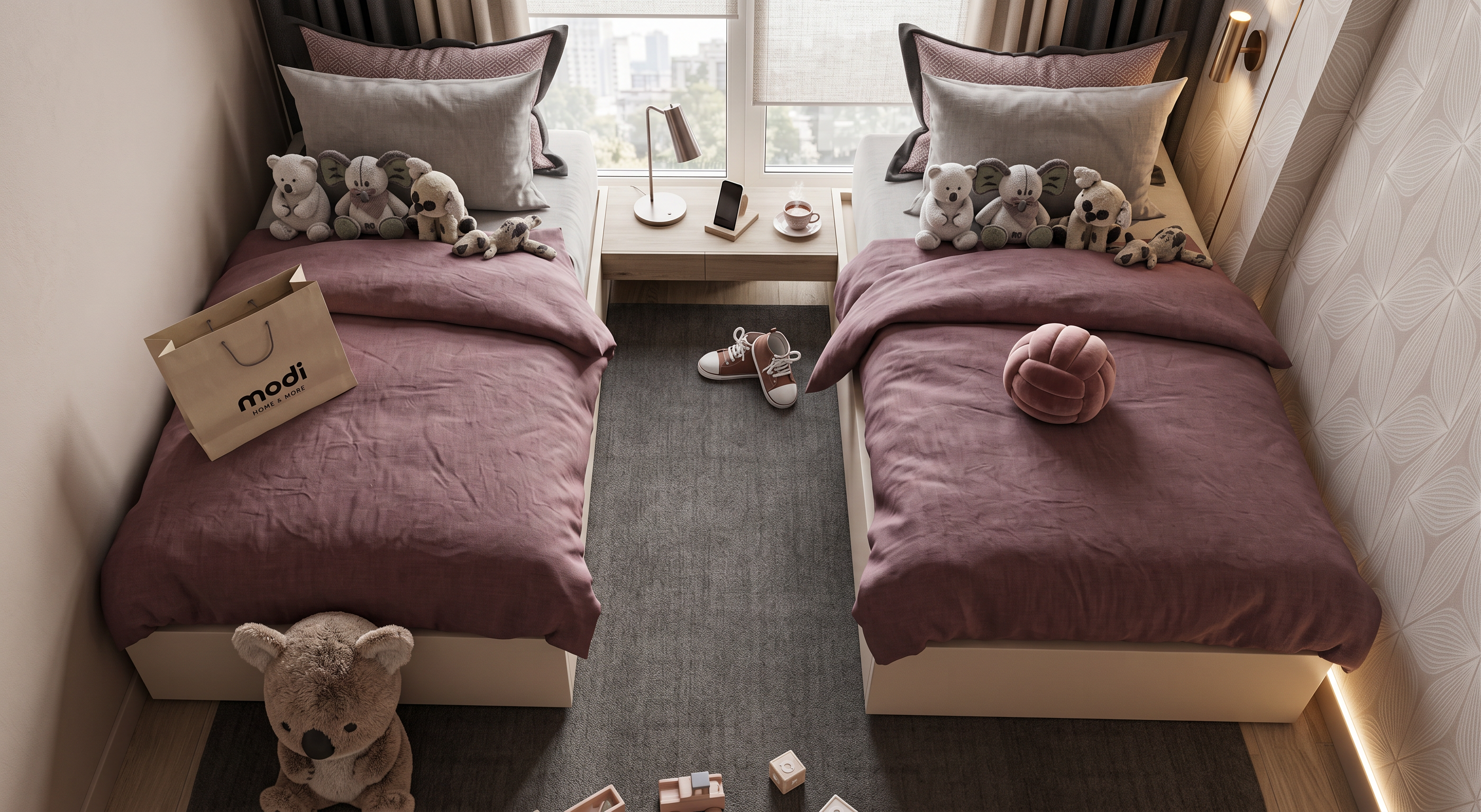
- Prompt
- Transform the uploaded interior image into a high-end photorealistic architectural visualization, matching the visual effect and atmosphere of the reference images. Preserve the exact original room design, architecture, furniture placement, proportions, geometry, materials, colors, and composition. Do not redesign or add/remove elements.
Create a luxury interior-design magazine / premium 3D render look with extremely realistic materials and textures, crisp but soft details, natural fabric and wood textures, realistic stone surfaces, refined finishes, and physically accurate reflections.
Use soft warm natural daylight entering through the windows, gentle diffused illumination, subtle ambient light, realistic global illumination, soft natural shadows, controlled highlights, balanced exposure, and a slightly warm neutral color palette. Create beautiful depth with realistic light falloff and subtle atmospheric softness.
Make the image feel like a high-end Corona Renderer / V-Ray architectural render, with realistic camera optics, natural perspective, elegant depth of field, subtle background softness, clean edges, realistic contact shadows, and premium photographic composition.
Photorealistic, sophisticated, calm, elegant, contemporary luxury, soft beige and neutral tones, subtle contrast, natural white balance, realistic colors, realistic imperfections, ultra-detailed materials, 8K quality, professional architectural photography.
Do not make it look artificial, overly glossy, oversaturated, CGI-like, cartoonish, or excessively sharp. Keep the original design exactly as it is; only enhance the lighting, realism, materials, depth, and overall rendering quality
- Created
- September 13, 2026