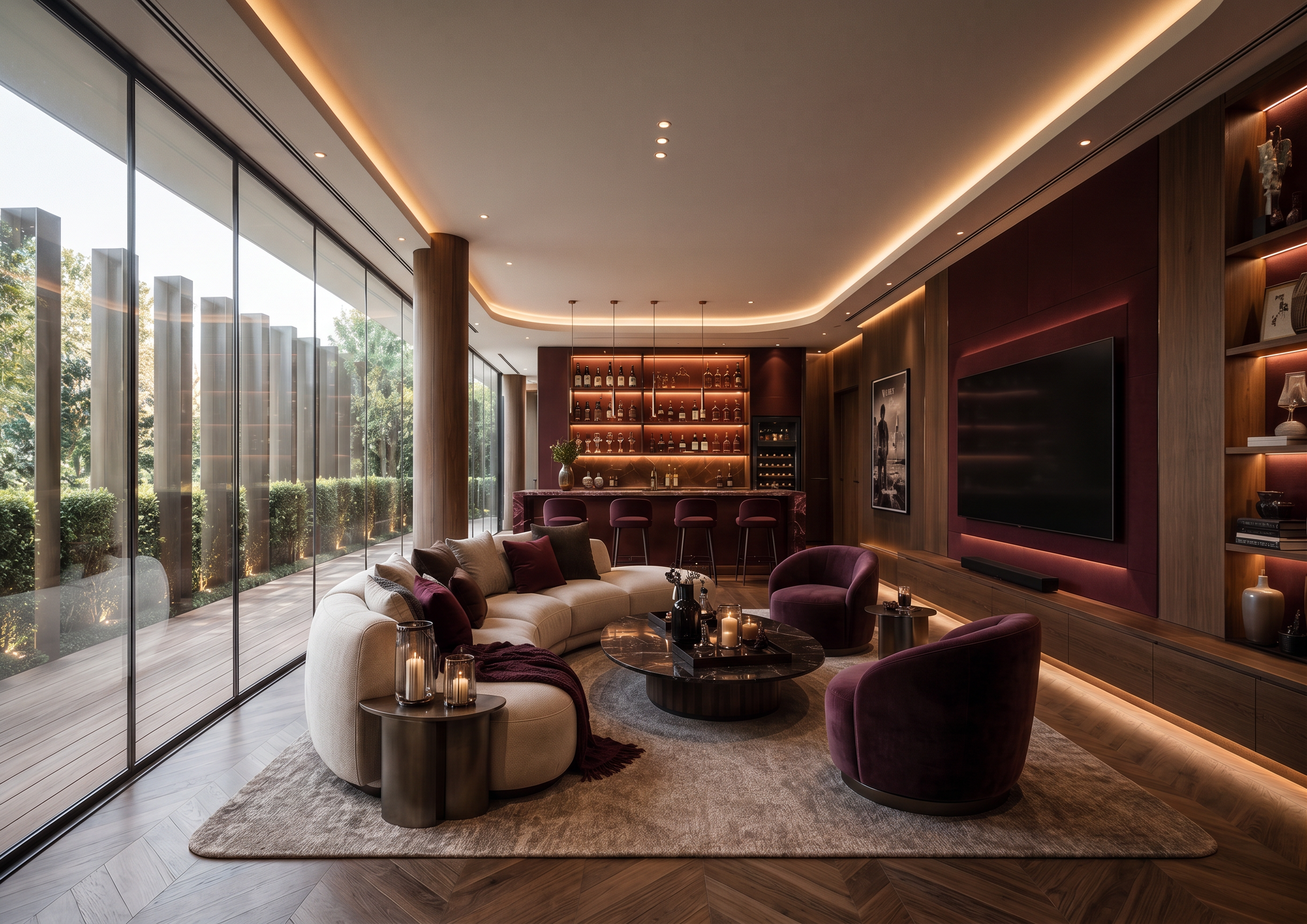
- Prompt
- Transform the original image into a beautifully designed interior space inspired by the provided interior design reference image
Maintain the exact original image dimensions, aspect ratio, perspective, camera angle, and framing.
Preserve the original architectural structure, room layout, walls, ceiling, floor, doors, windows, and all existing spatial elements.
Do not change, move, resize, remove, or add any architectural elements.
Keep all furniture positions and the original spatial arrangement unless specifically required to update their design or finishes.
Apply the interior design style, color palette, materials, textures, furniture aesthetics, lighting mood, and decorative details from the reference image to the original space.
Adapt the reference design naturally to fit the existing architecture and spatial constraints.
Maintain realistic material properties, natural lighting, accurate shadows, reflections, and high-quality textures.
Design Direction: Use the reference image as the primary design inspiration. Translate its interior aesthetic into the original space while maintaining the original room's identity, proportions, and architectural integrity.
Visual Quality: Photorealistic interior visualization, high-end architectural photography, realistic lighting, refined material details, natural color grading, sophisticated styling, and professional interior design rendering.
STRICT NEGATIVE INSTRUCTIONS: Do not alter the original composition, aspect ratio, camera perspective, architectural dimensions, room proportions, or spatial layout. Do not crop, expand, distort, or reconstruct the original image. Do not change the viewpoint or camera position.
The final result should look like the original space has been professionally redesigned according to the reference image, not like an entirely different room.
- Created
- November 3, 2026