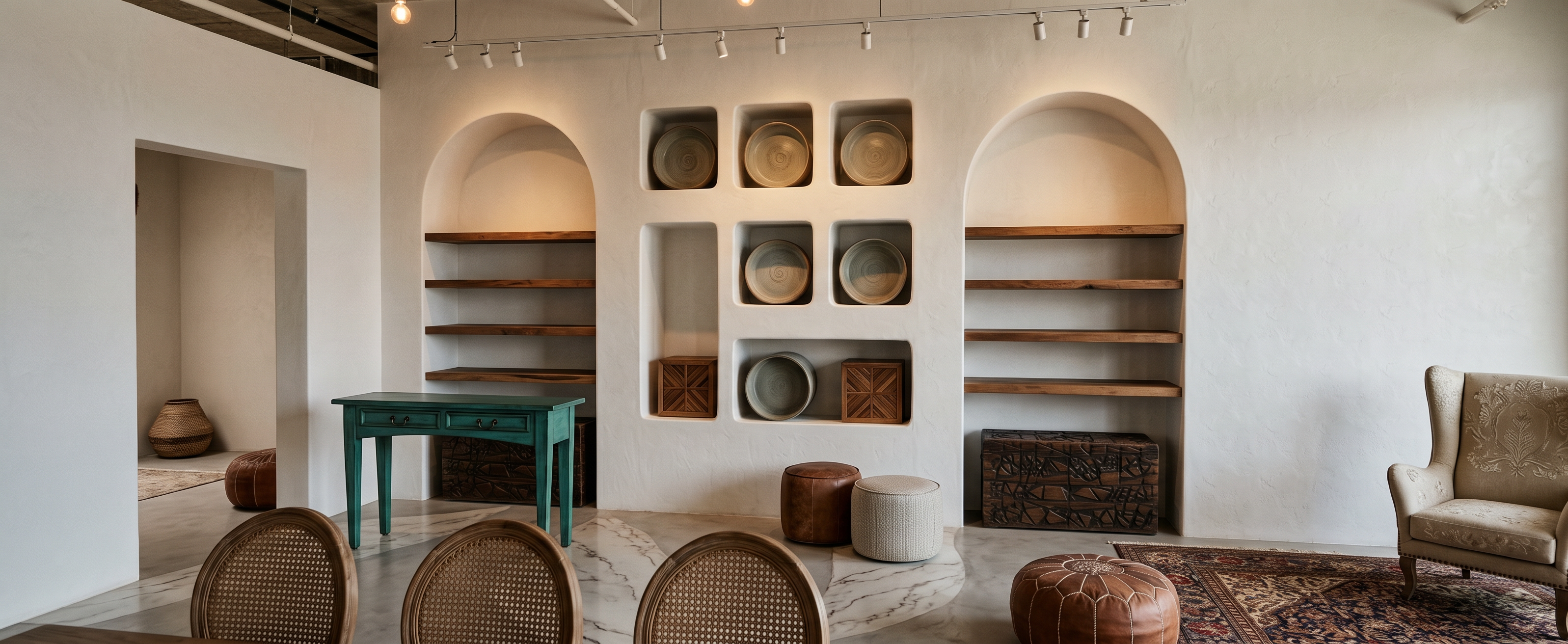
- Prompt
- CRITICAL — DO NOT MODIFY THE EXISTING ARCHITECTURE OR LAYOUT
Use the provided image as an exact architectural reference.
This is a material and styling transformation ONLY.
Do NOT redesign the space.
DO NOT ADD ANYTHING. DO NOT REMOVE ANYTHING. DO NOT MOVE ANYTHING.
The final render must have EXACTLY the same architectural geometry and layout as the reference image.
* Do NOT add any new walls.
* Do NOT add partial walls, partitions, columns, panels, or architectural elements.
* Do NOT close, narrow, extend, or relocate any existing wall.
* Do NOT change the position, shape, size, or number of walls.
* Do NOT create walls where there are currently open spaces.
* Do NOT change the storefront or glass.
* Do NOT change doors or openings.
* Do NOT change the ceiling geometry or ceiling height.
* Do NOT change the floor plan.
* Do NOT change the position or size of shelves.
* Do NOT change the position, shape, or number of furniture pieces and poufs.
* Do NOT add decorative objects that are not already present.
* Do NOT remove existing objects.
* Do NOT invent architectural details.
ONLY change the following:
1. Floor material
2. Existing wall surface material and subtle relief pattern
3. Existing furniture upholstery
4. Existing wooden boxes
5. Existing shelves material
6. Existing lighting atmosphere
7. Existing chandelier appearance
8. Existing exposed ceiling color
9. Curtains material and embroidery
Every architectural boundary, opening, wall location, ceiling edge, storefront, furniture position, and spatial proportion must remain 100% identical to the reference image.
If an area is open in the reference image, KEEP IT OPEN.
If there is no wall in the reference image, DO NOT CREATE A WALL THERE.
If you are uncertain whether an element exists, DO NOT ADD IT.
The result must look like the same exact shop photographed after renovation of finishes, NOT a redesigned or remodeled space.
Photorealistic architectural visualization, realistic materials, natural lighting, high-end interior photography, 4K.
REMOVE THE CHANDELIER COMPLETELY.
Do not show any chandelier or hanging decorative light fixture in the final render.
Keep the ceiling exposed and unchanged.
Use only the existing exposed lighting fixtures shown in the reference image for illumination.
Do not replace the chandelier with another fixture.
Do not add any new hanging lights, pendant lights, or decorative ceiling elements.
- Created
- September 19, 2026