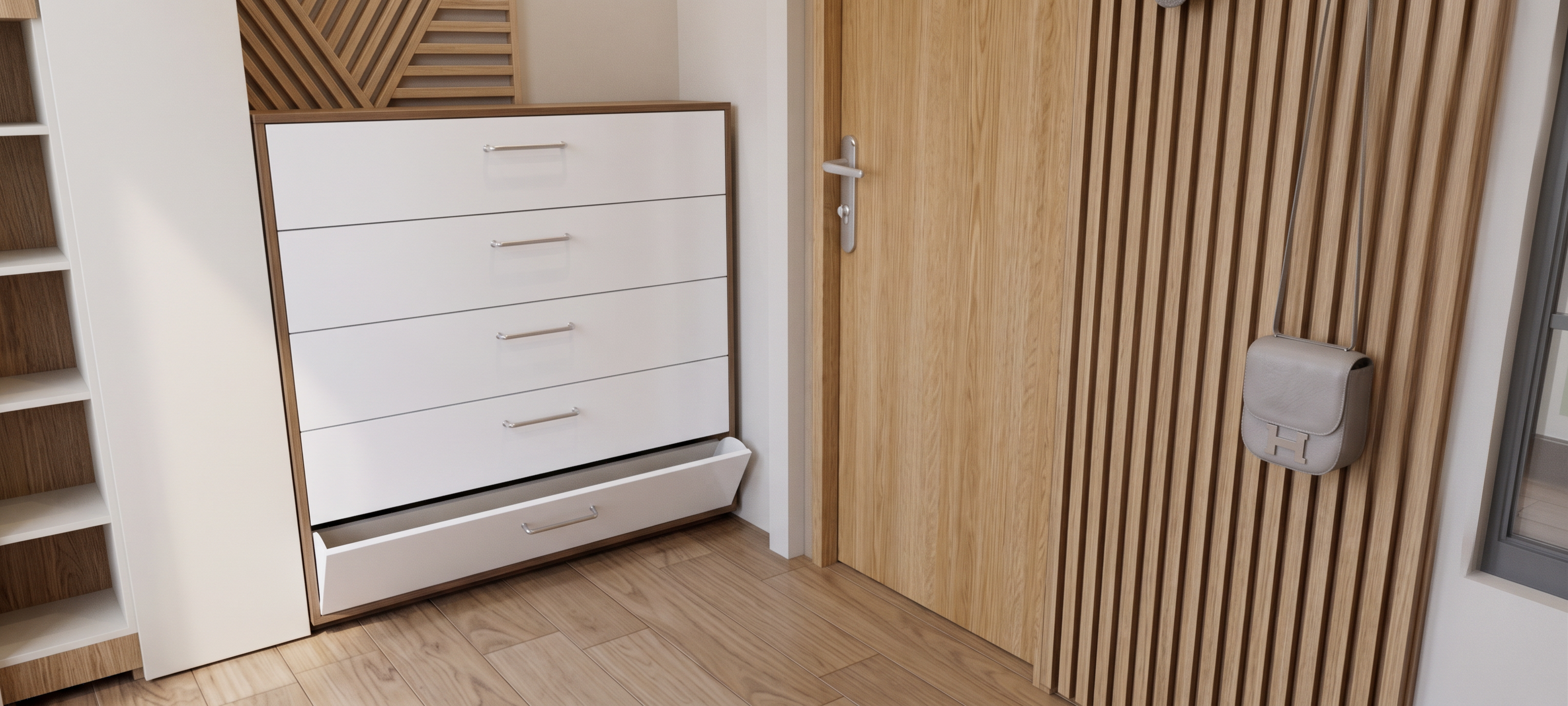
- Prompt
- Create this image interior renders for my interior design student portfolio.
Style: Modern minimal — soft natural light.
IMPORTANT RULES — DO NOT BREAK THESE:
1. DON'T CHANGE ANYTHING IN THE MODEL.
Keep the exact same furniture design, exact same proportions, exact same materials, exact same hallway layout in all 5 images. Do not redesign, do not improve, do not add new furniture, do not change shapes, colors, or details. Only change the camera angle / view.
2. V-RAY RENDER, 4K HIGH QUALITY IMAGE.
Render style: V-Ray, 4K, high quality, clean, sharp, good lighting, realistic materials.
3. DON'T MAKE IT PROFESSIONAL OR MORE REALISTIC.
Do NOT make it look like a professional studio / commercial render. No perfect magazine look, no ultra-polished materials, no dramatic professional lighting.
4. STUDENT LEVEL — MIDDLE OF PROFESSIONAL RENDER.
It should look like a good university student project — clean and clear, but still obviously student work. Slightly simple, slightly imperfect, believable as a student render. Not amateur, not professional. In the middle.
Keep the SAME hallway, SAME furniture, SAME colors, SAME lighting across so they look like one real student project.
Rules for all 5:
- V-Ray render, 4K, high quality image
- Modern minimal, white / beige only
- Soft natural light, no harsh shadows
- Student level, middle of professional — NOT professional, NOT ultra-realistic
- No people, no text, no logos, no watermarks
- Same design language
Before you generate, ask me for anything missing: exact furniture type, dimensions, materials, and reference photos. Do not change the model.
- Created
- November 15, 2026
- Seed
- 1