Skip to content
Render tools
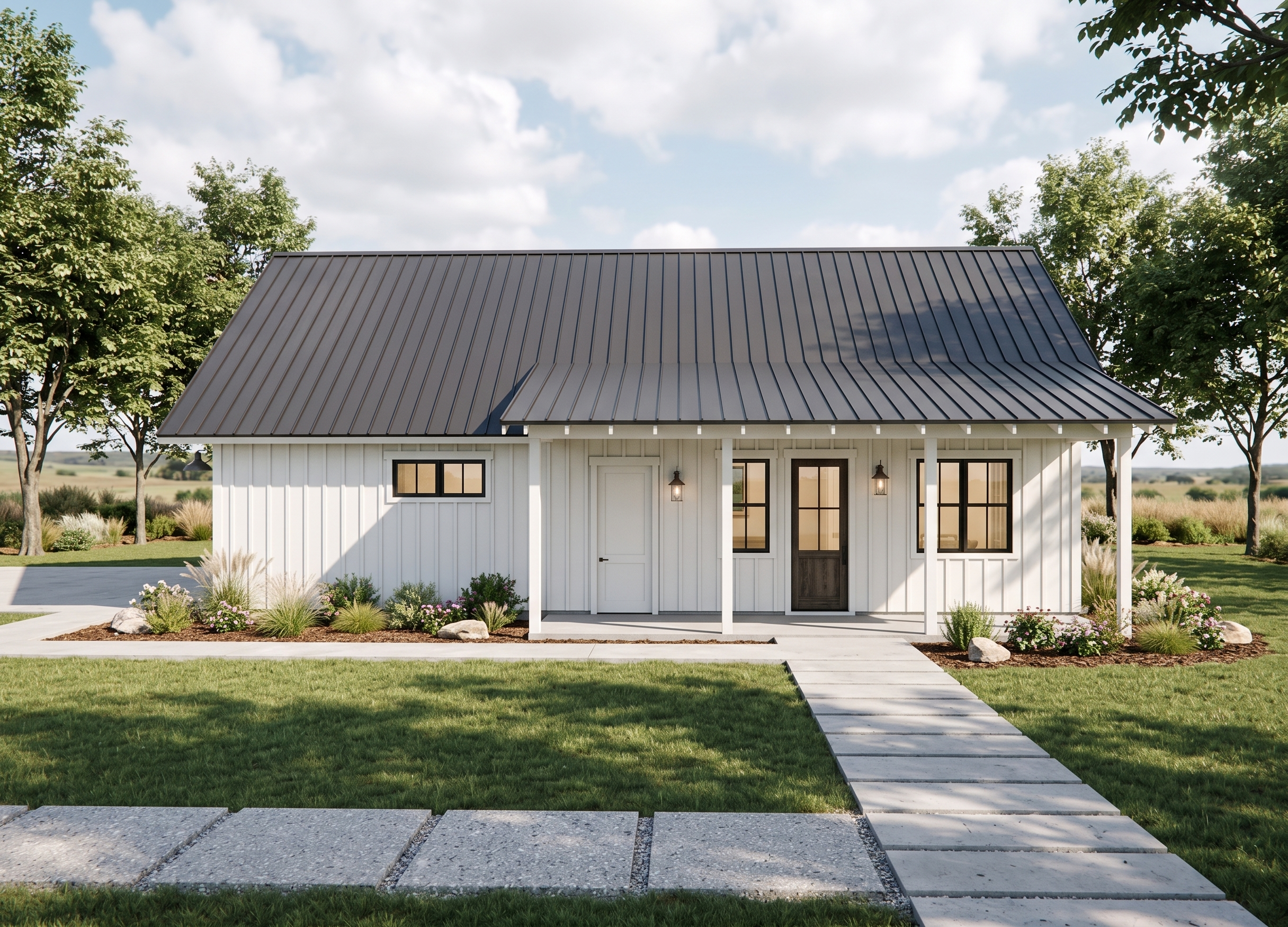
Act as a high-end luxury home residential architect and create a photorealistic image of a house using the attached image to be used as a high end magazine cover photo.
Preserve the exact geometry and architecture. Do not alter the structural integrity or layout in any way. Do not add windows or doors or alter the original windows or doors in size, style or glazing pattern in any way. Keep the material locations of the original image if shown. Do not substitute siding patterns or trim sizes, locations or details unless specifically noted. Do not add other structural objects where none are shown in the model. The final image should look like a real photograph of the exact same building shown in the model. 
Keep the color scheme light, clean and modern. Windows and dividers are a soft black color. Do not change the window division style or placement. Metal roof is light black. Wood doors will be the same gel stain similar to a dark “weathered oak” and show the wood graining. Garage man door (the one without glass) is to be painted white. Driveway, patio and pathway connecting them are continuous concrete. Large format pavers coming towards the camera location are exposed aggregate. Add a pair of patio chairs with thick white cushions to either side of a round wood side table.
Place this home in Midwest ranch land. Have dappled sunlight filtering through the groupings of trees. Add some natural looking landscaping and lawn. Keep light with the plant groupings. Add small, light groupings of decorative grasses, shrubs and plants around the patio and in the bark area against the building, intersperse with landscape boulders. Tress should be mature enough to soften the sides of the landscape.
Set the natural lighting such that there are enhanced shadow lines showing the trim and siding components well. Add a faint, interior light glow to the windows, as much as would show on a bright day.  Add a smattering of light fluffy clouds.
Add a mix of random, subtle imperfections to create a sense of realism.
Use the exact camera angle of the model! Do not change the camera angle. Do not add to or delete from the hardscaping shown in the model. Follow it precisely with only the modifications listed above.

Create renders like this

Turn any photo, sketch, or floor plan into a photoreal render in seconds.