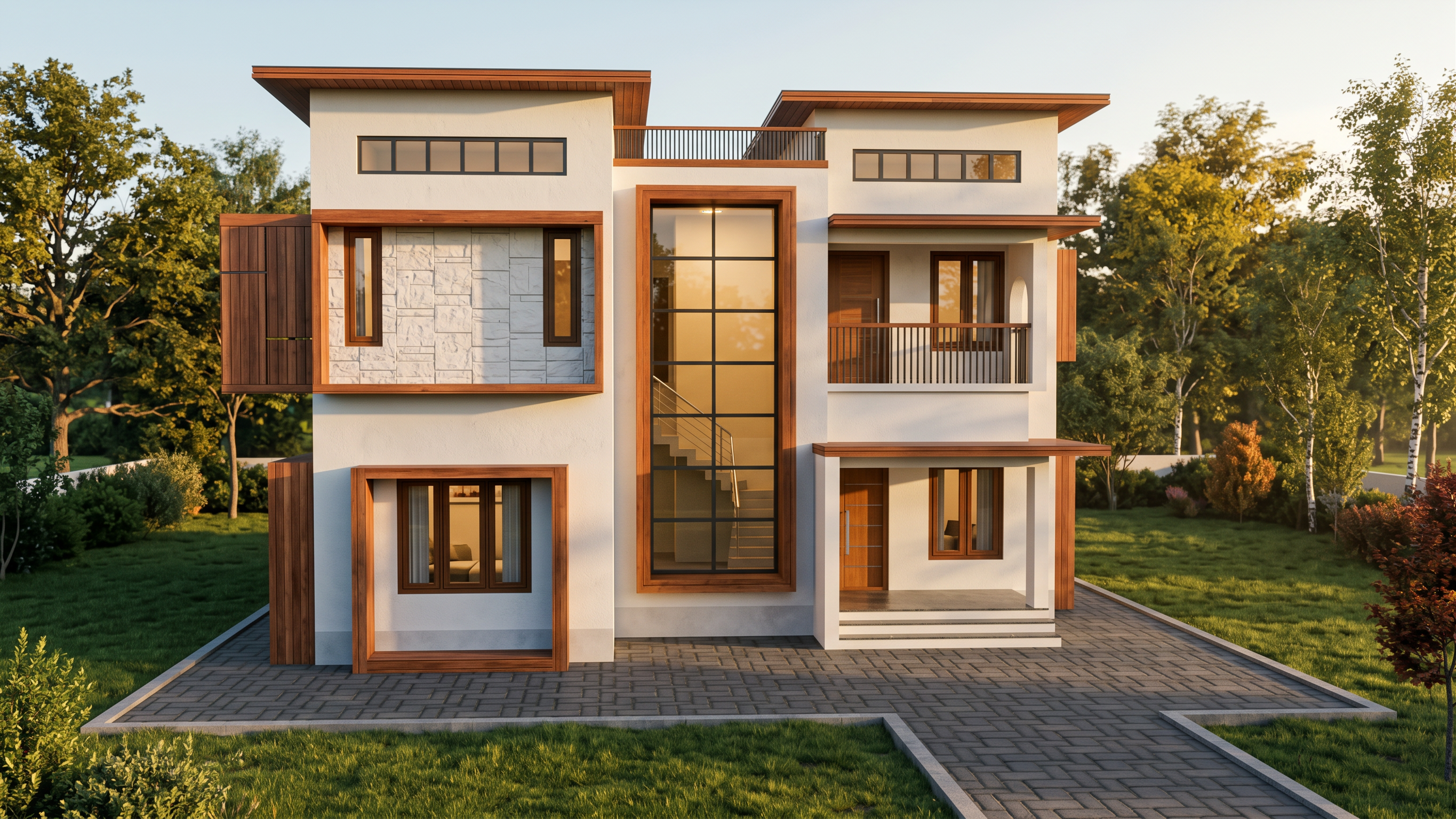
- Prompt
- Replace the flat SketchUp appearance with realistic, physically accurate materials while retaining the original material colours and design intent wherever possible.
Apply realistic material properties according to the surfaces shown in the image:
* Concrete: Natural concrete texture, realistic surface roughness, subtle imperfections, accurate shading, and believable depth.
* Walls and plaster: Realistic painted plaster with subtle texture, natural colour variation, and a professionally finished surface.
* Brickwork and stone: Detailed, authentic surface patterns, realistic joints, natural texture, and accurate material depth.
* Glass: Physically realistic glazing with natural reflections, appropriate transparency, subtle environmental reflections, and accurate highlights.
* Metal: Realistic metal finishes with physically accurate reflections, natural roughness, and properly defined edges.
* Wood: Authentic wood grain, natural colour variation, realistic surface texture, and appropriate reflectivity.
* Roofing: Realistic roof tiles, metal roofing, or other roofing materials according to the original design.
* Flooring and paving: Detailed, realistic surface textures, natural joints, and accurate contact shadows.
* Plants and grass: Photorealistic foliage, believable leaf structures, natural green tones, and realistic shadows, only where vegetation already exists.
Do not arbitrarily change the original material colours, introduce decorative finishes, or replace the existing architectural style.
- Created
- October 17, 2026