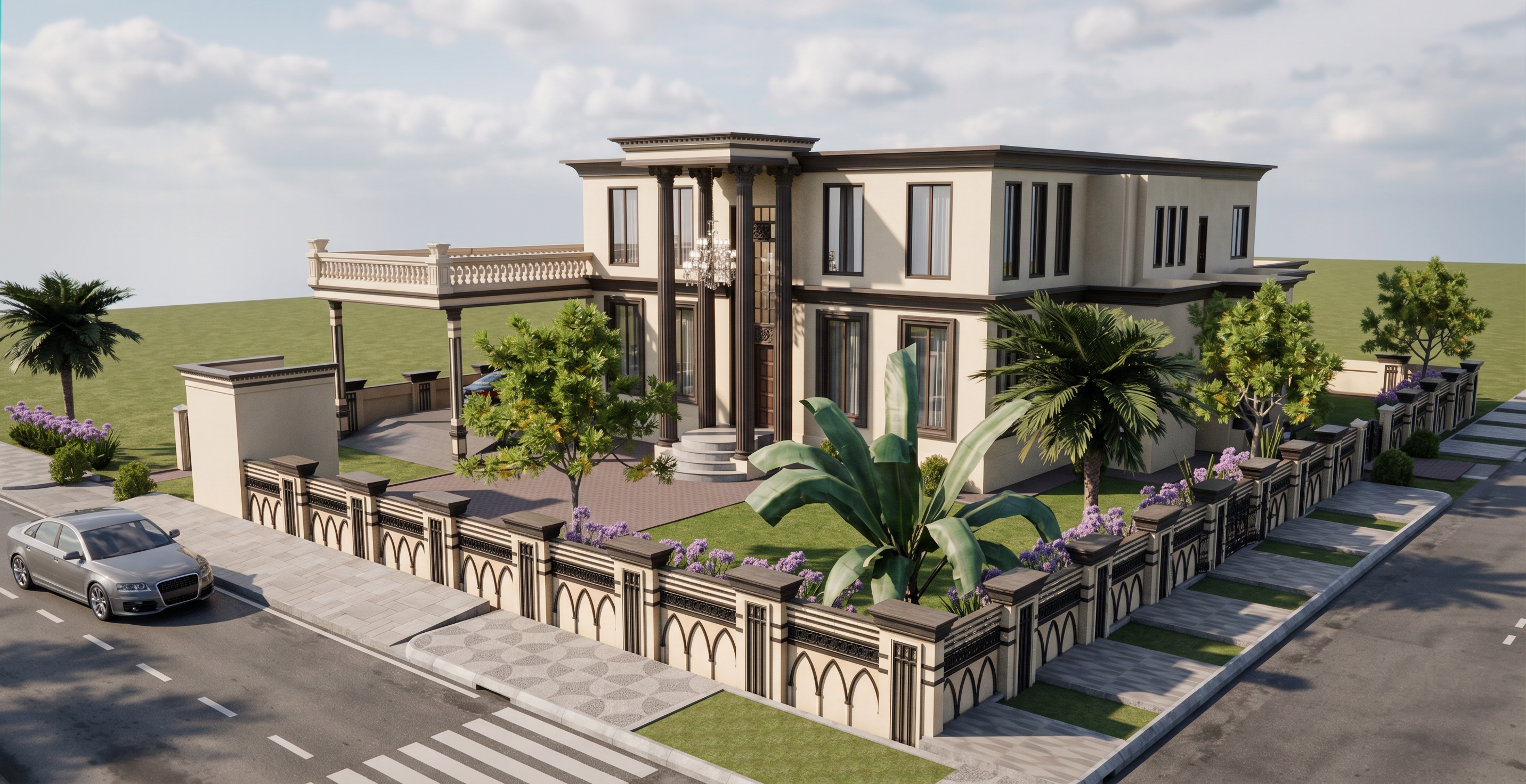
- Prompt
- Create a **high-end photorealistic render** of the provided SketchUp model.
Use the SketchUp model as the **exact reference**. **Do not change anything**—do not modify, add, remove, relocate, redesign, resize, or distort any geometry, structure, object, opening, furniture, equipment, dimensions, proportions, or details.
Use the provided pictures and textures **exactly as references** for materials, colors, patterns, finishes, and surface details. **Do not replace or alter the intended materials or textures.**
Apply realistic daylight, professional lighting, natural shadows, reflections, PBR materials, global illumination, and balanced exposure.
Maintain the **exact camera view and composition** of the model/reference where provided. Use realistic architectural photography quality with correct perspective and minimal distortion.
Only improve **render quality, lighting, material realism, shadows, reflections, and overall photorealism**.
**The final render must look exactly like the original model—only more realistic and professionally rendered.**
- Created
- September 17, 2026