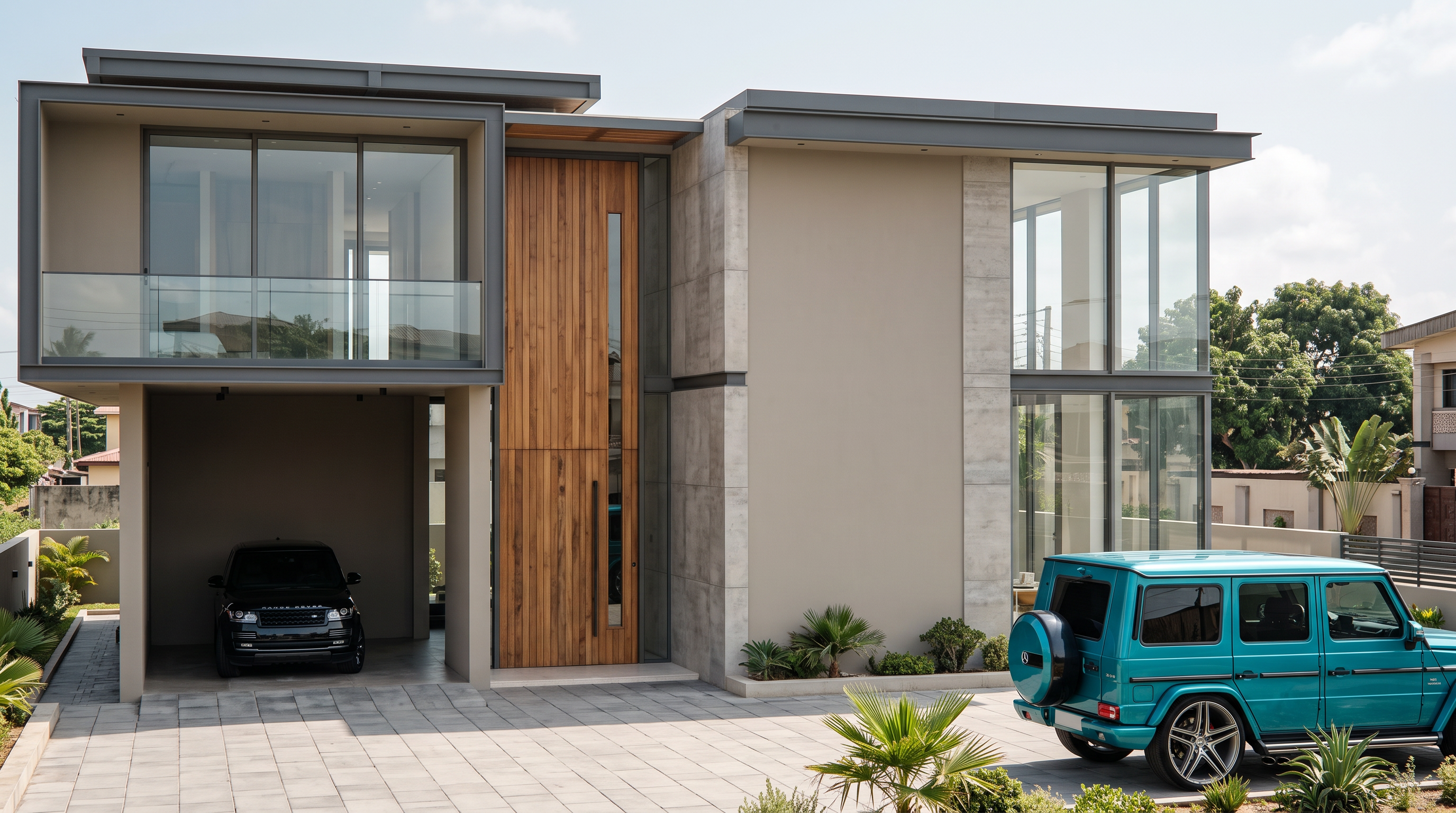
- Prompt
- Transform the attached SketchUp model into a high-end photorealistic architectural render. Preserve the exact building geometry, proportions, roof forms, walls, doors, windows, balconies, garage, columns, and vehicle positions exactly as shown—do not move, remove, add, resize, rotate, or alter any architectural element.
Use a luxury modern contemporary design aesthetic with warm neutral materials: smooth warm beige/greige walls, charcoal/dark grey metal frames, natural wood accents, subtle stone textures, and refined concrete surfaces. Use realistic clear glass, premium aluminium window frames, crisp architectural edges, and detailed material textures.
Create realistic Lagos daylight, soft natural shadows, ambient occlusion, realistic reflections, and physically accurate lighting. Improve the driveway and surrounding ground with premium architectural-quality concrete/paving while keeping the existing layout unchanged. Make both vehicles highly realistic with accurate paint, glass, chrome, tyres, and reflections.
Camera: same front three-quarter viewpoint as the reference, eye-level architectural photography, straight vertical lines, realistic proportions, 16:9 composition.
Overall: ultra-realistic luxury residential exterior, premium architectural visualization, V-Ray/Corona quality, 4K, sharp details, natural materials, realistic lighting, subtle landscaping only where already present. Do not redesign the building or introduce new architectural elements.
- Created
- September 15, 2026