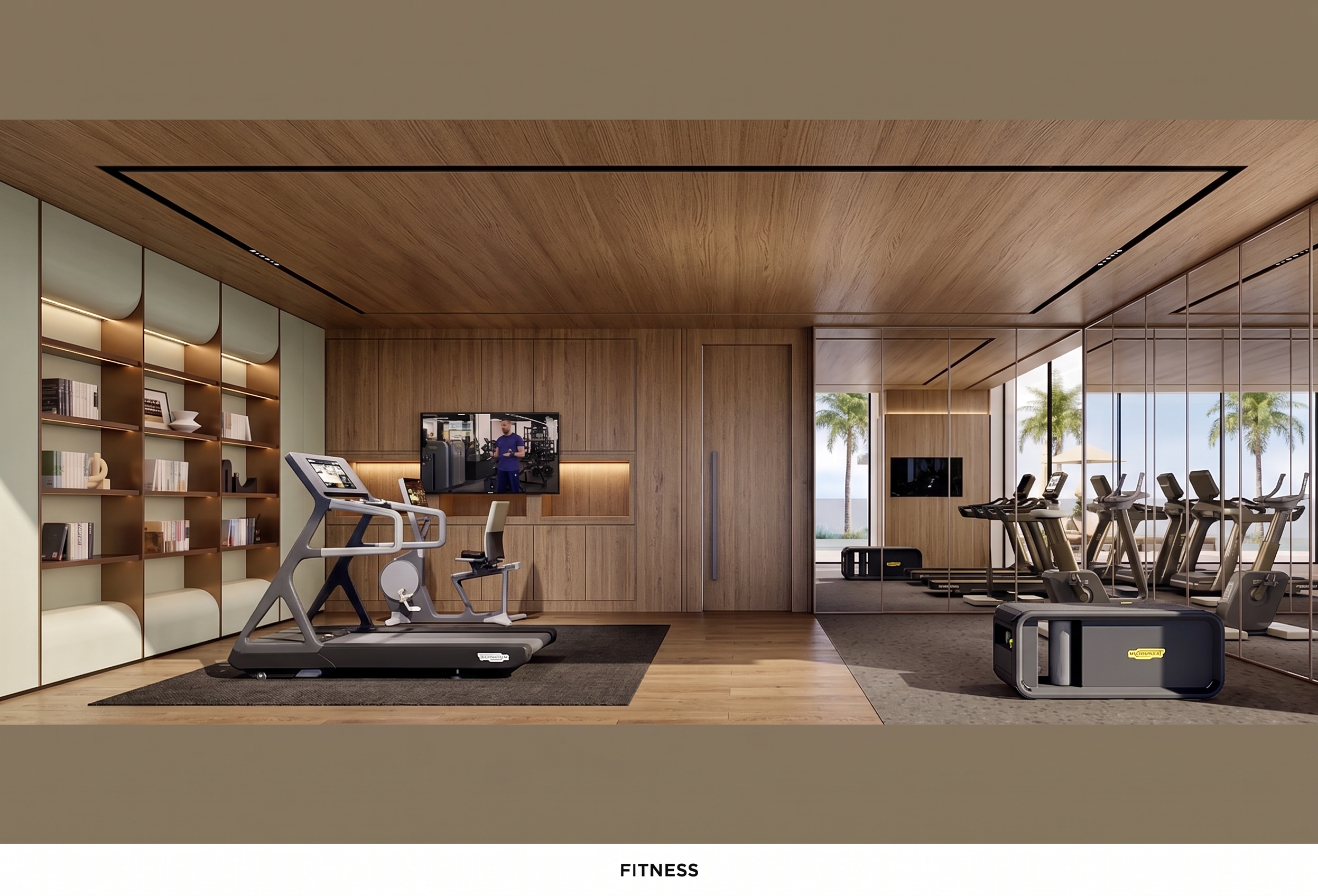
- Prompt
- Edit the original interior image strictly according to the following instructions:
1. Replace the design of all three cabinet sections on the left side with the cabinet design shown in **Reference Image 1**. Match the reference design, materials, colors, proportions, and details as closely as possible while fitting naturally into the original space.
2. Replace the design of the mirrored glass wall on the right side according to **Reference Image 2**. Match the reference in terms of design, materials, framing, proportions, and overall appearance while maintaining the original position and dimensions.
3. Adjust the overall atmosphere of the room to be consistent with **Reference Image 3**, including the overall color palette, lighting, materials, textures, contrast, and mood. Apply the reference style naturally while keeping the existing architectural structure and layout unchanged.
4. Enhance the image sharpness and overall image quality to produce a higher-resolution, crisp, and detailed result. Improve texture clarity and fine details while maintaining a natural and photorealistic appearance.
5. STRICTLY preserve the original image dimensions. Do NOT resize, stretch, crop, or distort the image in any way. The output must maintain the exact original image size and aspect ratio.
6. STRICTLY preserve the original camera angle, camera position, perspective, field of view, and overall composition. Do NOT change the viewpoint or perspective.
7. Do NOT modify, remove, move, resize, recolor, or redesign any other elements that are not explicitly specified above. Preserve all existing furniture, architectural elements, walls, flooring, ceiling, doors, windows, lighting, decorations, proportions, and positions exactly as they appear in the original image.
The final result must be **photorealistic, high-end, seamless, and naturally integrated**. Only make the specifically requested changes and keep everything else from the original image completely unchanged.
- Created
- September 10, 2026