
Home Designs AI
Home Designs AI — Interiors and Exteriors in Seconds
Generate home design ideas from a photo or sketch — rooms, palettes and facades — with an architecture-tuned AI you can try free.


 4.9110,000+ architects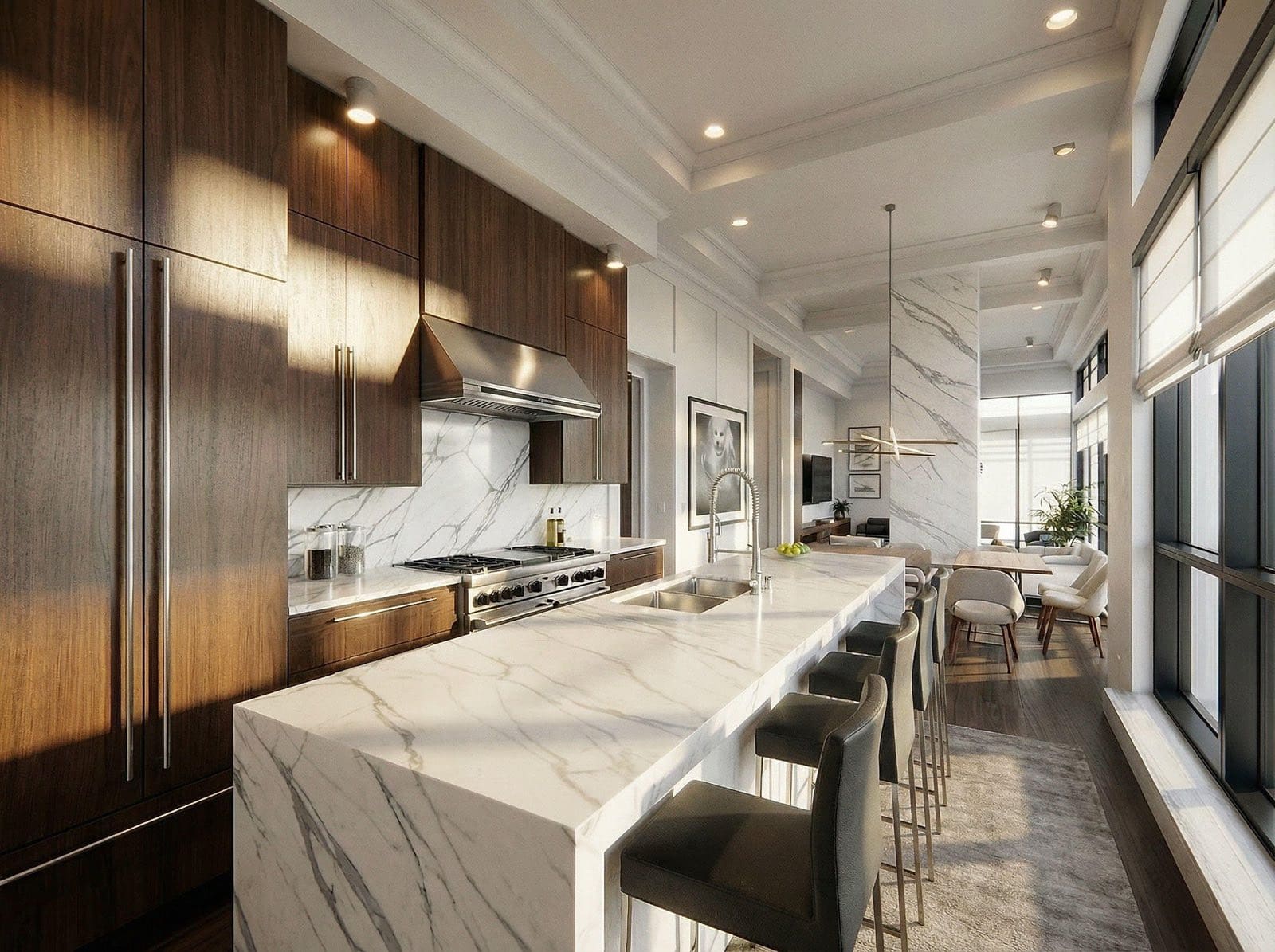
Home Designs AI turns a single photo or sketch into a set of home design ideas you can actually see. Upload a room or your house exterior, choose a direction, and AI Render Studio generates photorealistic concepts — furniture, finishes, colours, and facades — in about twelve seconds, using a model tuned specifically for architecture and interiors rather than generic image generation.
Homeowners use it to plan renovations and agree on a look before spending; designers and stagers use it to present multiple directions in a single sitting. You can explore a whole home room by room — kitchen, living room, bedroom, bathroom — and switch to the exterior to try new cladding, colour, and landscaping, all from the same account.
Everything runs in the browser with three free credits to start, no card and no install. Guide each result with a style preset or a short prompt, compare the options side by side, and upscale the one that feels right into a share-ready image.
FAQ
Frequently asked questions
What can Home Designs AI generate?
Both interior and exterior home design concepts — restyled rooms with new furniture and finishes, and reimagined facades with different cladding, colour, and landscaping. It covers kitchens, living rooms, bedrooms, bathrooms, and whole-house exteriors.
Is it free to try?
Yes. New accounts get 3 free credits with no credit card, and the tool runs entirely in the browser — nothing to install.
How is it different from a generic AI image tool?
It is tuned for architecture and interiors, so it respects room layouts, building proportions, and realistic materials. Generic tools tend to invent unrealistic spaces; this keeps results grounded in real home design.
Keep exploring
Related tools
Start free
Try AI Render Studio now.
Turn a sketch, model or photo into a photoreal render in seconds. 3 free credits, no credit card.