
AI Garden Design
AI Garden Design for Garden Designers
Upload a planting plan, a hand sketch or a photo of the plot and see the garden as it will look — borders, lawn, paving and seating — in seconds.


 4.9110,000+ architects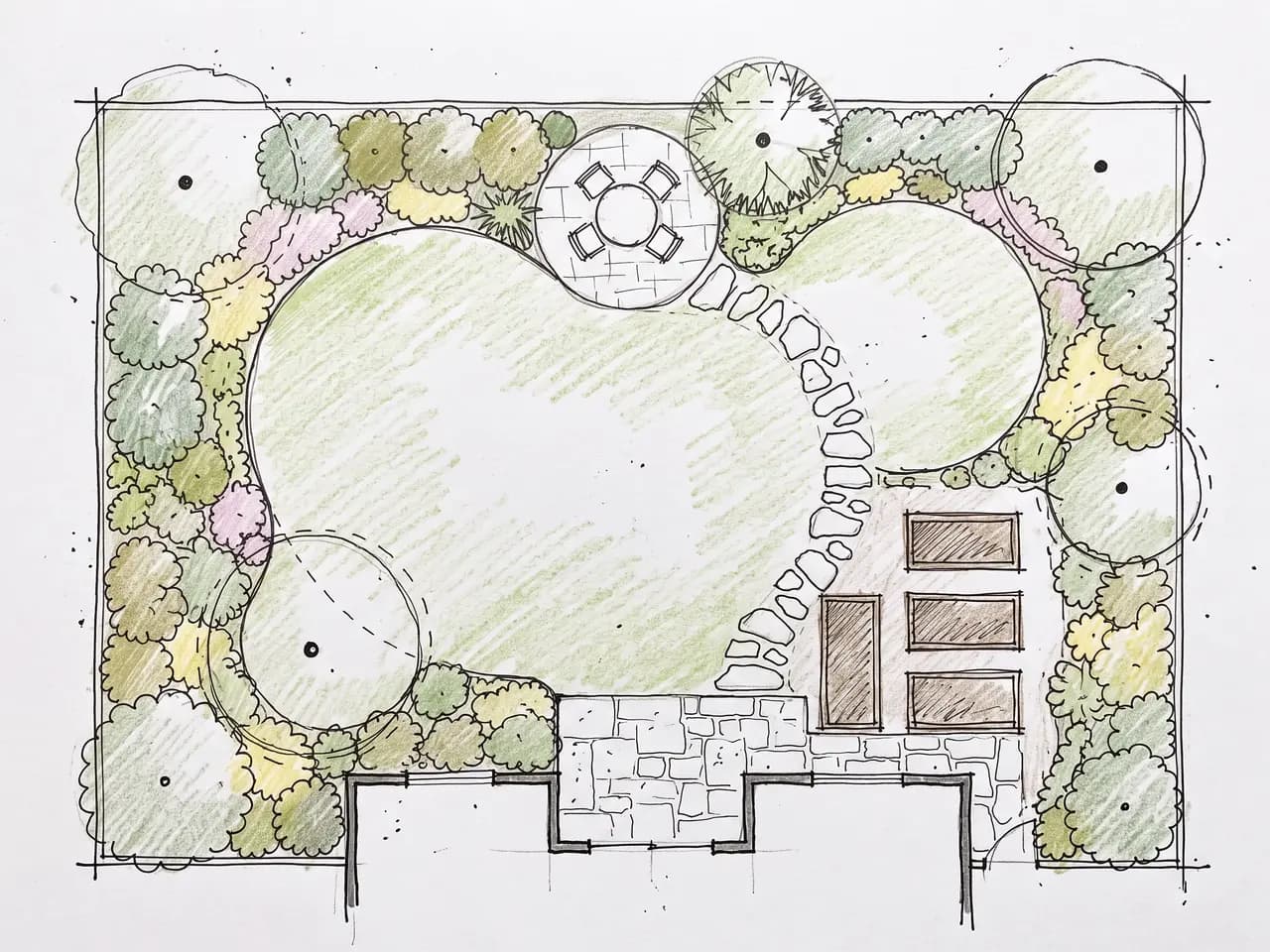
AI garden design turns a garden designer’s drawings into pictures clients can read. Upload a planting plan, a coloured-pencil concept or a quick sketch over a site survey, describe the style, and AI Render Studio returns a photoreal view of the finished garden in about 30 seconds — borders, lawn, paths, terraces and trees placed where you drew them.
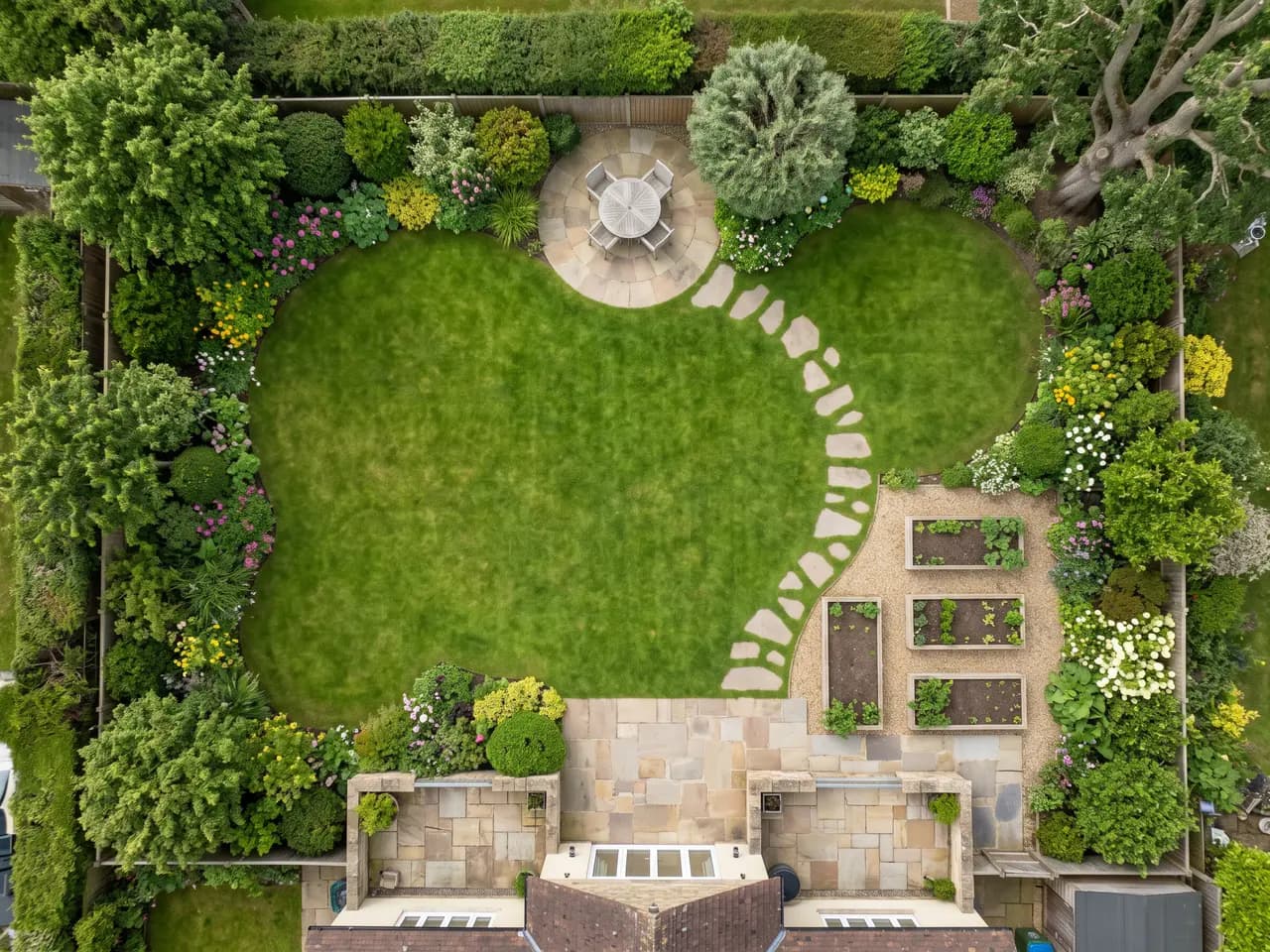
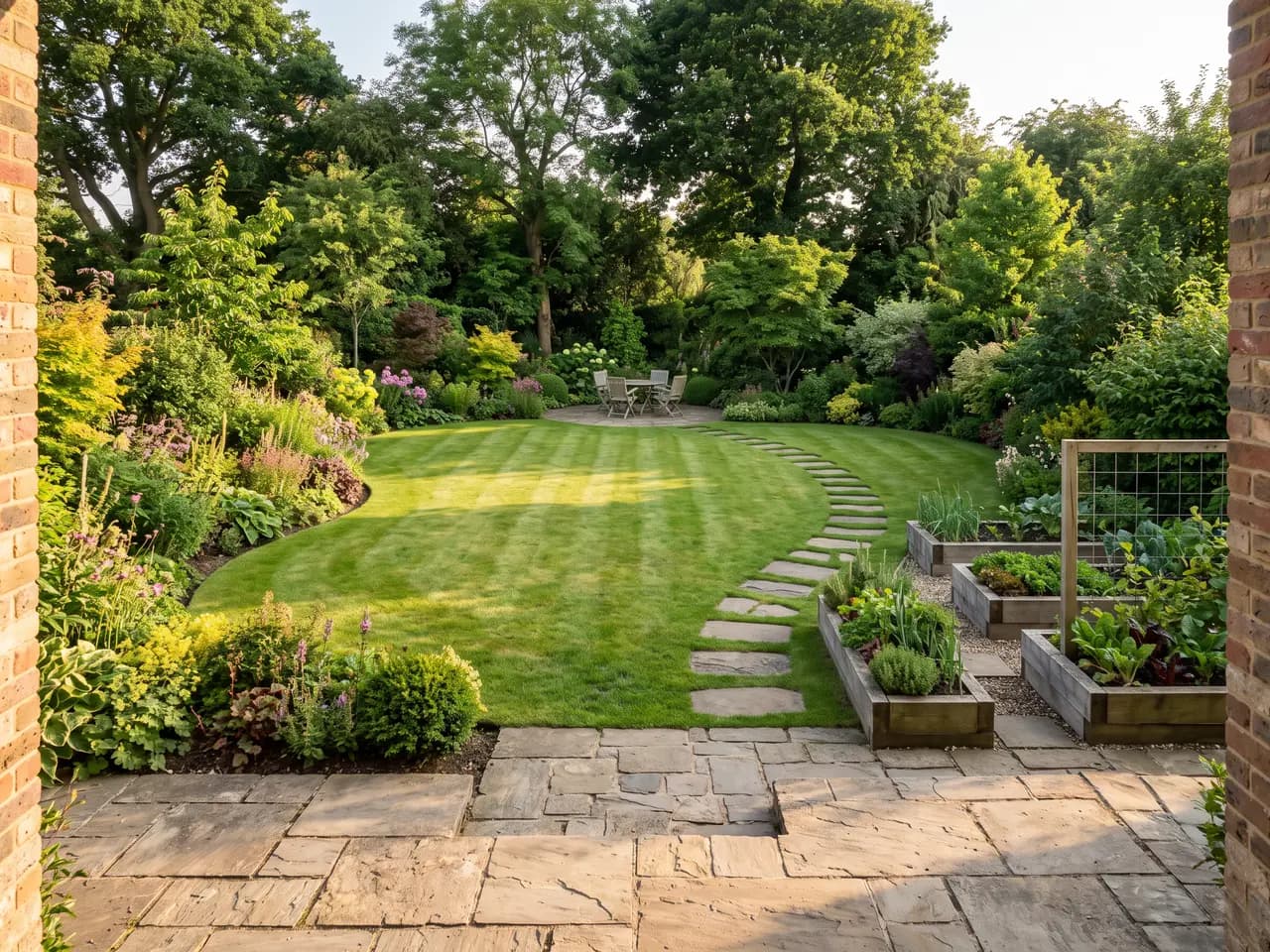
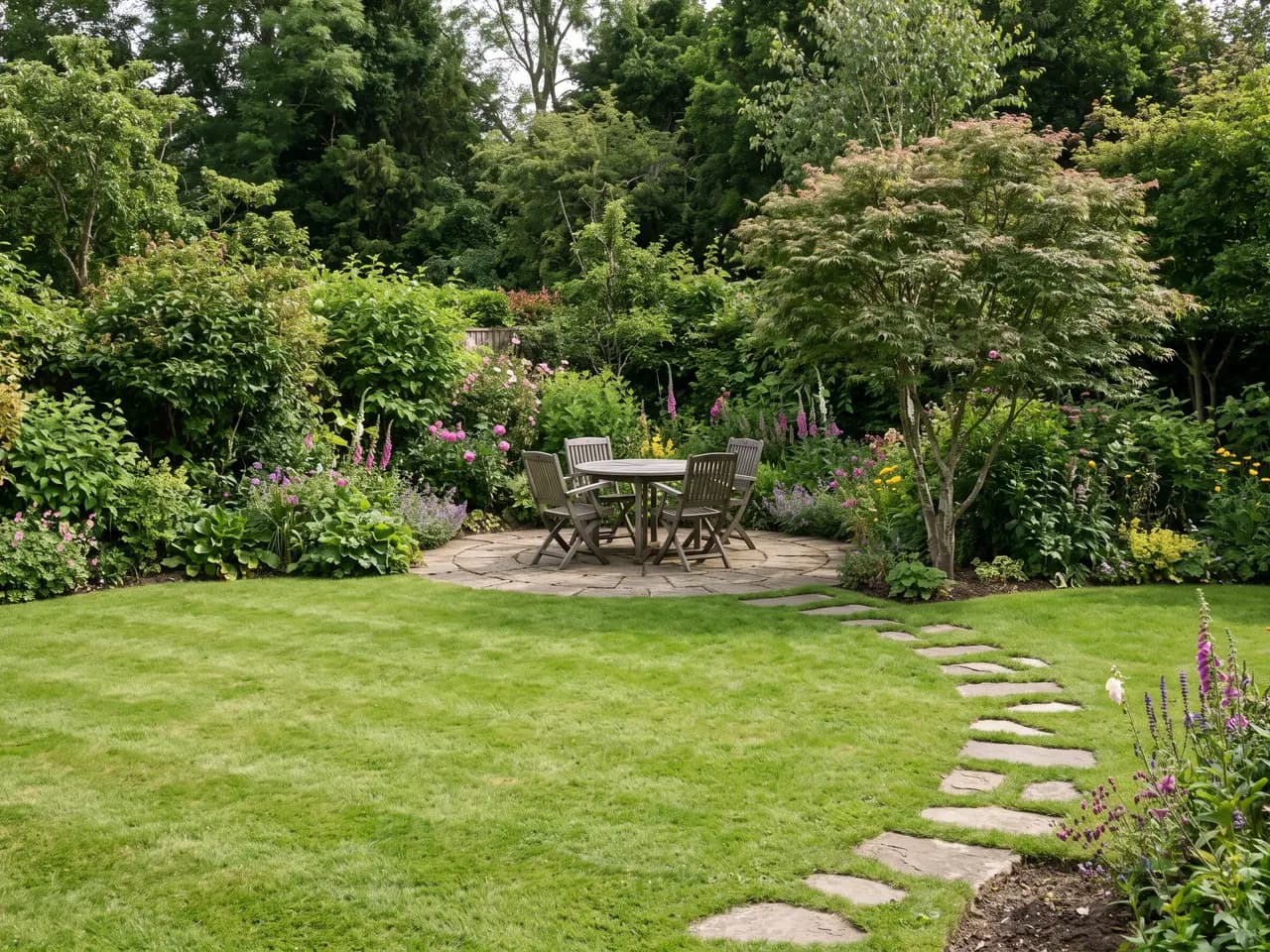
The plan above was drawn by hand and rendered as an aerial view, an eye-level view from the terrace and a close-up of the seating circle, all from the same sheet. That is the core use: one drawing, several viewpoints, no 3D model. For photos of an existing plot rather than drawings, the free AI landscape generator is the quicker starting point.
It is a visualisation tool, not a planting planner. It does not produce plant lists, quantities or spacing — you keep doing that in your drawings. What it does is show character, density, colour and atmosphere fast enough to test several garden concepts in a single client meeting.
Garden plans render best when each element reads at a glance. Give lawn, beds, paving, gravel and water their own fill or hatch, draw tree canopies as circles, and leave out labels, dimensions and north arrows. A coloured-pencil plan like the one on this page is ideal: the colours tell the AI what each area is, and the hand-drawn line keeps the scheme feeling like yours.
One plan can produce several views. Ask for an aerial view to explain the layout, an eye-level view from the house to sell the atmosphere, and a close-up of the feature that defines the garden — a seating circle, a water rill, a pergola. Clients understand a garden through those three pictures far faster than through the plan alone.
Use the renders to test ideas before you commit to them. Render the same plan as a cottage garden and as a contemporary scheme, in spring and in autumn, with a pale and a dark paving. If you work from scanned sketches more generally, sketch to render explains how to get clean results from hand drawings.
Remember that species in a render are suggestions of form and colour. Common, distinctive plants — lavender, olive, birch, hydrangea, ornamental grasses — read reliably; rare cultivars will be approximated. Keep the planting schedule in your drawings and use the render to agree on the character of the garden.

Use cases
Who it’s for
Garden designers
Present a hand-drawn concept as a photoreal garden at the first design meeting and agree on a direction before developing detailed planting plans.
Landscape architects
Turn residential garden plans into eye-level and aerial views for clients, without building a 3D model for each option.
Garden design students
Bring coursework plans to life for crits and portfolios, and compare how different planting styles change the same layout.
Nurseries and design-build firms
Show customers how a planting scheme or a new terrace will look in their garden as part of a design service.
Workflow
Traditional rendering vs AI Render Studio
| Task | Traditional workflow | With AI Render Studio |
|---|---|---|
| Plan to perspective | Hand-draw a perspective, a day | Upload the plan, about 30 seconds |
| Aerial and eye-level views | Model the garden in 3D first | Ask for each view in the prompt |
| Seasonal views | Repaint or re-render each season | Name the season, render again |
| Style options | A new sketch per style | Change the style, same plan |
| Client changes | Redraw the perspective | Edit the plan, render again |
Tips
How to get the best results
Fill every area
Colour or hatch lawn, beds, paving and water distinctly. Outlines alone leave the AI guessing which side of a line is planting.
Draw trees as canopies
Circles with a centre dot read as trees at the right spread. Leave them out and the garden comes back without height.
Say how mature it is
Newly planted or five years on? The answer changes how full borders, hedges and trees look, and sets honest expectations.
Name the viewpoint
Ask for “aerial view”, “eye-level from the terrace” or “close-up of the seating area” to get a set of views from one plan.
FAQ
Frequently asked questions
Can AI design a garden from my plan?
Yes. Upload a garden or planting plan and the AI renders it as a photoreal garden that follows your layout of lawn, beds, paths, terraces and trees. Clear outlines and fills for each area give the most faithful results.
Is there a free AI garden design tool?
Yes. New accounts get 3 free credits with no credit card, enough to render a plan from a few viewpoints. Free results are full resolution and have no watermark.
Is it an AI garden planner?
It plans the look, not the planting schedule. Use it to agree on style, layout and atmosphere with the client; keep species, quantities and spacing in your own plans and specification.
Which garden styles can I render?
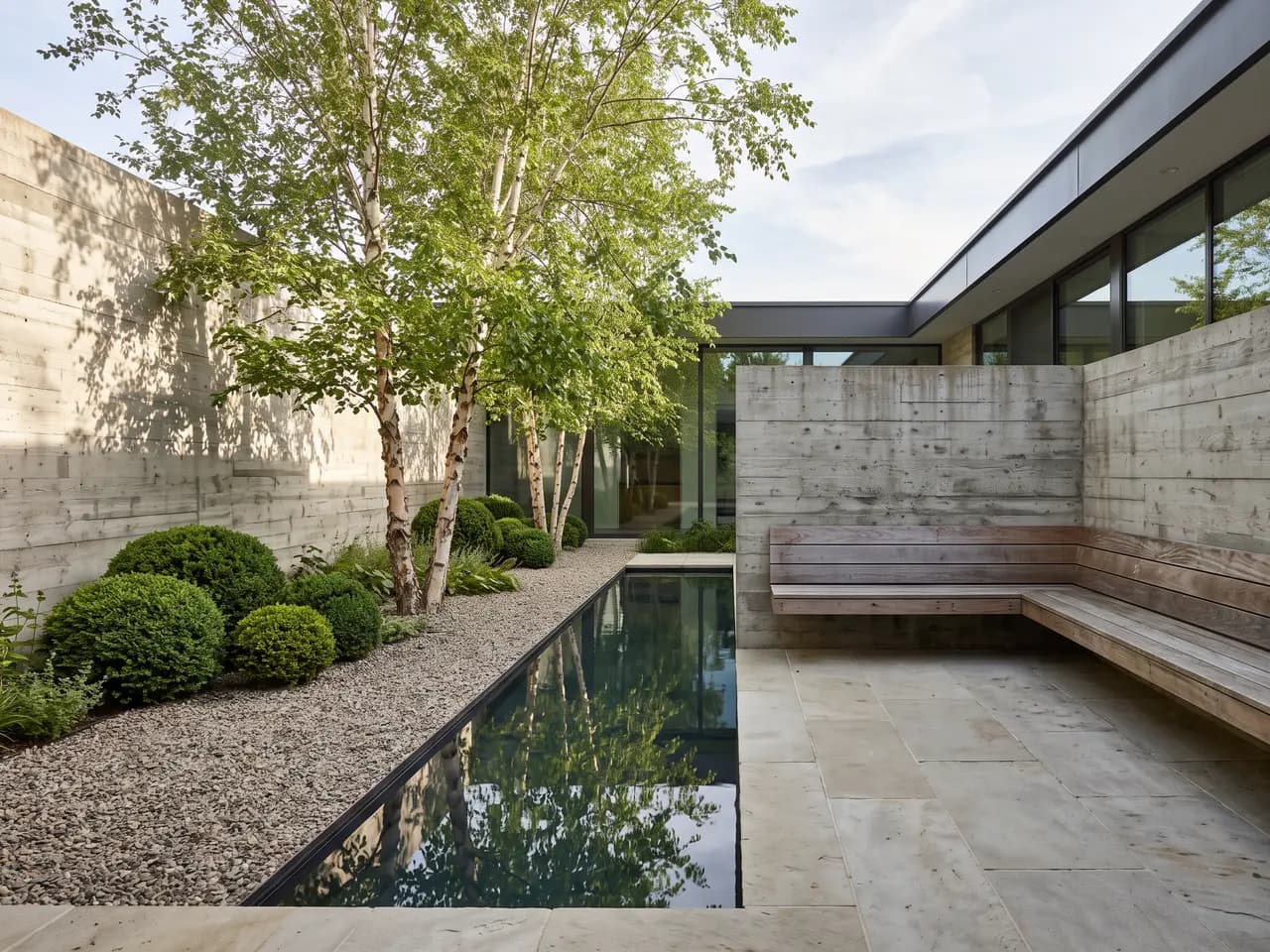
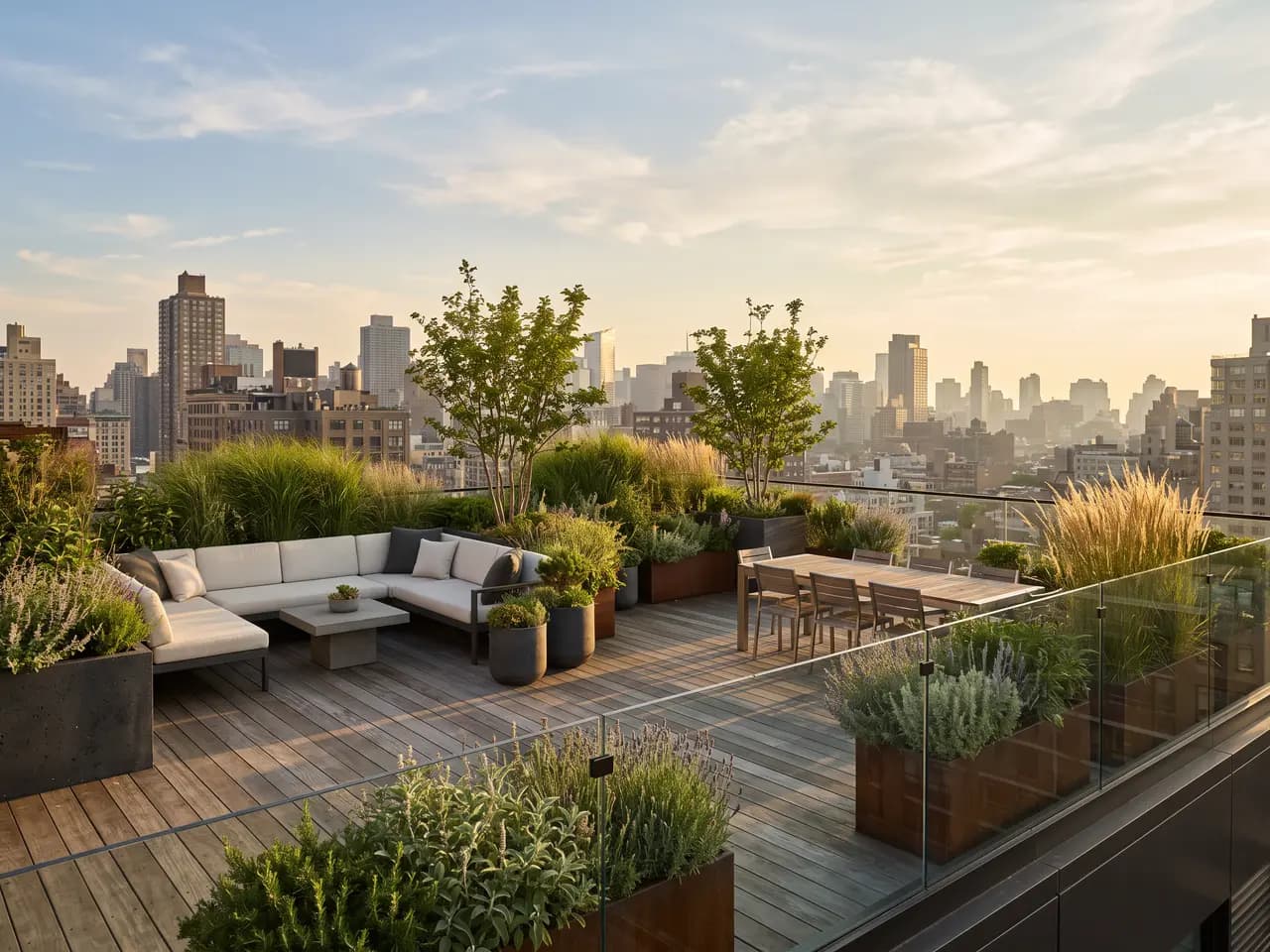
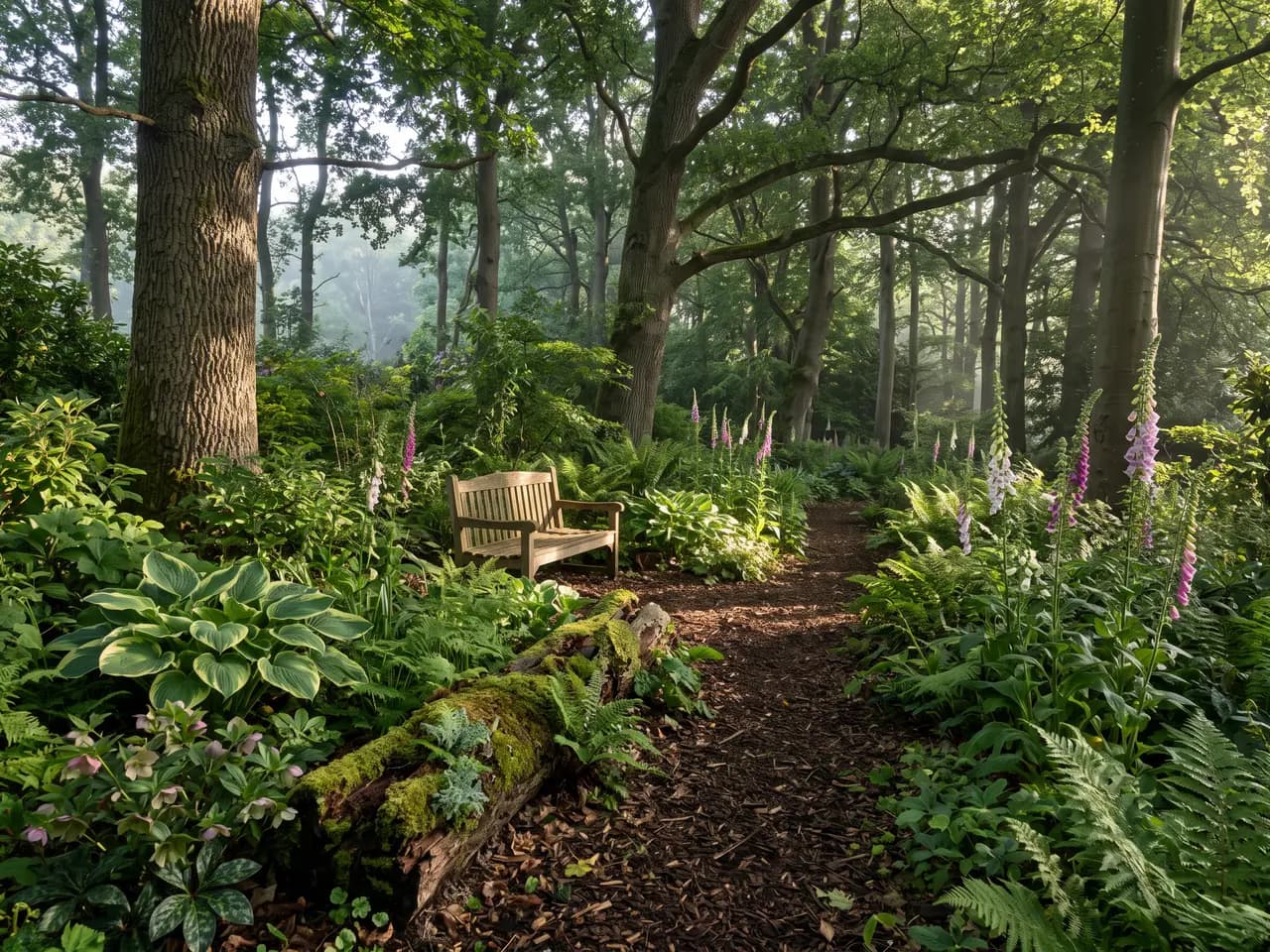
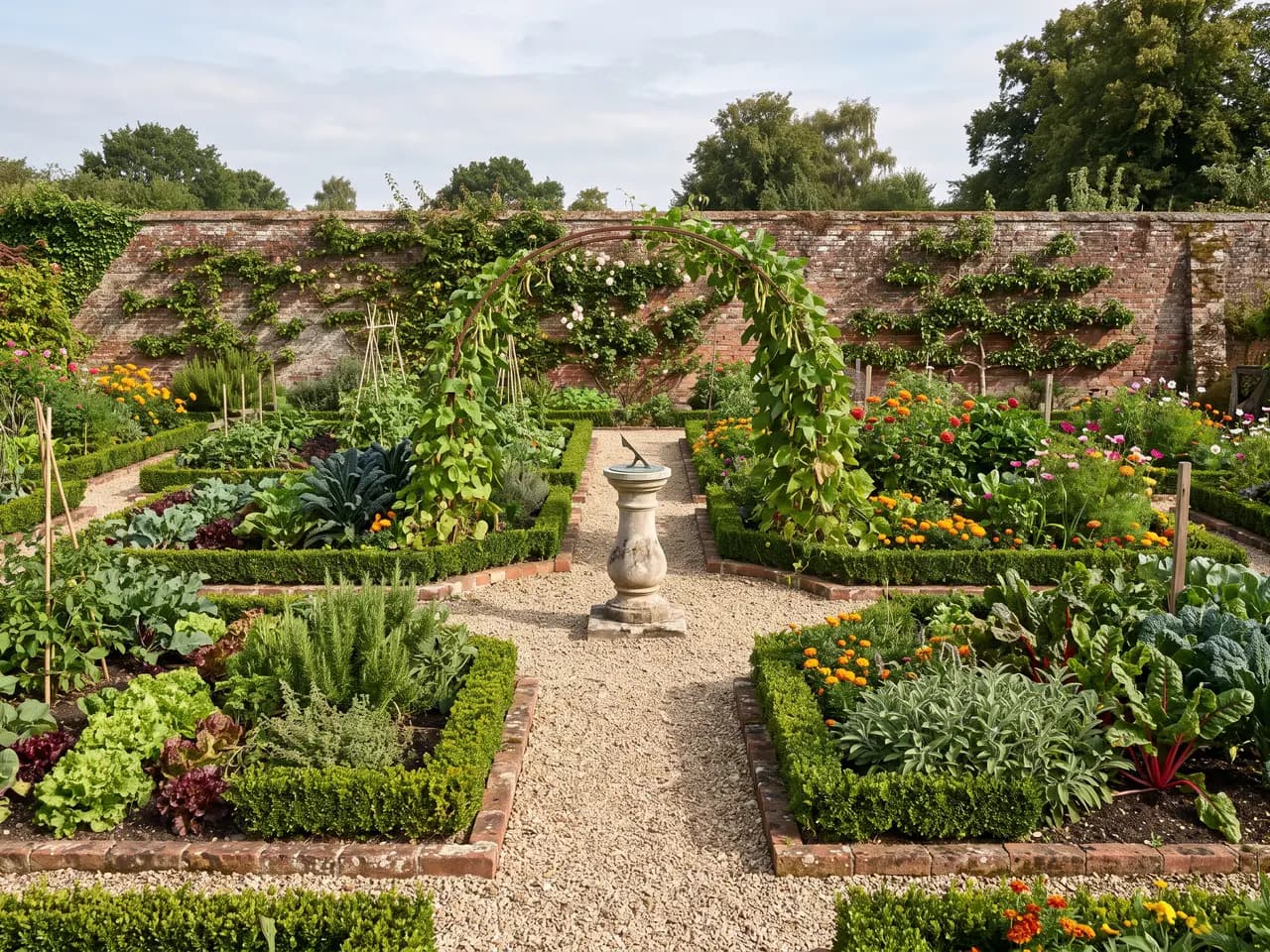
Cottage and English borders, formal and potager, Mediterranean gravel gardens, Japanese, contemporary courtyards, woodland and shade gardens, rooftop and roof terraces, tropical and naturalistic planting.
Can I show the garden in different seasons?
Yes. Render the same plan in spring, summer, autumn or winter by naming the season in the prompt, which helps clients understand how planting changes through the year.
What kind of garden plan works best?
A clean plan where lawn, beds, paving and water each have their own colour or hatch, trees are drawn as canopies and text and dimensions are hidden. Hand-drawn coloured plans and CAD exports both work; scans should be straight and evenly lit.
Can I render a garden from a photo instead of a plan?
Yes. Upload a photo of the existing garden and describe the new design. The free AI landscape generator page shows that workflow from front yards and courtyards.
Will the render show the exact plants I chose?
It shows plants with the form, colour and texture you describe, and well-known species read well. It is not a botanical database, so treat the render as an impression of character and keep the authoritative plant list in your drawings.
Keep exploring
Related tools
Start free
Try AI Render Studio now.
Turn a sketch, model or photo into a photoreal render in seconds. 3 free credits, no credit card.