
Free AI Landscape Generator
Free AI Landscape Generator From a Photo
Photograph a front yard, courtyard or garden and get photoreal landscape design options in about 30 seconds. Free credits, no credit card, no watermark.


 4.9110,000+ architects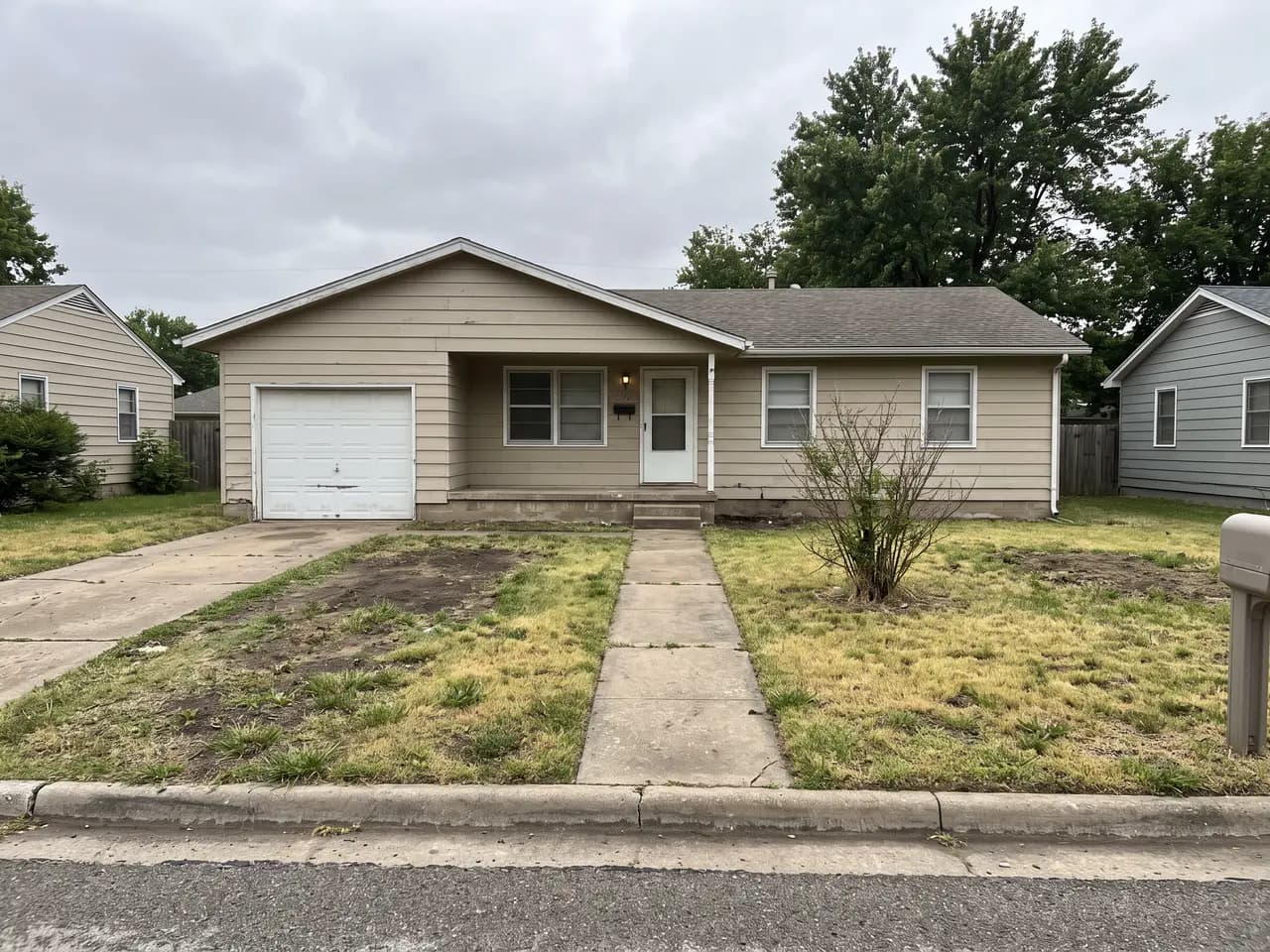
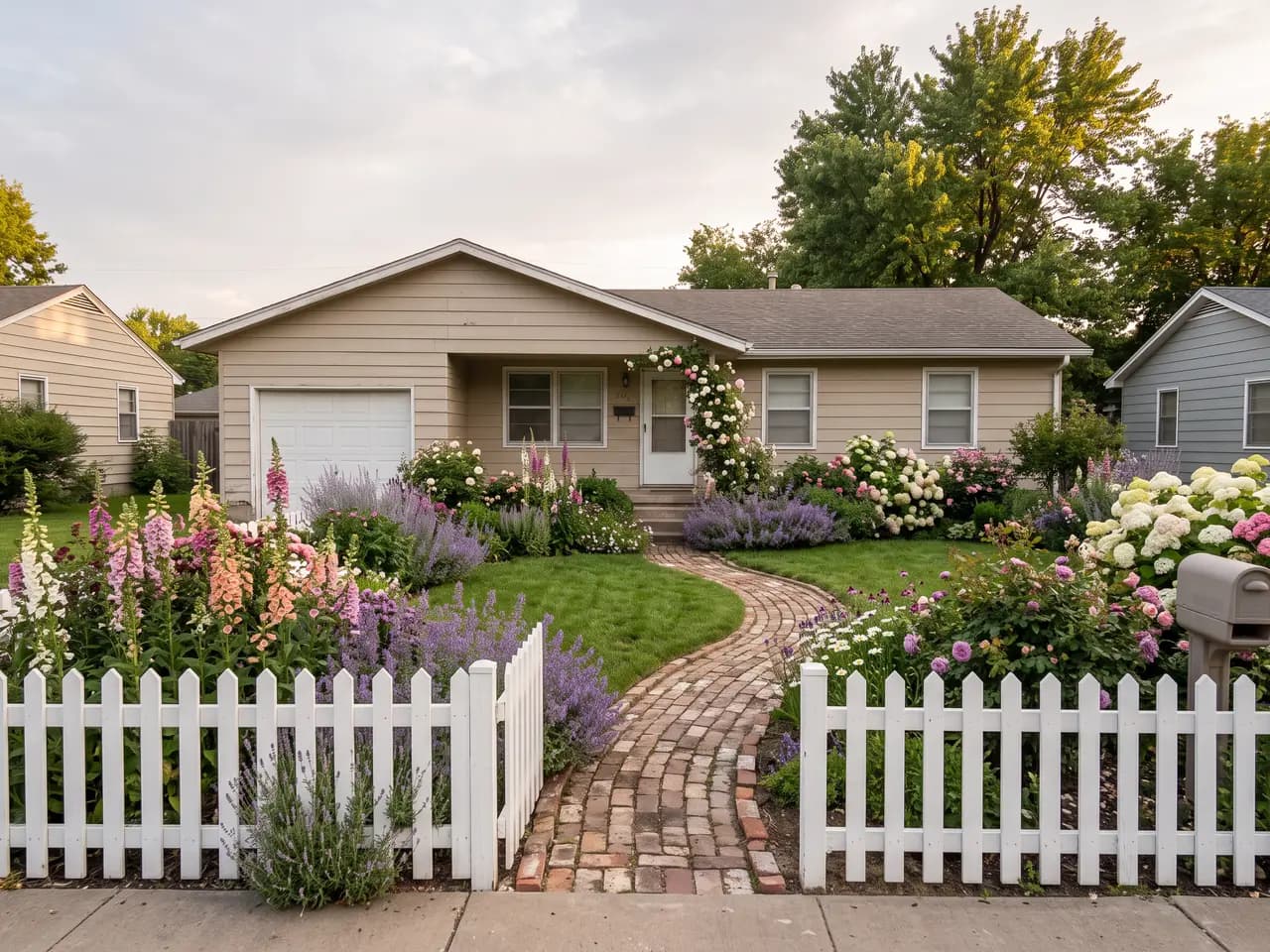
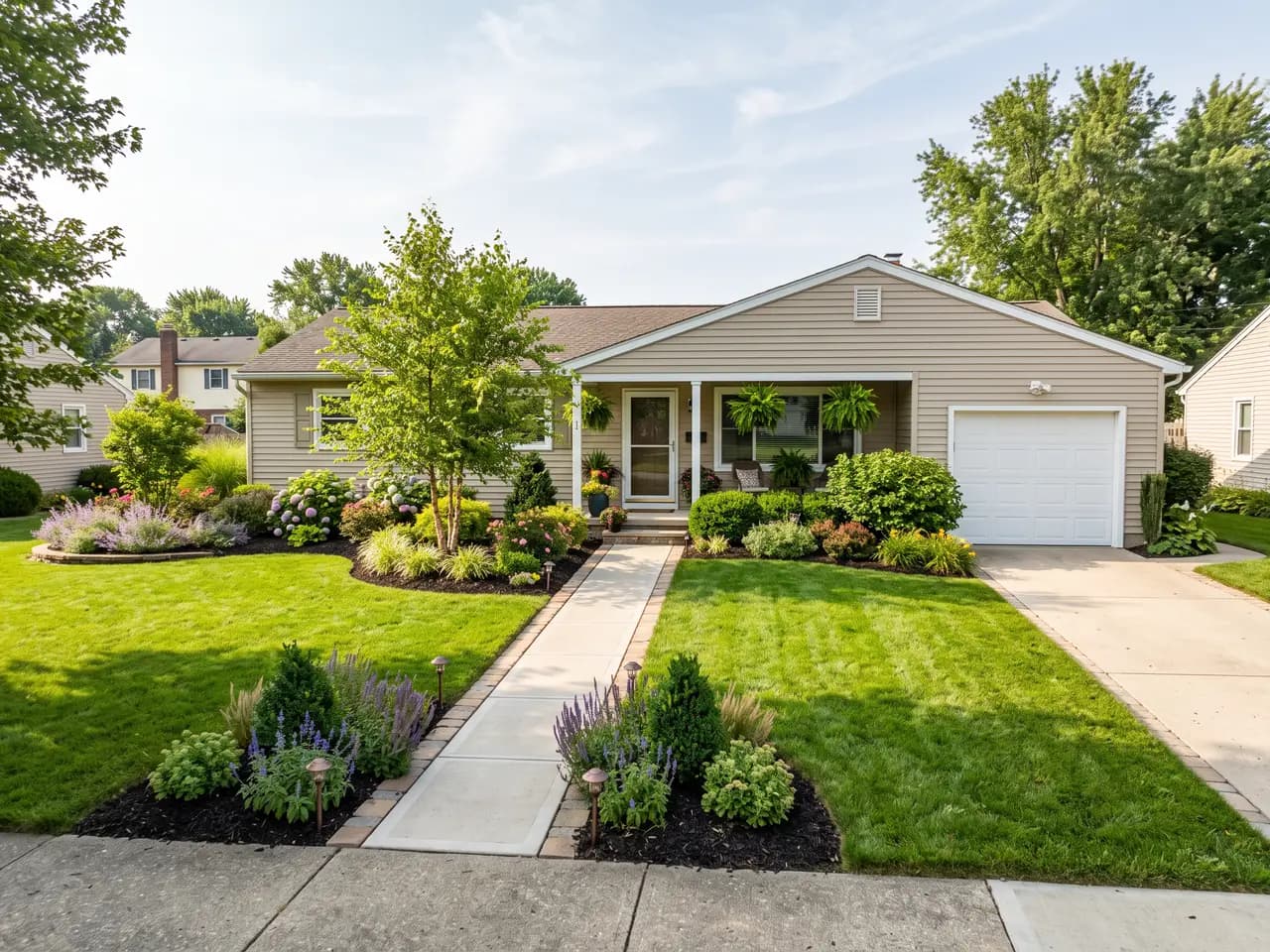
This free AI landscape generator works from the photo you already have. Stand where a visitor would, take a picture of the front yard, courtyard or garden, upload it, and describe the look you want. In about 30 seconds you get a photoreal landscape design that keeps the house, walls, paths and camera angle from your photo and replaces the planting, paving and details on top of them.
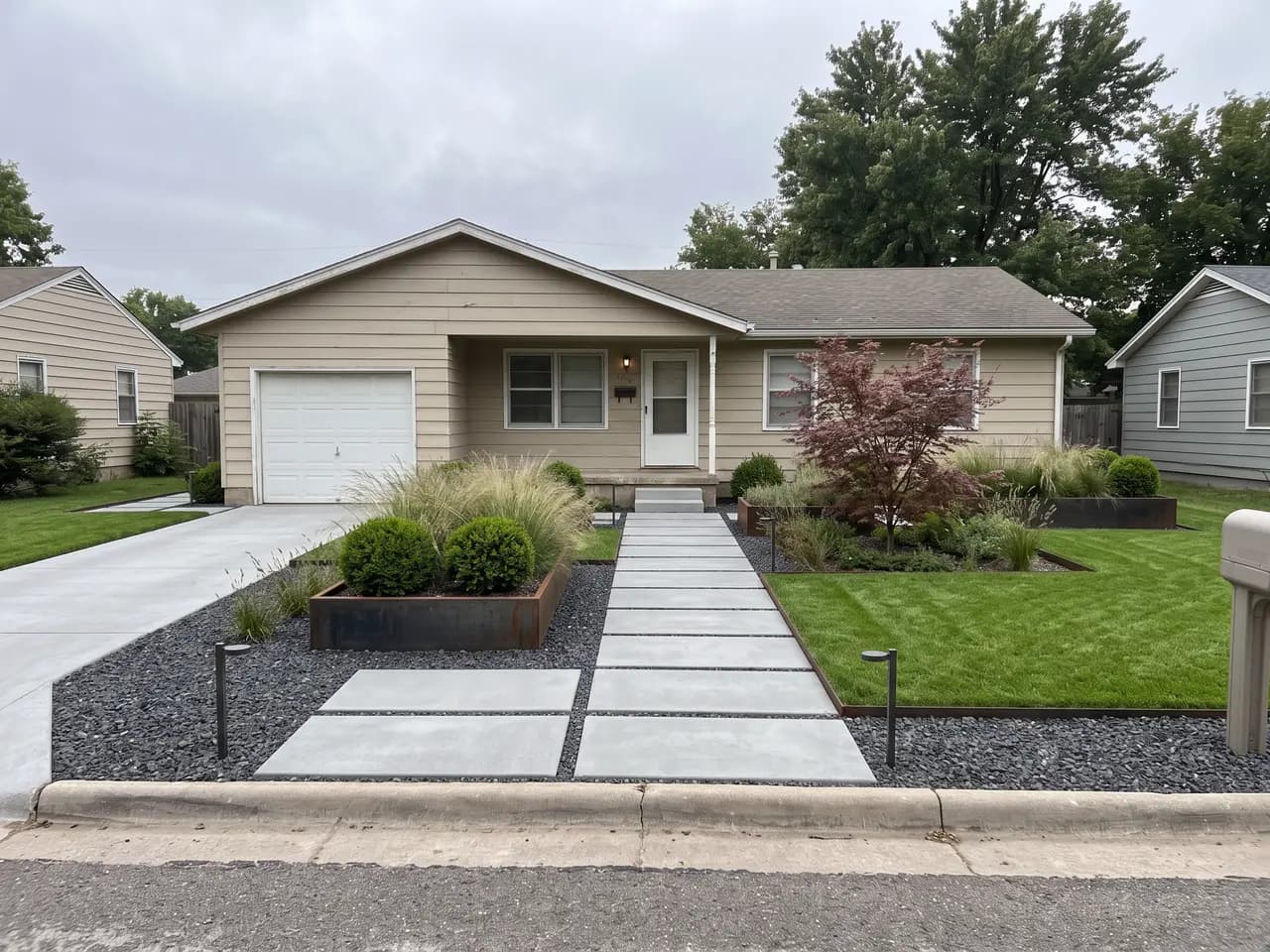
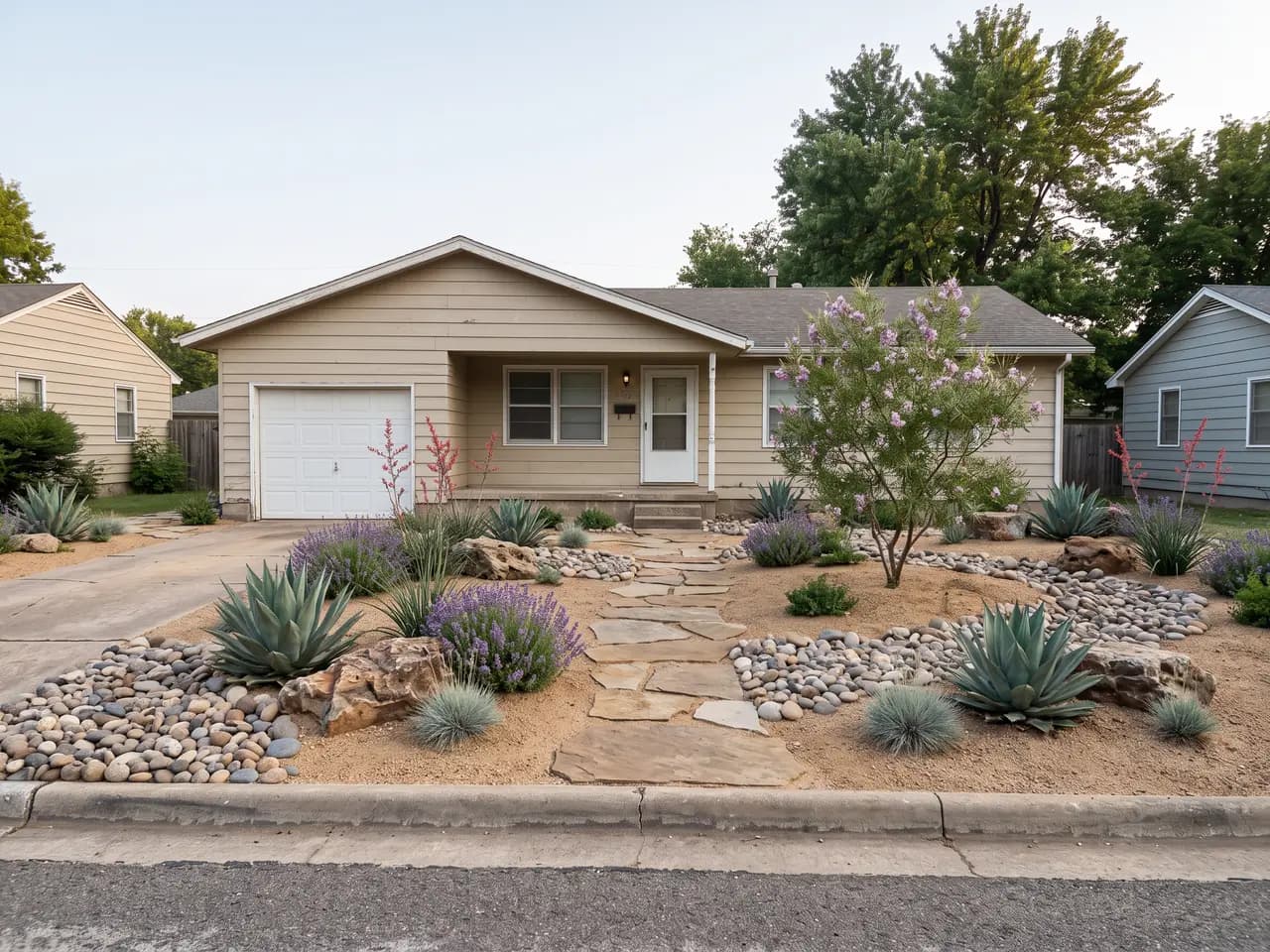
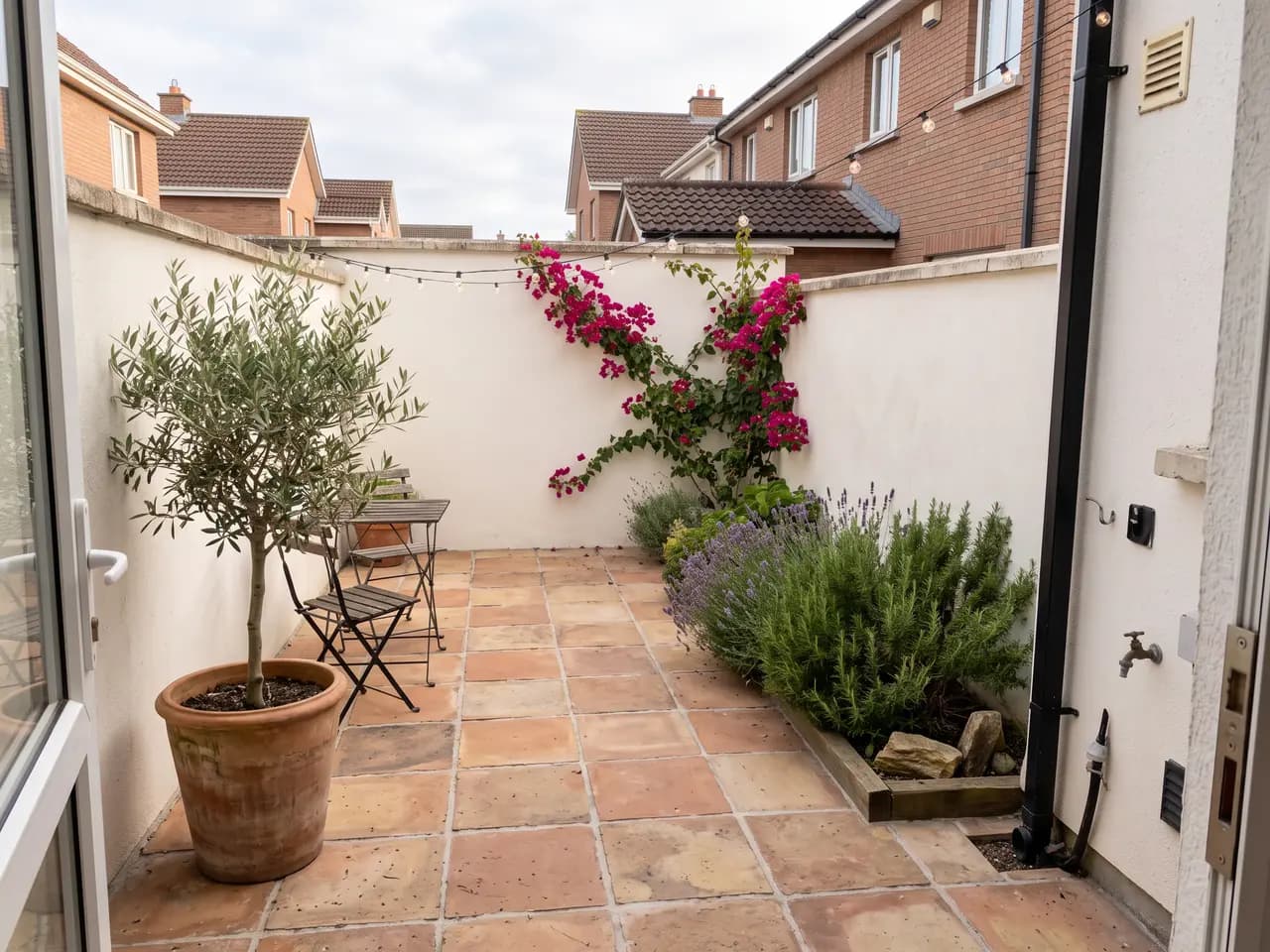
Garden designers, landscapers and design-build contractors use it on the first site visit: photograph the plot, generate three or four directions — modern, cottage, drought-tolerant, Mediterranean — and walk the client through them before a single line is drawn. If you start from a site plan or sketch instead of a photo, AI garden design covers that workflow, and the AI landscape design page covers larger schemes and public spaces.
Free means free to try properly. Every new account gets 3 free credits with no credit card. The results are full resolution with no watermark, so you judge the tool on real designs for a real yard, not a preview. Full commercial rights come with every paid plan and credit pack.
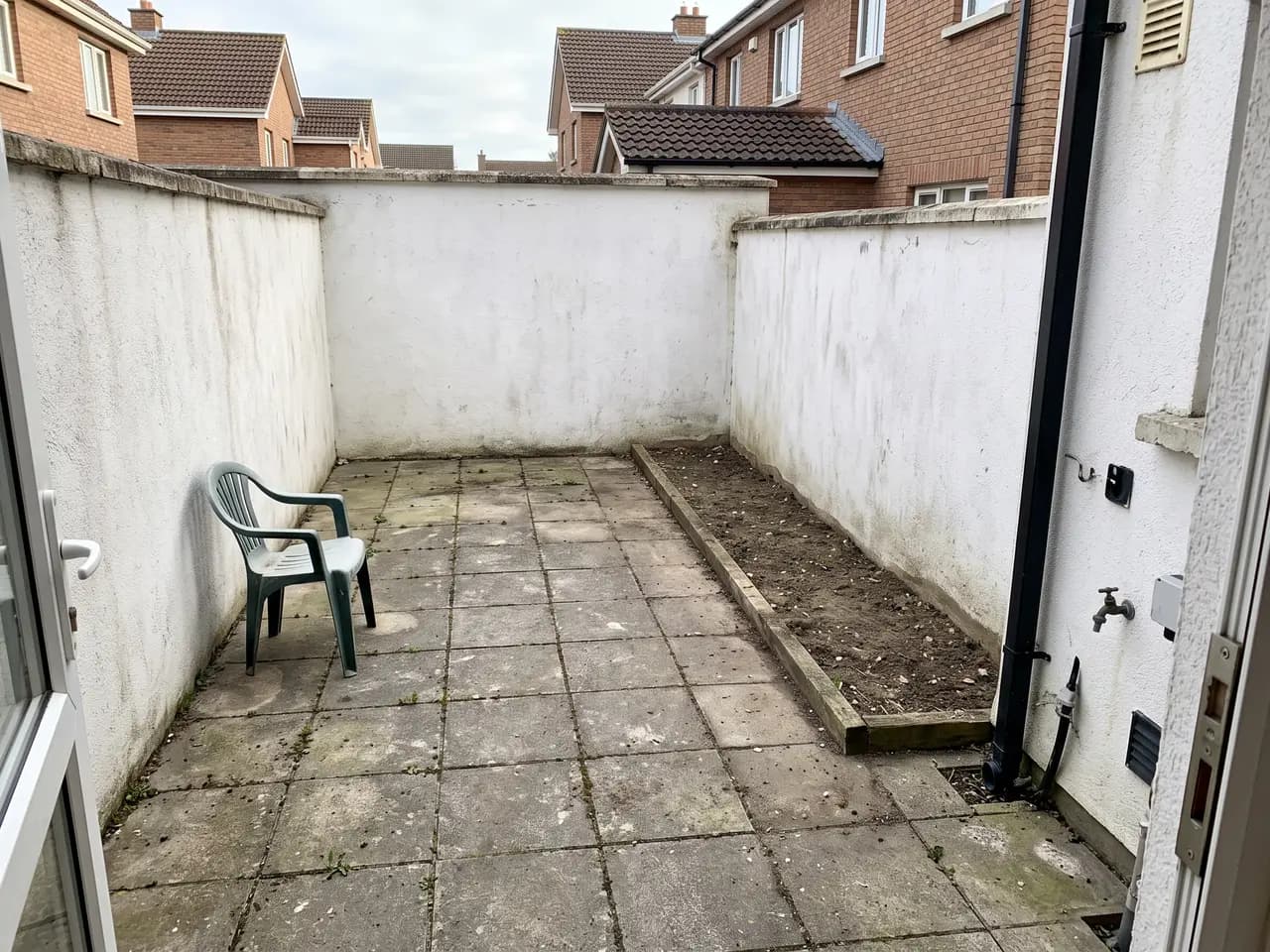
The photo matters more than the prompt. Shoot in soft daylight from roughly eye height, hold the phone level so verticals stay straight, and frame the whole area you want redesigned with a little of the house in view for scale. Clear away hoses, bins and cars if you can. A clean, evenly lit photo gives the AI a clear base and keeps the house looking like itself.
Then describe the design in plain terms: the style, two or three key plants or materials, and anything the client has already asked for. “Drought-tolerant front yard, no lawn, gravel and agave, flagstone path” beats a long list of adjectives. Generate several styles from the same photo first, let the client pick a direction, and only then refine details such as paving colour or the size of a tree.
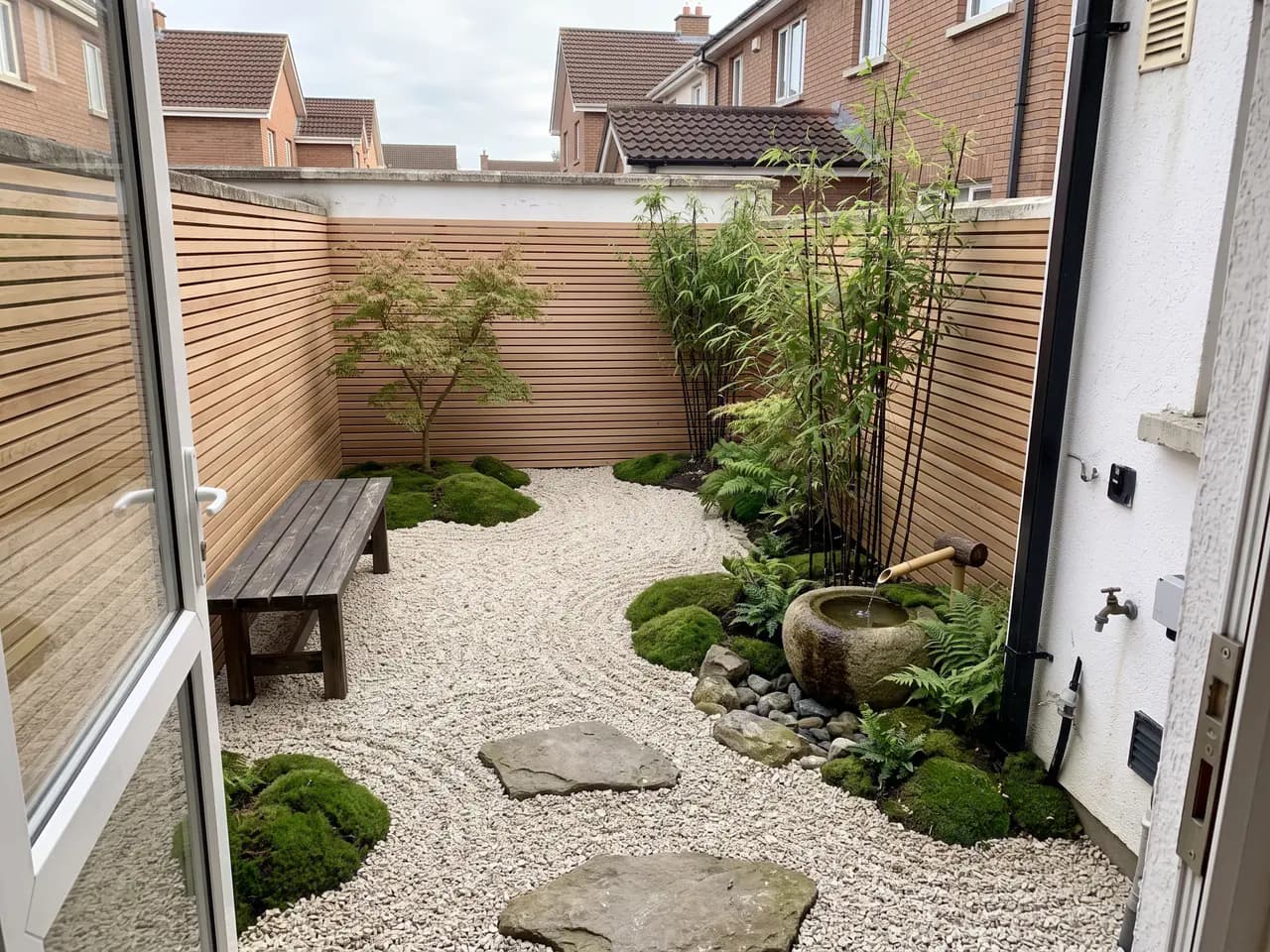
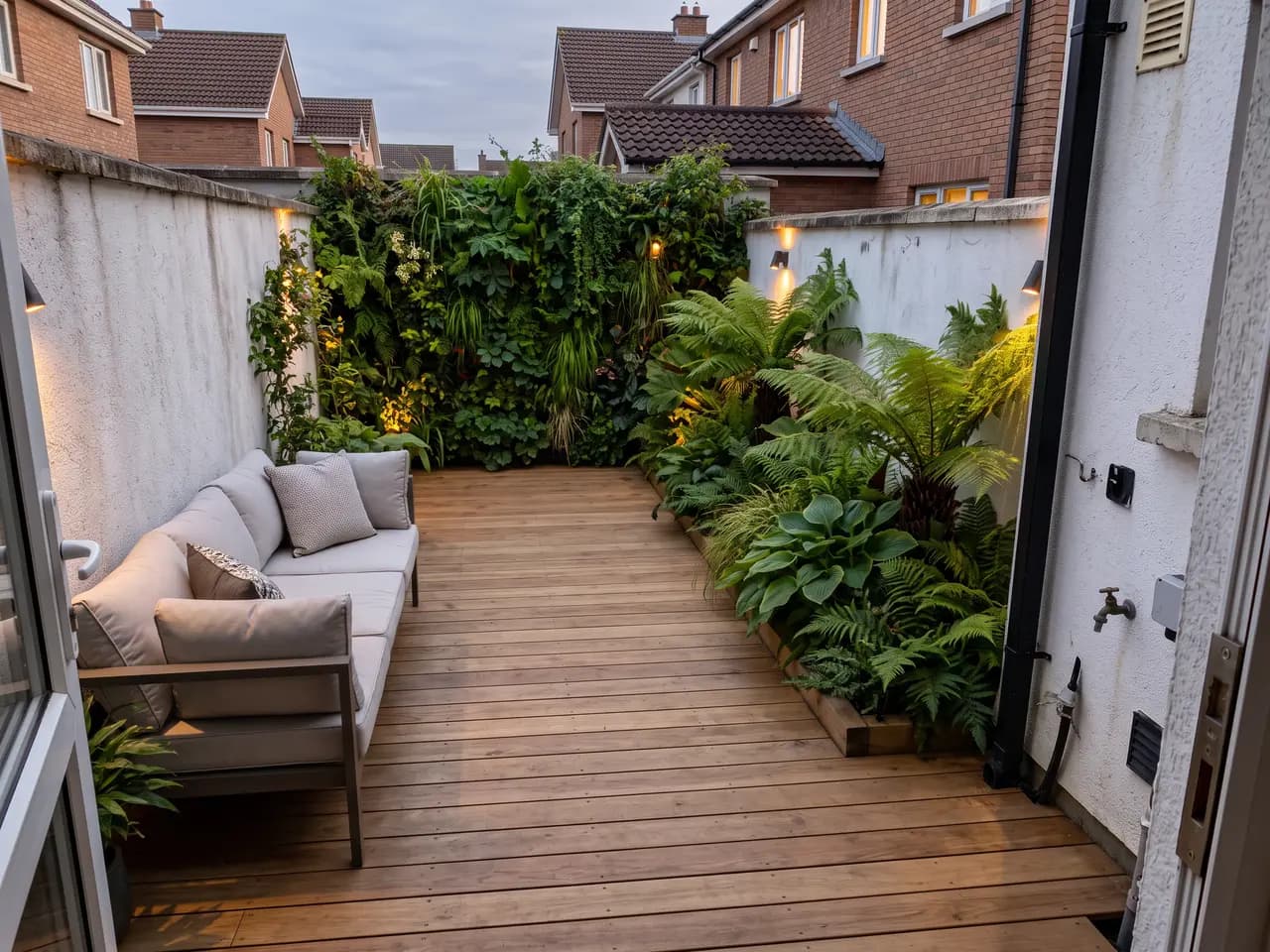
Because every option keeps the same viewpoint, a set of renders works like a before-and-after board. Put the original photo next to each design in the proposal and the change speaks for itself. When the conversation moves on to a full rear garden with a pool or an outdoor kitchen, the backyard AI page shows how far a single photo can go.
Use cases
Who it’s for
Garden designers
Show a new client three directions for their front garden on the first visit, from a photo taken on the doorstep, before writing a fee proposal.
Landscapers and contractors
Attach a picture of the finished job to every quote. Clients approve faster when they can see their own house with the new planting and paving.
Architects
Give a house extension or new-build render a believable front garden and approach, without passing it to a separate landscape visualiser.
Estate agents and developers
Show buyers what a tired front yard or bare courtyard could become, alongside the listing photo, without promising a specific contractor’s scheme.
Workflow
Traditional rendering vs AI Render Studio
| Task | Traditional workflow | With AI Render Studio |
|---|---|---|
| First design option | Measure, draw, then sketch over | Upload a site photo, render |
| Three style options | A day of concept sketches | Three prompts, a few minutes |
| Client revisions | Redraw and recolour by hand | Edit the prompt, render again |
| Before-and-after board | Photo editing or a visualiser | Same viewpoint, built in |
| Cost to start | Software licence or a freelancer | Free credits, no card |
Tips
How to get the best results
Shoot level and at eye height
A level phone at about 1.6 m keeps walls upright and makes the design read as a person standing in the yard, not a drone shot.
Pick soft daylight
Overcast days or morning light avoid hard shadows across the lawn, which the AI can mistake for paths or beds.
Name the climate
Say where the garden is — coastal, desert, temperate, tropical — so the planting palette suits the place it will actually grow.
Keep one variable per render
Change the style first, then the paving, then the planting. Small steps make it easy to see which change the client actually likes.
FAQ
Frequently asked questions
Is the AI landscape generator really free?
Yes, to start. New accounts get 3 free credits with no credit card, and each credit makes a full-resolution, un-watermarked landscape design. After that, monthly plans and one-time packs are available; pack credits never expire.
Can I generate a landscape design from a photo of my yard?
Yes. Upload a clear daytime photo of the yard and describe the style. The AI keeps the house, fences, walls and camera position and redesigns the planting, lawn, paving, edging and lighting.
What kind of photo works best?
A level, eye-height photo in even daylight, showing the whole area you want redesigned and a little of the house for scale. Avoid strong backlight, heavy shadows across the yard, and cars or bins in the foreground.
Which landscape styles can it generate?
Modern, cottage and English garden, Mediterranean, Japanese, tropical, xeriscape and drought-tolerant, minimalist and naturalistic planting, or any style you describe in your own words.
Do free designs have a watermark?
No. Renders made with free credits are the same full-resolution, un-watermarked images paying users get. Commercial use rights come with any paid plan or credit pack.
Will the AI keep my house the same?
Yes. The landscape generator keeps the camera position, house, walls, fences and other structures from your photo and changes the garden around them. If something structural changes that you wanted kept, say so in the prompt, for example “keep the porch and garage exactly as they are”.
Can I use the designs in client proposals?
Yes, on any paid plan or credit pack, which include full commercial rights for proposals, quotes, social posts and marketing. The free credits are for trying the tool. Either way, label renders as design concepts, since planting and materials still need to be specified by you.
Does it work for courtyards, side yards and balconies?
Yes. Any outdoor space works, from a narrow side return or a walled courtyard to a balcony or roof terrace. Small spaces often show the biggest change, because every surface is redesigned.
Keep exploring
Related tools
Start free
Try AI Render Studio now.
Turn a sketch, model or photo into a photoreal render in seconds. 3 free credits, no credit card.