
Backyard AI
Backyard AI for Landscapers, Pool and Deck Builders
Take one photo of a client’s backyard and show them a pool garden, an outdoor kitchen, a fire pit lounge or a play lawn before you quote.


 4.9110,000+ architects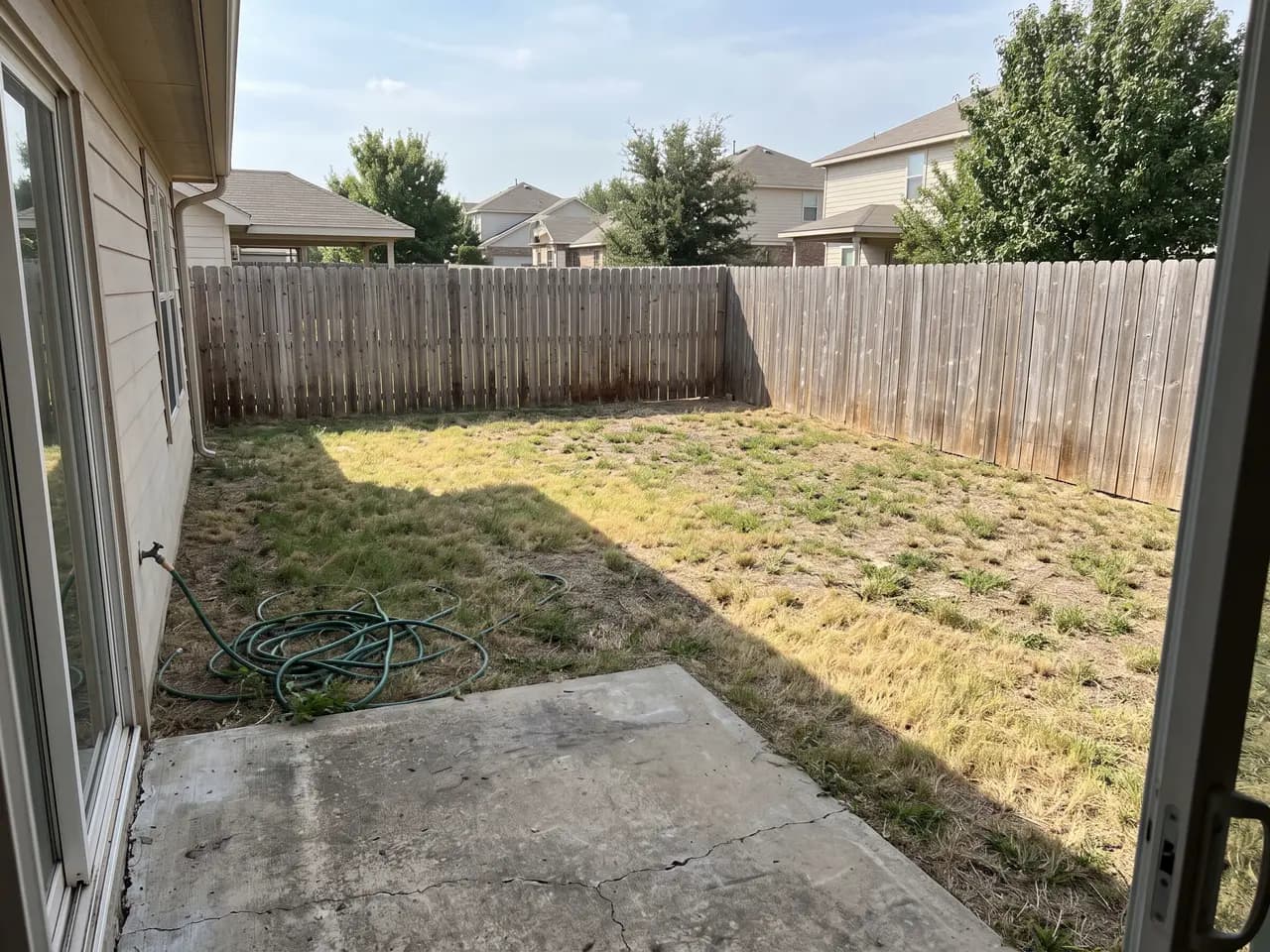
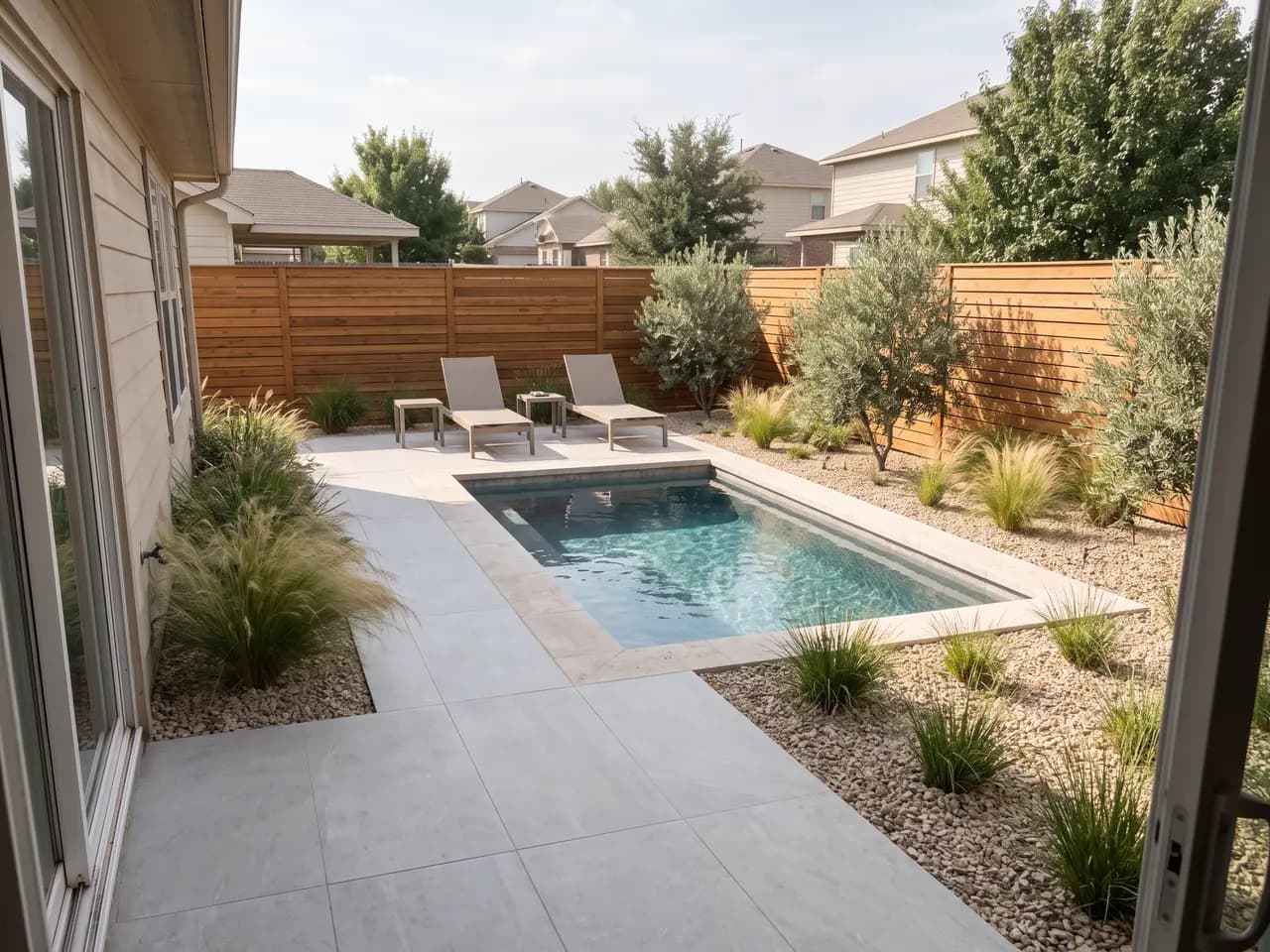
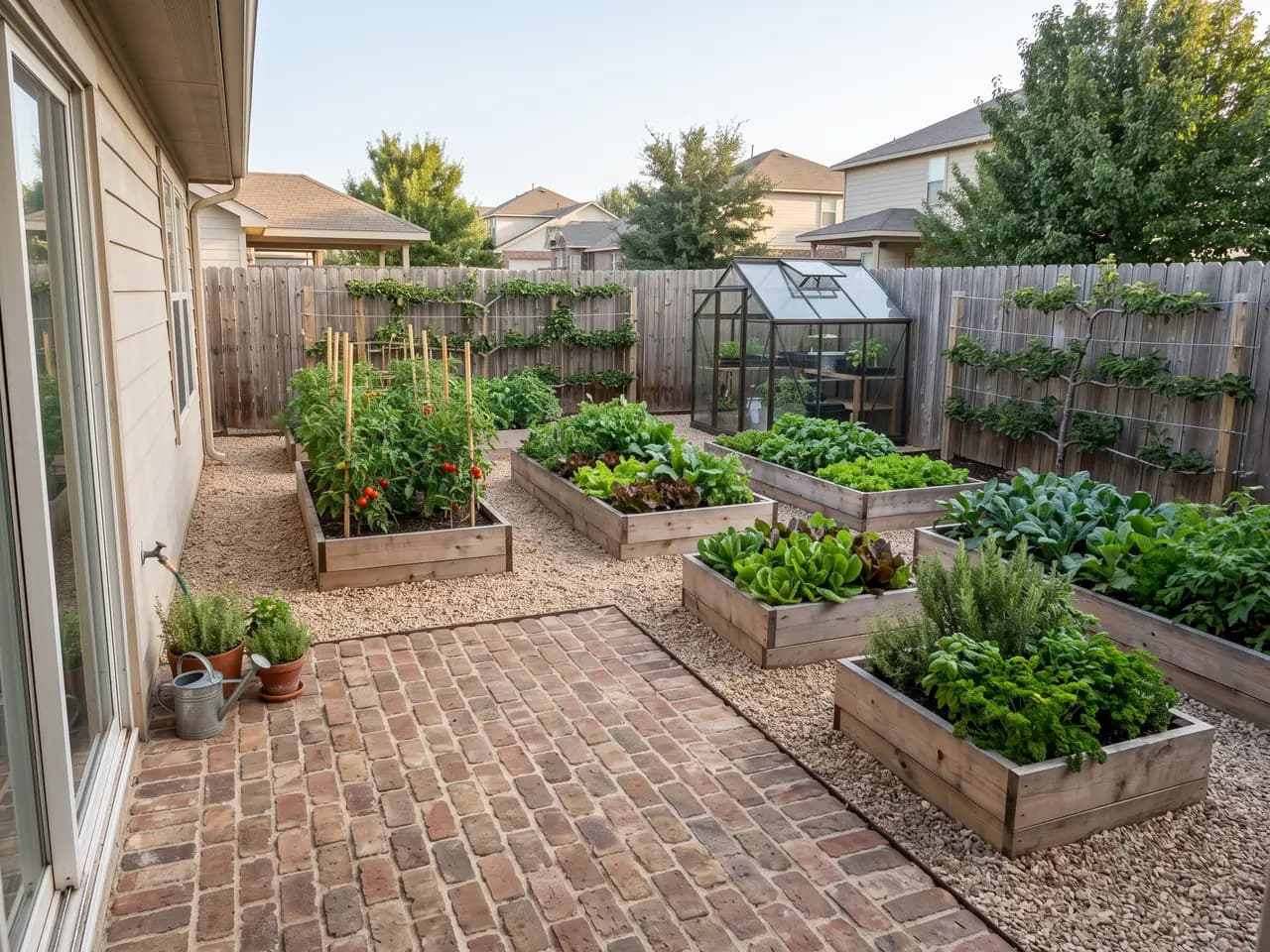
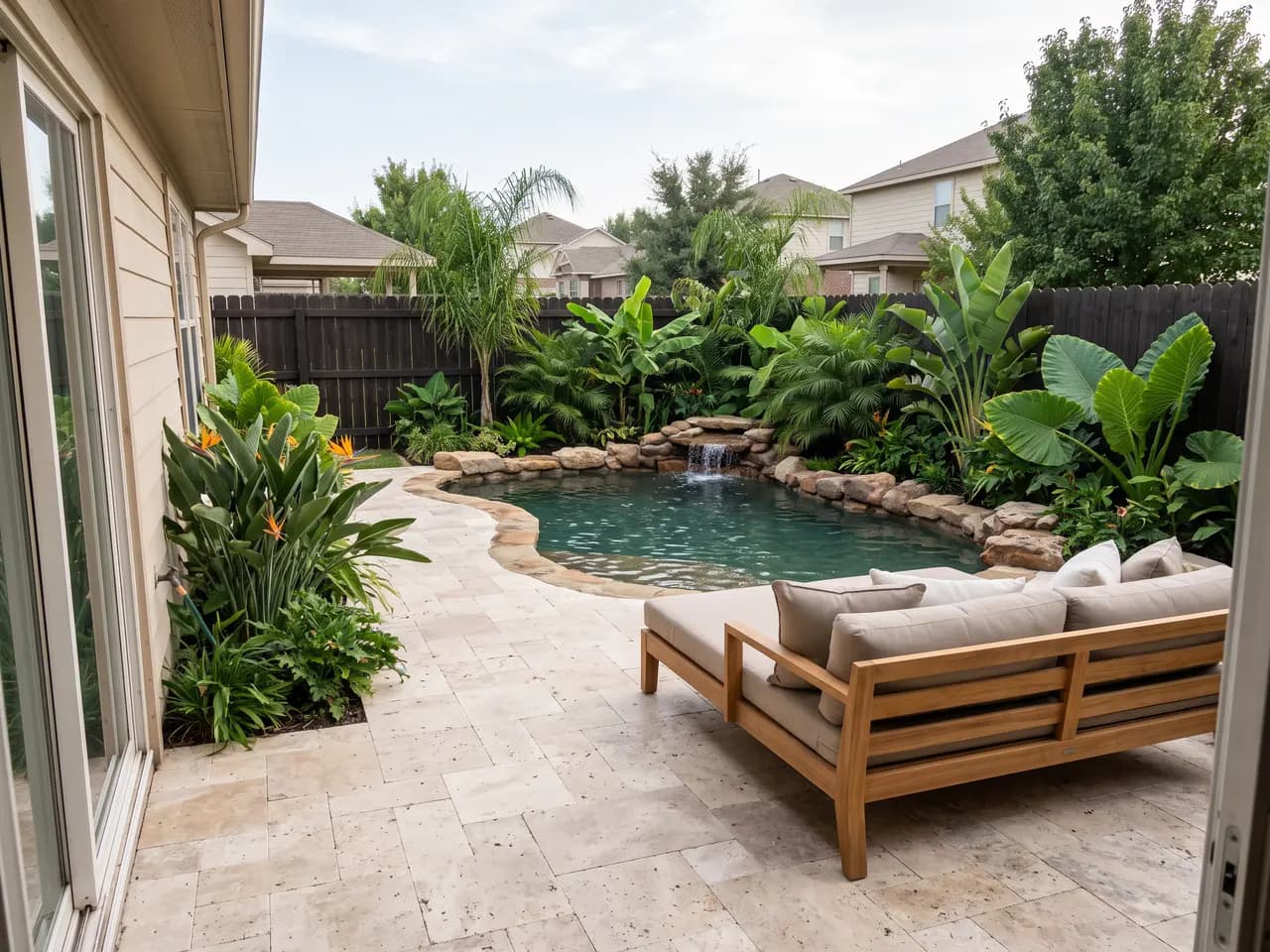
Backyard AI turns a single phone photo into a finished backyard design. Upload the photo, describe what the yard should hold — a plunge pool, a covered outdoor kitchen, a fire pit, raised vegetable beds, a play lawn — and AI Render Studio renders it into the same view in about 30 seconds, with the house, fence line and camera angle kept from the photo.
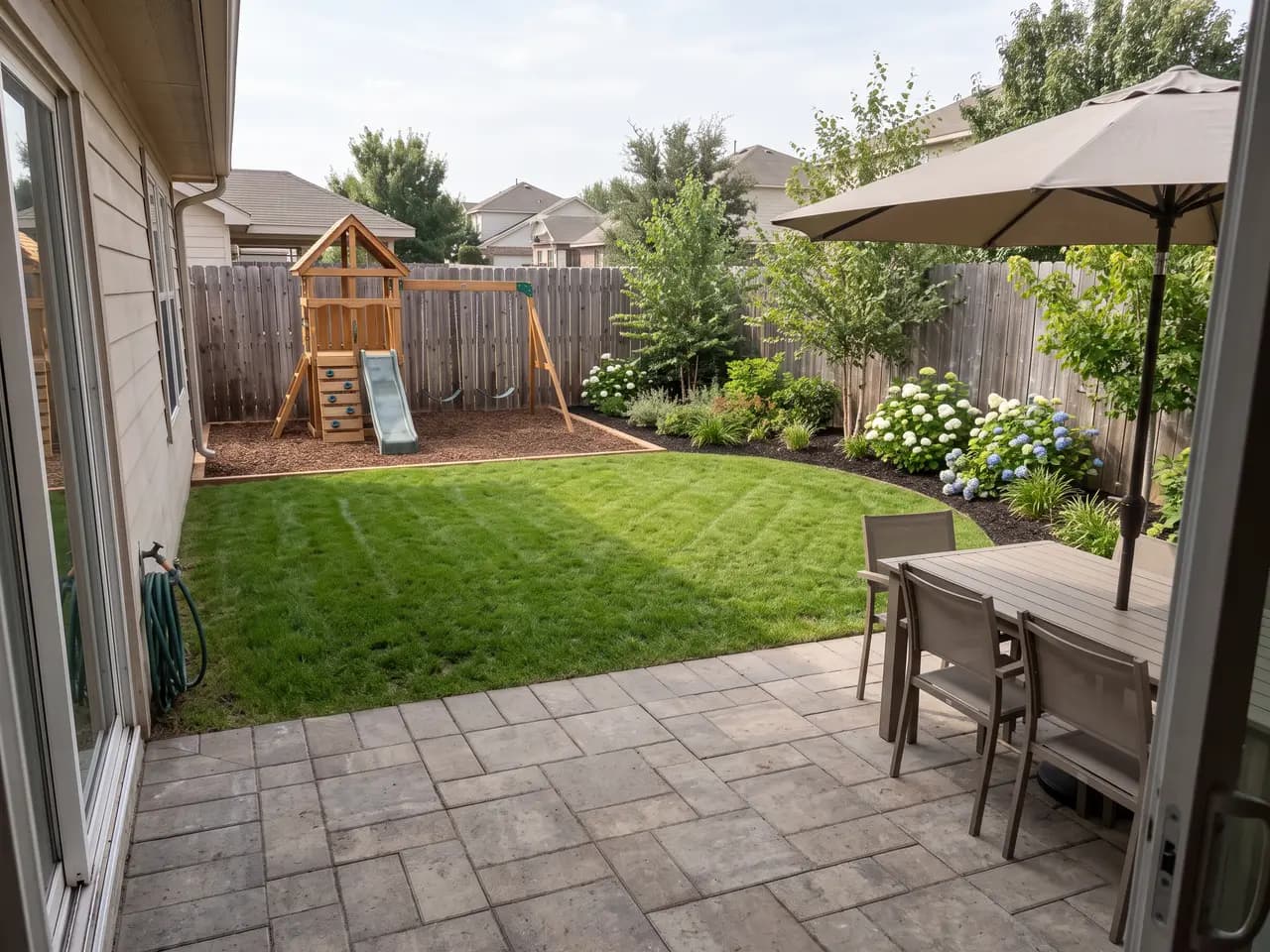
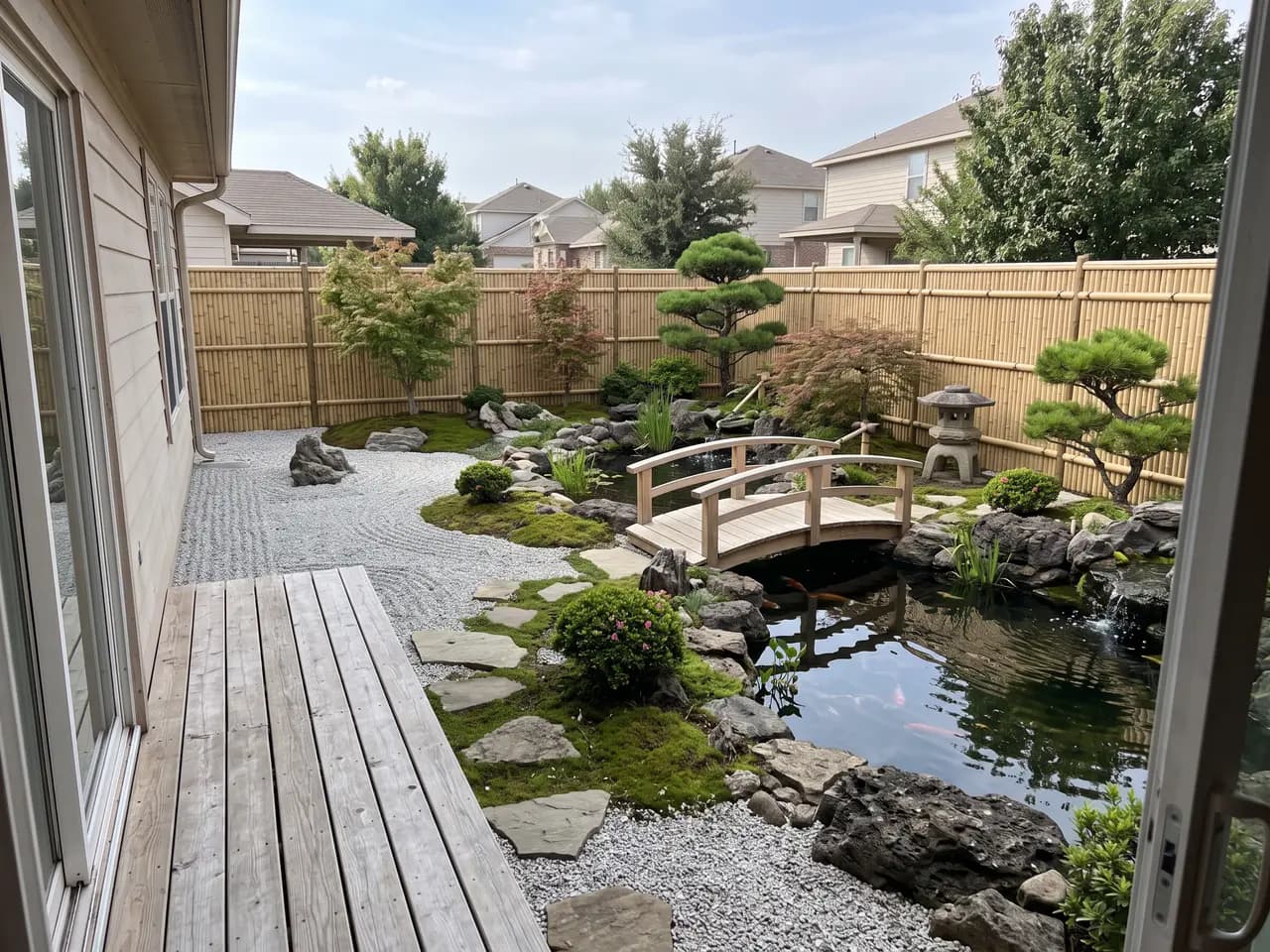
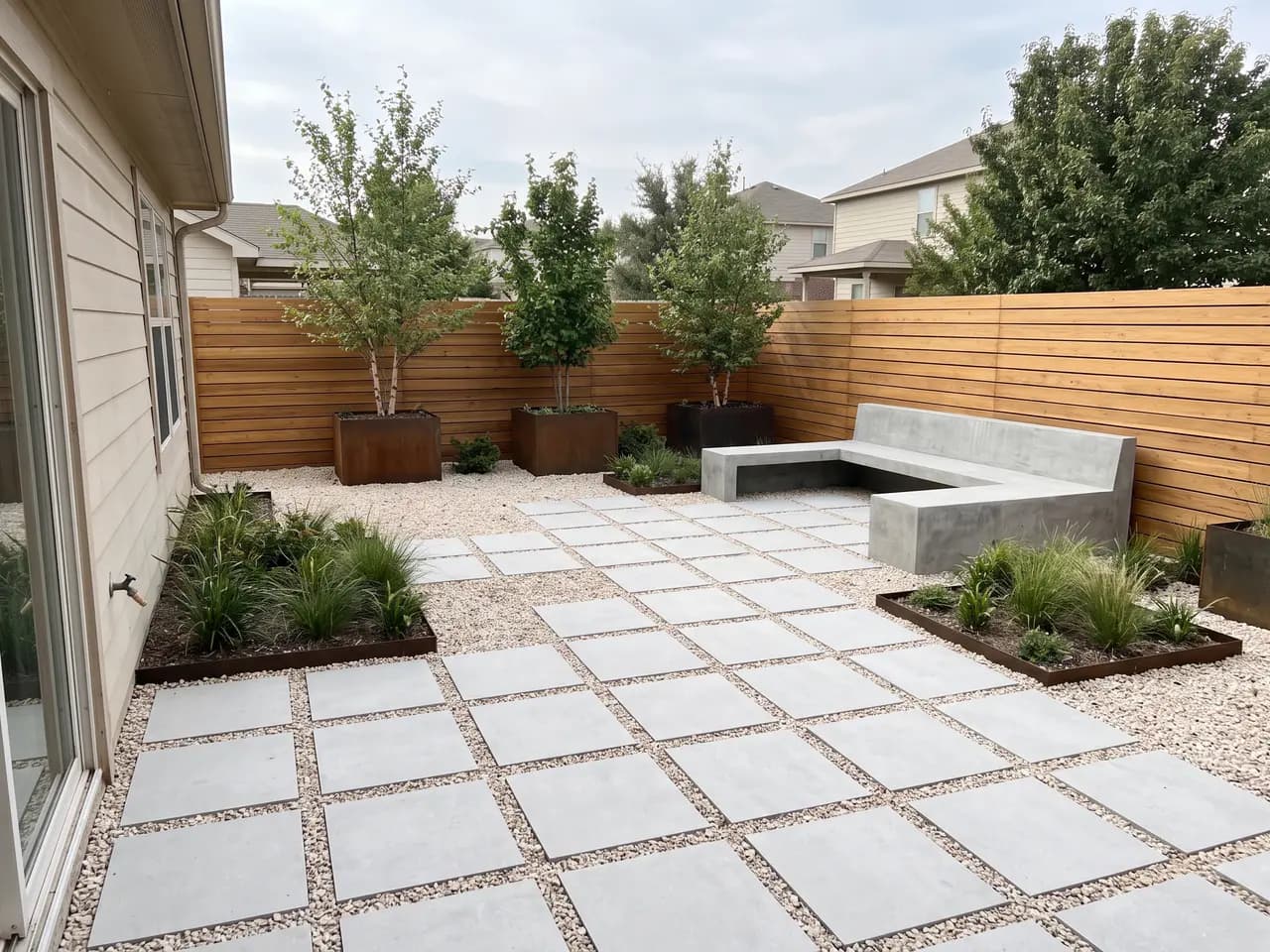
Landscapers, pool builders, deck builders and design-build firms use it to sell the job. Clients struggle to picture a backyard from a site plan or a materials list; a picture of their own yard with the pool already in it ends that conversation. Every design on this page was made from the one bare backyard in the hero. For front yards and courtyards, try the free AI landscape generator.
Each render is a design option, not a construction drawing. Use it to agree on layout, materials and mood with the client, then price and detail the chosen option the way you always do.
A backyard design is a set of zones: somewhere to cook, somewhere to sit, somewhere to swim or play, and planting that ties them together. Backyard AI is quickest when you name the zones the client wants and let the render resolve the layout — “plunge pool near the house, lounge area at the back, planting along the fence” — and then adjust from there.
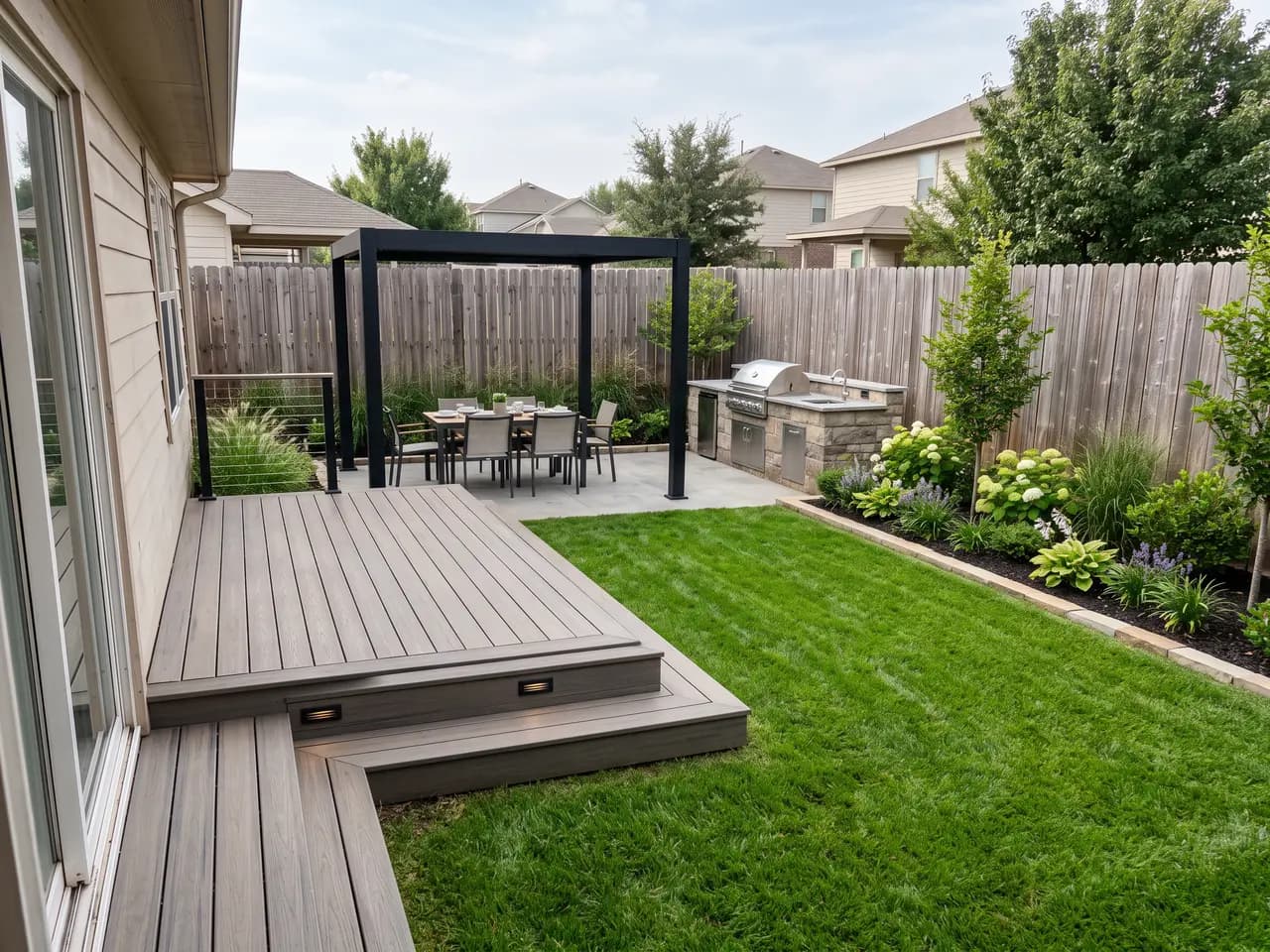
Use the same photo for every option. Because the house, fence and camera stay fixed, the client compares like with like: the pool garden against the outdoor kitchen against the low-maintenance gravel yard. That turns a vague “we want something nicer” into a clear choice you can price.
Be honest about size. A render can fit a lot into a small yard, so check that the pool, deck and furniture are plausible for the real dimensions before you show it. For a planted garden scheme drawn from a site plan rather than a photo, the AI garden design workflow is a better fit.
Use cases
Who it’s for
Pool builders
Show the pool in the client’s own backyard, with coping, paving and planting, before the site survey — and close more first meetings.
Deck and patio builders
Compare composite decking, porcelain pavers and natural stone in the real yard so the client chooses materials from a picture, not a sample board.
Landscapers and design-build firms
Present several complete backyard concepts from one site photo, then price the option the client picks.
Outdoor kitchen and pergola suppliers
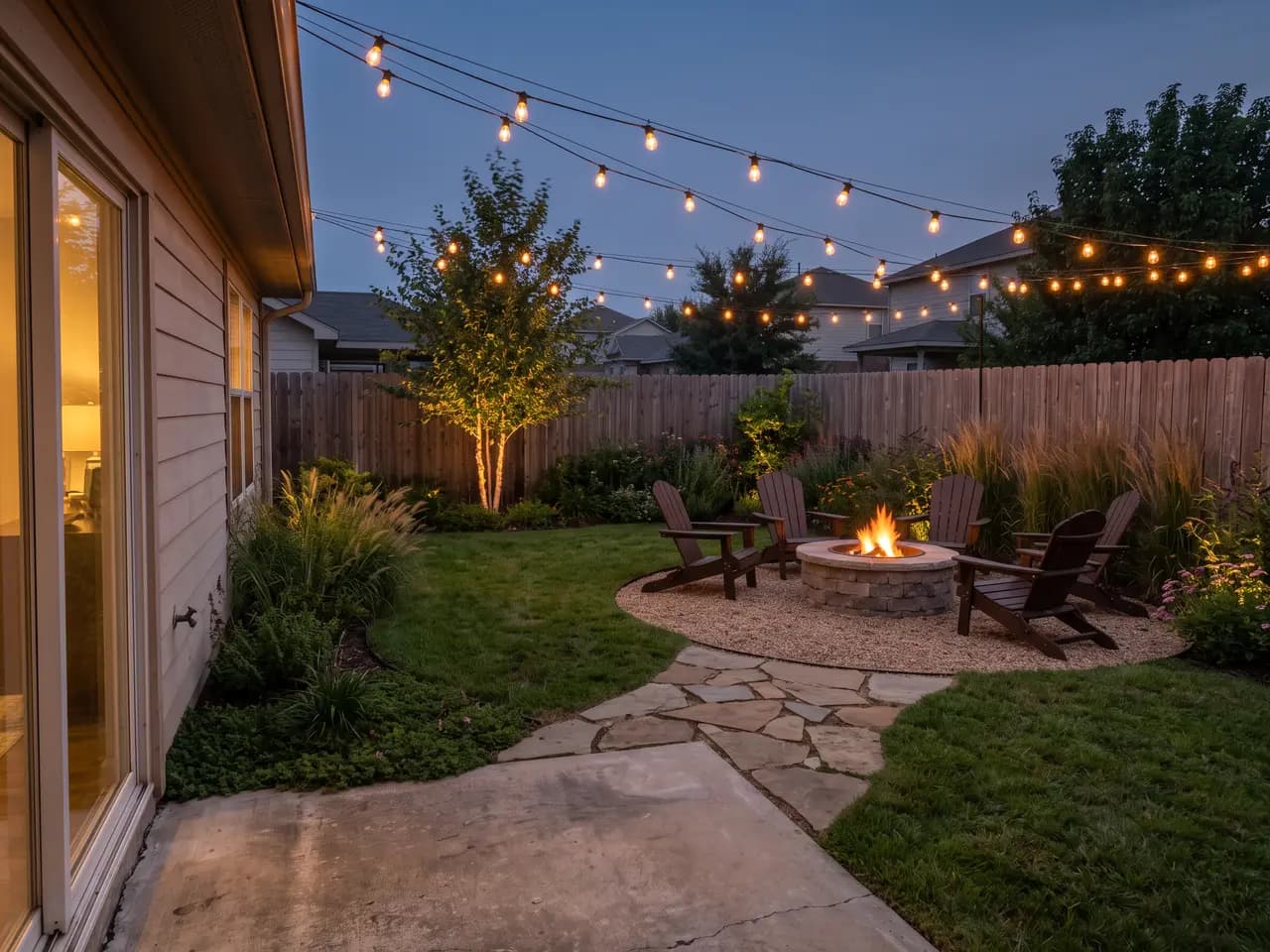
Place a grill island, pergola or fire pit into a customer’s backyard photo to show size and position before ordering.
Workflow
Traditional rendering vs AI Render Studio
| Task | Traditional workflow | With AI Render Studio |
|---|---|---|
| First concept for a lead | Site visit, sketch, then wait | Phone photo, render on site |
| Pool or no pool | Two separate design packages | Two prompts, same photo |
| Material choices | Samples and imagination | See each material in the yard |
| Evening view | Rarely shown at all | Pick dusk and lighting |
| Client sign-off | Plans the client cannot read | A picture of their own yard |
Tips
How to get the best results
Photograph from the back door
Shoot from where the client will usually stand. It is the view they will judge the design from, and it keeps the house edge in frame for scale.
List the must-haves
Name the features the client asked for first — pool, fire pit, shade, play space — then the style. Features in the prompt are features in the render.
Show a dusk version
Backyards are used in the evening. A dusk render with lighting often sells the lighting package along with the design.
Match the region
Say whether the yard is in a hot, dry, coastal or cold climate so planting, shade and materials suit the place.
FAQ
Frequently asked questions
Can AI design my backyard from a photo?
Yes. Upload a photo of the backyard and describe the features and style you want. The AI keeps the house, fences and viewpoint and adds the pool, deck, patio, planting, furniture and lighting.
Is there a free AI backyard design tool?
Yes. New accounts get 3 free credits with no credit card. Free backyard designs are full resolution with no watermark.
Can it add a pool, deck or outdoor kitchen?
Yes. Name the features in the prompt — plunge pool, lap pool, raised deck, pergola, outdoor kitchen, fire pit, hot tub, play area — and pick a landscape style. Water features, hardscape and furniture also have their own settings.
Does it work for small backyards?
Yes. Small yards benefit most, because every square metre has to work. Describe the size honestly and ask for compact features — a plunge pool rather than a full pool, a bench rather than a sofa set.
How long does a backyard design take?
About 30 seconds per render. Most designers make three or four options in different styles, then refine the client’s favourite.
Can I show a pool before the client commits?
Yes. Describe the pool type, size and position and the AI places it into the backyard photo with coping and surrounding paving. Treat it as a visual for discussion; the real pool still needs a site survey and engineering.
Does it work for front yards as well as backyards?
Yes. The same workflow works for front yards, side yards, courtyards and patios. The free AI landscape generator page has front yard and courtyard examples.
Can I render the backyard at night?
Yes. Choose dusk, blue hour or night as the time of day and add landscape lighting. Evening views are a good way to show lighting, fire pits and outdoor kitchens in use.
Keep exploring
Related tools
Start free
Try AI Render Studio now.
Turn a sketch, model or photo into a photoreal render in seconds. 3 free credits, no credit card.